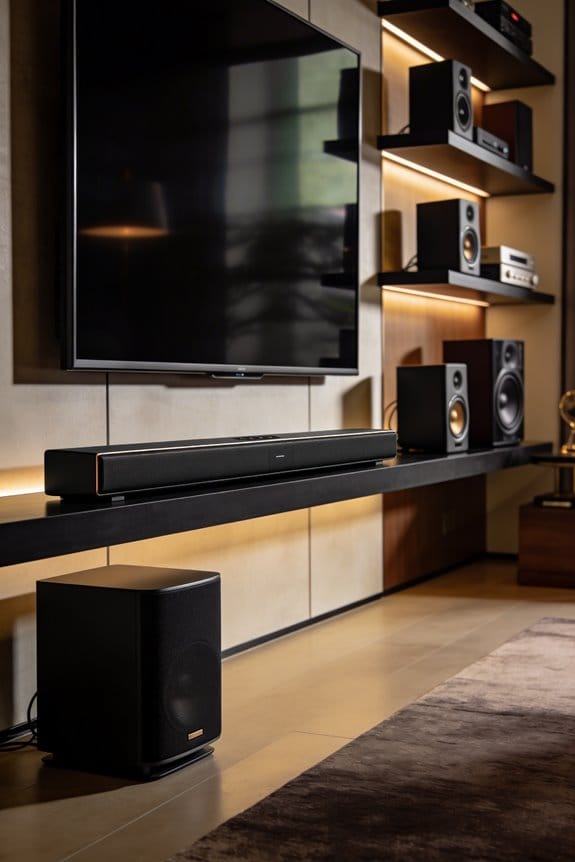
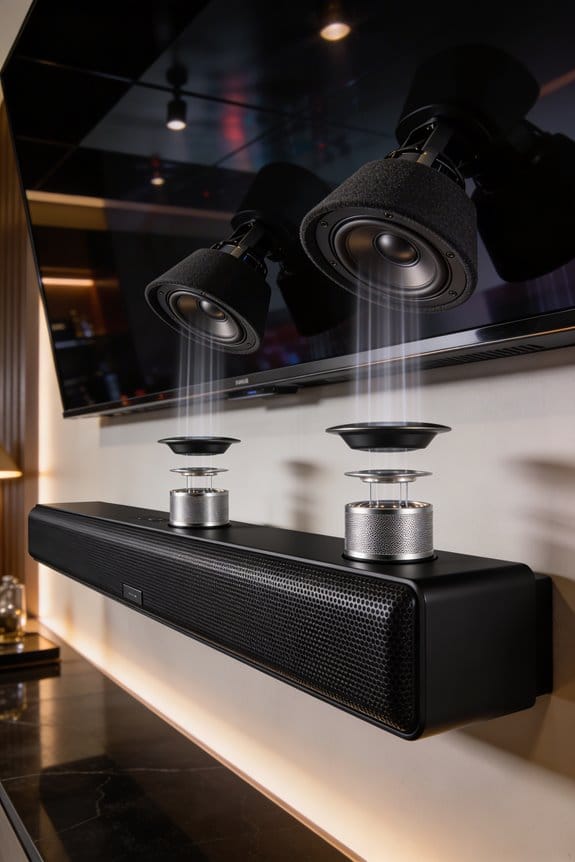
Object-based audio replaces traditional channel-based mixing because it treats sounds as independent objects with spatial metadata, which means each sound includes X, Y, and Z coordinates for three-dimensional placement. I’ll explain that this approach creates a single master file that adapts automatically to any speaker configuration, from stereo headphones to advanced cinema systems, without requiring separate mixes for different playback environments. You can also adjust individual sound objects independently, and the format remains compatible with future speaker technologies, which streamlines your production workflow considerably while maintaining audio quality across all listening setups.
Key Takeaways
- Object-based audio treats sounds as independent objects with spatial metadata, eliminating the need for fixed channel assignments in traditional mixing.
- A single master file adapts automatically to any speaker configuration, from stereo to surround, replacing multiple format-specific mixes.
- Listeners can independently adjust individual sound elements like dialogue and music without compromising spatial quality or overall balance.
- 3D positioning with X, Y, Z coordinates and height channels creates immersive experiences that channel-based mixing cannot achieve.
- Future-proof compatibility ensures audio remains relevant across emerging technologies without requiring remixing or format updates.
What Object-Based Audio Is and Why It Replaces Channel Mixing
Have you ever noticed how frustrating it can be when your favorite movie has sound that just doesn’t come through right? You might have a cool surround sound system, but the mix just isn’t cutting it. Traditional audio mixing often locks sounds into specific channels like left, right, or center, which means you’re stuck with a setup that doesn’t really cater to different audio systems.
Object-based audio changes all that. Instead of fixing sounds into certain channels, it treats each sound like an independent object. Each of these sounds comes with what’s called spatial metadata, which helps place them in three-dimensional space using X, Y, and Z coordinates. This means the audio can adjust itself on the fly, calculating the best output for any speaker setup you throw at it.
The best part? You don’t have to create different mixes for different setups. Whether you’re listening on stereo headphones, a 5.1 surround system, or diving into the immersive experiences provided by formats like Dolby Atmos, object-based audio just works. No more dealing with silent tracks because your speaker configuration doesn’t match what the mix was designed for.
So, why does this matter? It’s all about getting the best audio experience possible, no matter where you are or how you’re listening. Plus, it makes things simpler for creators who don’t want to juggle multiple mixes to meet everyone’s needs. Frankly, this approach opens up a whole new world in audio that’s designed to keep you connected to the sound while making your playback experience smoother than ever.
In short, object-based audio is all about flexibility and precision, giving you the sound you deserve. Are you ready to rethink how you listen?
How Object-Based Audio Adapts to Any Speaker Configuration
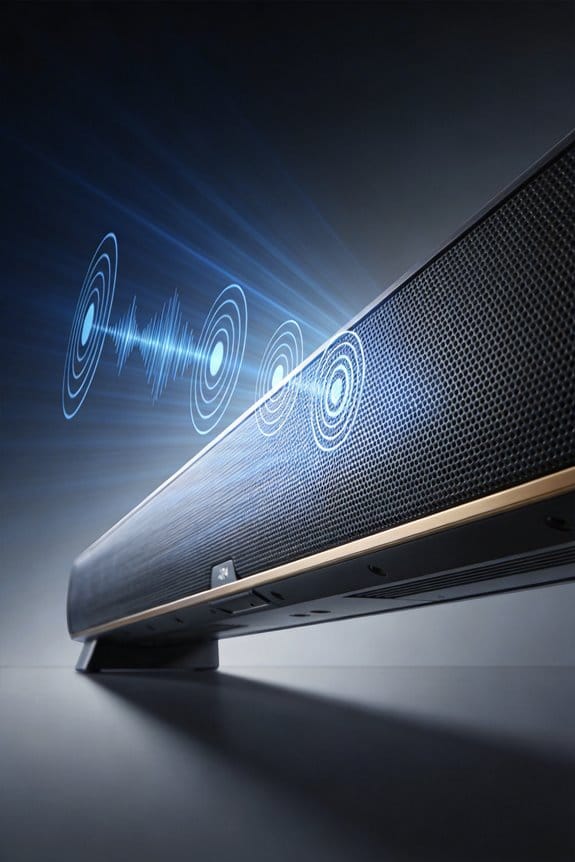
How does object-based audio manage to sound impressive no matter what kind of speakers you’re using? If you’ve ever tried streaming a movie with a friend only to be disappointed with the sound quality, you’ll want to hear this. Instead of sticking to traditional channels, object-based audio positions each sound by using X, Y, and Z coordinates. This means when you hit play, a special renderer checks out the spatial data and figures out the best way to distribute the audio across your speakers.
Here’s the trick: the technology automatically adjusts for your setup, whether you’re rocking a basic stereo or an elaborate surround system. It doesn’t matter if you’ve got two speakers or a full-blown 24-speaker setup, like with a Dolby Atmos file; the sound will still maintain a proper balance. This avoids the problems many run into with outdated formats where certain channels just seem to mute out too much.
So, why does this matter? Well, if you want to dive into the world of immersive sound without needing to have a whole bunch of different mixes, this is the way to do it. You get to experience audio that adapts to what you have at home instead of needing expert-level gear to truly enjoy it.
In short, object-based audio is designed for flexibility, making it a great choice for anyone who loves good sound. Why settle for less when you can set up a system that caters to your needs?
Placing Sound Anywhere in 3D Space With Object-Based Tools
Have you ever struggled with getting your audio just right in a mix? It can feel frustrating when sounds don’t quite mesh like you imagine, especially when you’re dealing with different speaker setups and environments. Object-based mixing gets around this problem by treating each sound as its own entity. You can position audio anywhere in a 3D space, using X, Y, and Z coordinates instead of being tied down to specific speaker channels.
Truth is, this method opens up a world of possibilities in Spatial Audio Design. You can create immersive experiences by placing sounds overhead, behind, or at different distances from you.
Let’s break it down. Here are some cool techniques you can try:
- Vector-based panning: This helps calculate which speakers should play what sound based on where that sound is virtually placed.
- Height channel control: This allows you to position sounds vertically, giving an extra dimension to your mix.
You can even automate movement paths for individual sounds, creating a dynamic audio experience. The software takes care of translating those coordinates into signals for any type of setup you may have, whether it’s simple stereo headphones or a full multi-speaker system with height channels.
So why does this matter? Because making audio feel real adds to the overall impact of your project. Honestly, once you get the hang of object-based mixing, it can truly transform how you think about sound positioning.
Next time you’re mixing, consider how these techniques can elevate your work. Are there sounds you’ve been placing that could benefit from a little more spatial awareness? Keep experimenting and watching how your audio evolves!
Object-Based Audio Lets Listeners Adjust Individual Sound Objects
Ever sat down to watch your favorite show or listen to a track, only to find the dialogue gets drowned out by background music? It’s frustrating, right? Thankfully, with today’s playback systems, you can fine-tune what you hear, making your listening experience so much better.
Here’s how to make the most of it:
- You can turn up the dialogue volume while keeping the background music at a lower level.
- If those ads start to annoy you during streaming, simply mute them.
- Want to boost the sounds of nature in a movie without messing with the main voices? Go for it.
- If you’re at a concert and need to adjust the guitar level without changing the vocals, it’s all possible!
So, how does this work? This audio personalization is made easy thanks to the metadata that comes with each sound object. Your playback system reads this info and adjusts things as you like. The best part is that it does all this in real-time. You won’t lose the spatial feel; you’re just tweaking the volume for the sounds you care about.
Why One Object-Based Master Works Across All Playback Systems
Have you ever wrestled with the frustration of making your music or audio sound right on different devices? It’s a real hassle when you put in the effort to create a great mix, only to have it fall flat on some playback systems. That’s where object-based audio mastering comes in handy.
When you create an object-based audio master, you’re essentially putting together a single file that includes all your audio objects along with their spatial metadata. This means that no matter what kind of speaker setup someone has—be it stereo headphones, a 5.1 home theater, or an elaborate Dolby Atmos system—your audio can adjust on the fly. So, how does this work? The renderer at playback takes your object orientation data and translates it into the right speaker outputs for that setup.
Here’s the trick: You can include X, Y, and Z coordinates in your audio metadata. This helps maintain the spatial relationships in your sound, so everything feels just right, regardless of the listening environment. For instance, a single Dolby Atmos master can seamlessly scale from a mobile device to a big 128-speaker cinema setup without any extra mastering. It’s all thanks to the format-neutral nature of your metadata during distribution.
Honestly, this adaptability removes the pressure of needing to create separate mixes for every possible format. It gives you peace of mind knowing that your masterpiece can shine no matter how it’s being listened to.
In short, object-based audio mastering simplifies your workflow and enhances the listening experience. So, have you thought about how this could change your own audio projects?
Object-Based Audio Remains Compatible With Future Speaker Technology
Ever get worried about how quickly technology changes, especially when it comes to audio equipment? Many of us invest in sound systems that seem perfect today, but what happens when new speaker tech hits the market? That’s where object-based audio comes in, and honestly, it’s pretty neat.
One real perk of using object-based audio is its design that keeps pace with future advancements. This isn’t just buzz; it means you won’t have to redo your audio every time a fresh speaker setup comes along. The smart use of metadata allows the system to adjust audio objects based on the speaker arrangement you have at the moment. So, if brands roll out new immersive audio setups or different speaker layouts, your content will still play nicely without any extra work.
You get to specify sound placement using X, Y, and Z coordinates. This detail means that regardless of the speaker configuration—even ones that aren’t on the market yet—you can trust your design choices will translate well. It’s like having a safety net against future tech changes, ensuring your audio doesn’t become outdated.
The best part is that you stay in control. You can design audio that adapts automatically, making it future-proof in a way. So, why does this matter? It means less time worrying about whether your sound will fit the latest tech and more time focusing on creating great content.
In short, using object-based audio helps your productions stay relevant, no matter how quickly things change. Have you thought about how your audio setup will evolve with new technologies?
How Object-Based Workflows Simplify DAW Routing and Rendering
Have you ever found yourself tangled in audio routing chaos while mixing? If you’re still using traditional channel-based methods, you’re likely stuck manually setting up each audio track for speaker outputs. That can be a real time-suck and honestly, it can feel overwhelming.
Here’s the trick: switching to an object-based workflow can simplify everything. Instead of treating sounds like fixed tracks, you think of them as spatial objects. This means you can move audio around in your DAW’s three-dimensional mixer using X, Y, and Z coordinates. The best part is that the system automatically generates all the playback metadata you’ll need. No more manually assigning tracks to specific channels like LFE or surround—your DAW handles all that for you.
So, why does this matter? The renderer takes care of the hard work, translating object positions directly to speaker outputs. This not only boosts the efficiency of your mixing but also frees you from the headaches of format-specific routing. You can apply EQ, compression, and effects to individual audio objects while letting their spatial data hang out independently.
When it’s time to export your project, the renderer melds the audio files with their positioning metadata into a single master file. This file is flexible enough to adapt to any playback system, which saves you the trouble of creating separate mixes for different formats.
Frequently Asked Questions
Does Object-Based Audio Require Specialized Playback Hardware for Home Listeners?
No, you don’t need specialized hardware. Object-based audio’s playback compatibility spans standard stereo systems to advanced surround setups. Your existing speakers work fine—the renderer automatically optimizes the user experience based on whatever equipment you’re already using.
Can Existing Channel-Based Mixes Be Converted Into Object-Based Audio Formats?
I can technically convert your channel-based mixes to object-based formats, but you’ll lose spatial flexibility since original tracks are already combined. True object-based benefits require starting with separated stems, ensuring proper mix compatibility through conversion techniques.
What File Sizes Do Object-Based Audio Masters Have Compared to Channel-Based?
I’ll tell you that object-based audio masters actually have *smaller* file sizes than channel-based equivalents. The file size comparison favors object-based formats because they store metadata instead of redundant channels, and audio compression applies more efficiently to fewer discrete elements.
Do Streaming Platforms Charge Extra Fees for Object-Based Audio Content?
streaming costs typically don’t increase for object-based content. I’ve found most platforms bundle immersive audio formats into existing subscription tiers, making Dolby Atmos accessible without premium fees beyond your standard membership.
Which Digital Audio Workstations Currently Support Object-Based Mixing Workflows?
I’ll tell you about major DAWs supporting these workflows: Pro Tools, Nuendo, and Reaper lead in audio workstation advancements, offering native object positioning techniques for Dolby Atmos and other immersive formats through integrated renderers and metadata management.