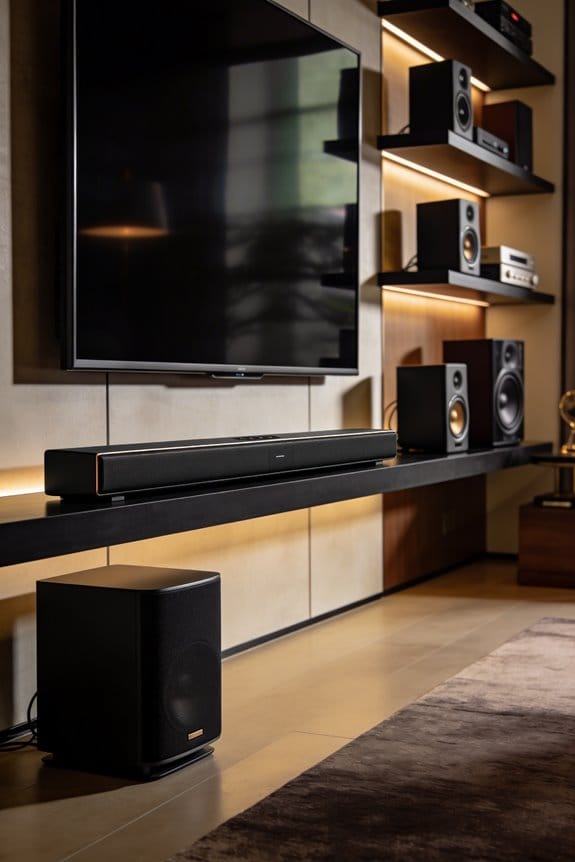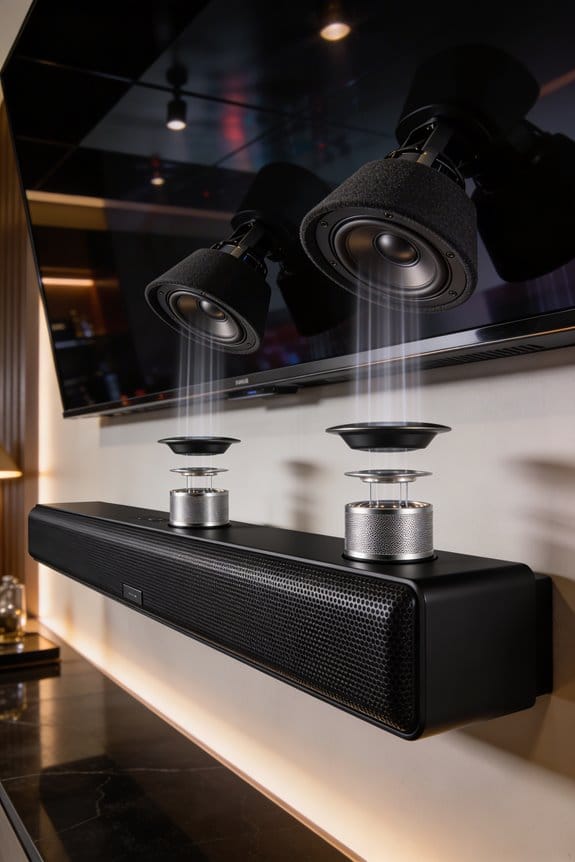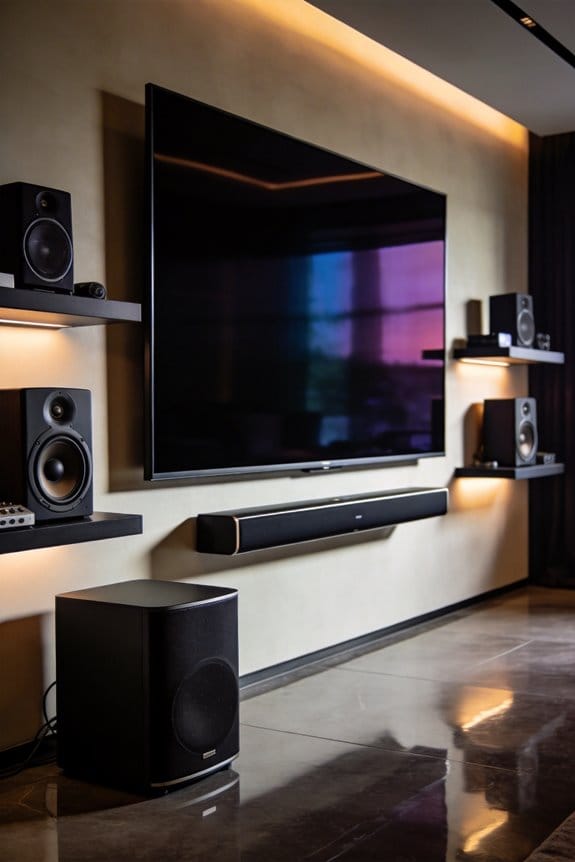

I’ll explain that both Dolby Atmos and DTS:X use object-based audio technology to place individual sounds as movable objects in three-dimensional space around you, creating immersive soundscapes where helicopters, rain, or dialogue move precisely through your room. Dolby Atmos processes 128 audio objects with 18 Mbps bitrate and works with 4,000+ streaming titles, while DTS:X handles 32 objects at 24.5 Mbps but requires physical media for most content. Both formats deliver comparable audio quality in blind tests, though your speaker setup, room acoustics, and available content will ultimately determine which format suits your needs better, as I’ll outline below.
Key Takeaways
- Both formats use object-based audio technology, placing individual sounds in three-dimensional space rather than traditional channel-based configurations.
- Dolby Atmos supports 128 audio objects and up to 34.1 channels, while DTS:X handles 32 objects and 11.2.4 channels maximum.
- Dolby Atmos dominates streaming platforms like Netflix and Apple TV+, whereas DTS:X primarily appears on 4K Blu-ray discs.
- Dolby Atmos requires height speakers for optimal performance; DTS:X works flexibly with standard speaker layouts without overhead channels.
- Blind listening tests show minimal quality differences between formats; room acoustics and calibration matter more than technical specifications.
Dolby Atmos vs DTS:X: Quick Decision Framework for Your Home
When picking between Dolby Atmos and DTS:X for your home theater, it’s important to think about your gear, room layout, and what you actually like to watch. Start by checking three main things: your current speaker setup, where you’re getting your content from, and how much you’re willing to spend on upgrades.
Go with Dolby Atmos if you stream a lot from Netflix, Disney+, or Apple TV+. Those platforms have a lot more Atmos content available. On the flip side, if you’re the type who collects 4K Blu-ray discs and likes the option to fine-tune the audio settings on your receiver, then DTS:X might be your best bet.
Room dynamics matter too. If your ceilings are high enough and you can mount overhead speakers, Atmos will give you that full immersive feel with its dedicated height channels. But if you’re sticking with a standard 5.1 or 7.1 setup without any ceiling installations, DTS:X plays nicely with that.
Ultimately, ask yourself: what kind of experience do you want, and what won’t you compromise on? You might even find that one format better suits your existing setup and viewing habits. Keep these points in mind, and you’ll make the right choice for your space! So, what are you leaning towards?
Dolby Atmos vs DTS:X: Core Technical Specs Compared
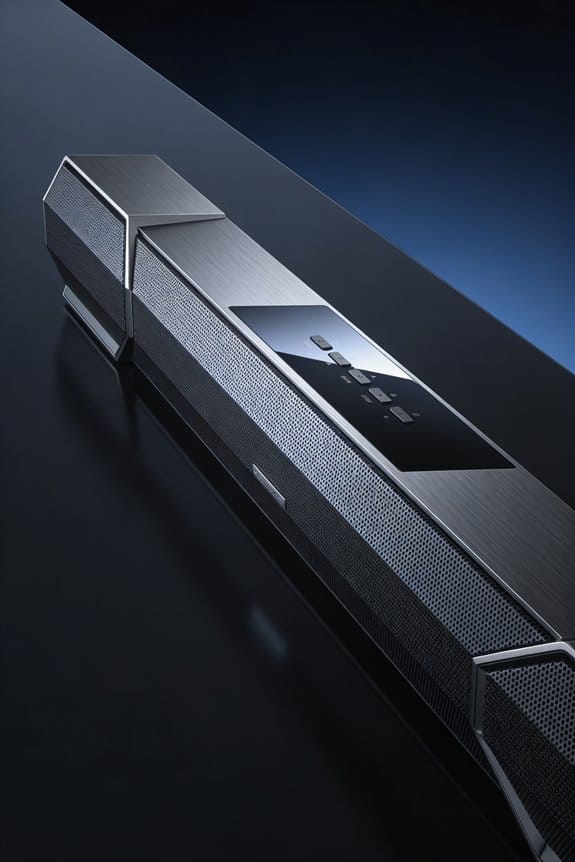
Ever wonder how to elevate your home theater experience with surround sound? If you’re diving into the world of object-based audio, you might be weighing the differences between Dolby Atmos and DTS:X. Spoiler alert: they both offer amazing sound, but they have their quirks.
Let’s break it down. Dolby Atmos is like the overachiever in high school. It can handle a whopping 128 sound objects at once and offers 34.1 channels for rendering in your home setup. It can hit a bitrate of 18 Mbps with its TrueHD version on Blu-ray, which supports 10 bed channels and runs through a maximum of 64 speakers. That’s a lot of sound!
On the flip side, you’ve got DTS:X, which processes 32 audio objects but still packs a punch with 11.2.4 configurations and works across 30 speaker locations. The DTS-HD Master Audio option kicks things up a notch with a higher bitrate of 24.5 Mbps on Blu-ray. It’s impressive, to say the least.
Both systems are flexible when it comes to smaller setups. If you’re opting for Dolby Atmos, you’ll need at least a 5.1.2 configuration to make use of those height effects. Meanwhile, DTS:X is cool with standard 5.1 layouts thanks to its Neural:X upmix engine. Pretty neat, right?
So, which one should you choose? It really boils down to your home setup and what you want out of your audio experience. Honestly, both formats provide incredible sound; it just depends on whether you need all those extra bells and whistles from Atmos or if DTS:X fits your space better.
In the end, you can’t really go wrong with either choice. What’s more important to you — versatility or raw power?
Speaker Setup Requirements for Atmos and DTS:X Formats
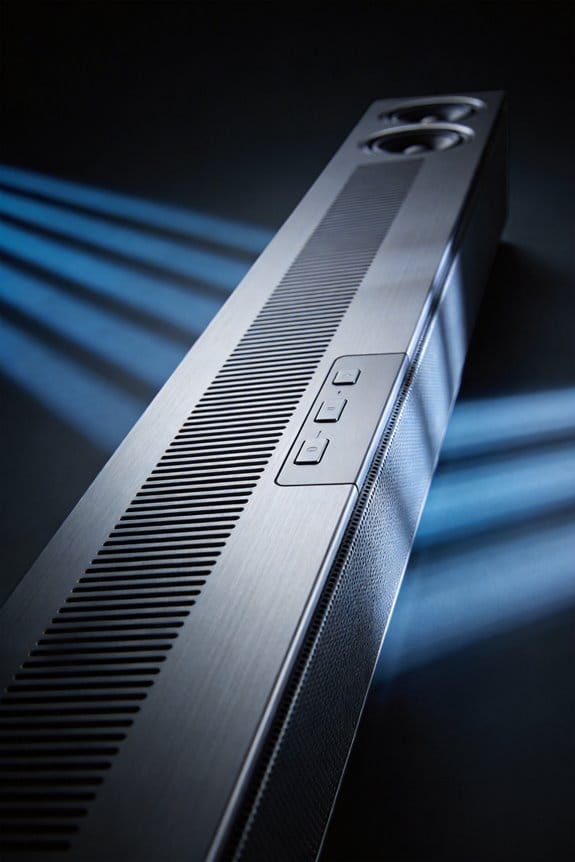
Setting up your space for Dolby Atmos can feel a bit overwhelming, right? But honestly, it doesn’t have to be. To dive into that immersive experience, you’ll want to include height channels in your setup. This usually means either installing ceiling-mounted speakers or opting for upward-firing modules that bounce sound off your ceiling. Aim for a solid base like a 5.1 or 7.1 system, and add at least one pair of height speakers. This will give you formats like 5.1.2 or 7.1.4, letting those sound effects soar.
On the flip side, there’s DTS:X, which gives you a lot more flexibility. You don’t have to worry about having those overhead channels to get a great surround sound experience. That means you can stick with a standard 5.1 or 7.1 setup and still enjoy a decent immersive audio experience. That said, adding height speakers really does enhance the three-dimensional feel of the sound.
If you’re into soundbars, there’s good news for you too. Soundbars fitted with upward-firing drivers can simulate that immersive audio you’re looking for. You can effectively create a 5.1.4 setup with just a soundbar, making things simpler if you’re short on space.
Whatever setup you choose, remember to connect everything to an AV receiver that has HDMI support and the right decoding capabilities. This will ensure that you can process those object-based soundtracks effectively, which is what it’s all about, right?
In short, whether you go the Dolby Atmos route or stick with DTS:X, making sure you have the appropriate setup is key to capturing that movie theater vibe at home. Have you thought about which format suits your needs best?
Which Sounds Better: Atmos vs DTS:X Blind Listening Results
Are you torn between Dolby Atmos and DTS:X for your sound system? You’re not alone. Many folks think the differences in audio quality between these two formats are huge, thanks to all the hype in marketing. But truth is, blind listening tests show that the actual differences often fall flat.
What really matters is how your room sounds, where your speakers are set up, and how well your receiver is calibrated. I mean, we’re all human, and our ears can be picky. You might notice that some movies sound amazing in one format while others don’t. So, what’s the takeaway?
When you test both formats using the same speaker setup and properly encoded content, listeners typically pick up on only minor differences, like how well sounds are positioned overhead or how clear the dialogue comes through. Yet, when you’re in a real-world setting, those differences can seem pretty minimal. Both Dolby Atmos and DTS:X create that immersive, three-dimensional sound that makes you feel like you’re in the thick of things.
Here’s the trick: focus more on what content is available and what equipment you already own rather than stressing over whether one format is technically better than the other. After all, the right setup can make either one sound fantastic!
Installation Difficulty: DTS:X vs Dolby Atmos Setup Times
Now that you’ve figured out which audio format you prefer, let’s dive into the setup process. It can feel a bit daunting, but I’m here to break it down for you.
Dolby Atmos Installation Challenges
Setting up Dolby Atmos can take anywhere from 2 to 4 hours, and it all hinges on how your speakers are arranged. You’ll need to mount ceiling speakers at specific angles—generally between 45 and 65 degrees from where you’re sitting. If that sounds complicated, don’t worry; you can also opt for upward-firing modules placed on your existing speakers. Once your speakers are in place, you’ll run a receiver calibration using systems like Audyssey or Dirac. This part takes about 15 to 30 minutes and requires you to position the test microphone in multiple spots to ensure optimal sound quality.
DTS:X Time Efficiencies
If you want a quicker setup, DTS:X might be your best friend. You can wrap things up in just 1 to 2 hours since it works well with existing 5.1 or 7.1 speaker layouts—no need for those additional height channels. The automatic calibration feature measures speaker distances and placements, and it only takes about 10 to 15 minutes. You’ll need fewer manual tweaks compared to an Atmos configuration, which is a nice bonus.
So, why does this matter to you? Choosing between the two formats isn’t just about sound quality but also how much effort you’re willing to put into the installation.
Content Availability: 4,000+ Atmos Titles Vs 800 DTS:X Options
Streaming Preferences heavily favor Atmos compatibility:
It can be frustrating trying to find a way to enjoy immersive sound at home. If you’re into streaming, you’ll probably be glad to know that many popular services have embraced Atmos.
- Netflix streams Atmos, but only on their premium plans.
- Amazon Prime Video includes Atmos in its standard subscriptions, which is pretty neat.
- Apple TV+ has it across most of their original content.
- HBO Max even offers Atmos for their blockbuster films.
So, why does this matter? In contrast to Atmos, DTS:X really requires you to buy physical media, like 4K Blu-ray discs. That can limit what you can easily access whenever you want to kick back and listen to something great. Honestly, having a range of streaming options gives you the freedom to enjoy a broader selection of titles.
It’s clear that if you’re leaning toward Atmos, you’re more likely to find something that fits your taste without too much hassle. Frankly, that convenience can make a big difference in your daily listening experience. Keep this in mind the next time you’re looking for your next favorite movie or show.
Enjoying great sound doesn’t have to be a struggle. What’s your go-to service for that immersive experience?
Dolby Atmos Vs DTS:X: Which Format to Choose in 2026?
Choosing between Dolby Atmos and DTS:X can be tricky, especially if you’re not sure what matters most to you. If you’re all about streaming, Dolby Atmos is the clear winner. Services like Netflix, Disney+, and Apple TV+ have tons of movies and shows that support it. Plus, Dolby Atmos really shines when it comes to creating an immersive sound experience by using height channels. Just keep in mind that to get the best out of it, you’ll need some specialized gear, such as ceiling-mounted or upward-firing speakers, typically in a 5.1.2 or 7.1.4 setup.
On the other hand, if you want more flexibility and don’t want to upgrade your speakers, DTS:X might be right for you. It doesn’t require fancy setups, so if you already own a 5.1 or 7.1 system, you’re good to go. Another perk? You can automatically calibrate your system and even manually adjust dialogue levels. DTS:X is mostly found on 4K Blu-ray discs, where it offers high bitrates for better sound quality.
Try this: if you primarily watch content online, Dolby Atmos would enhance that experience. But if you love collecting physical media, leaning towards DTS:X makes sense. Just remember, your AV receiver needs to support whichever format you choose, so check for those HDMI connections and decoding capabilities.
Frequently Asked Questions
Can I Play Dolby Atmos Content on a DTS:X-Only System?
No, I can’t play Dolby Atmos content on a DTS:X-only system due to compatibility concerns. Your receiver will downmix it to standard surround formats, sacrificing the object-based audio quality and immersive three-dimensional sound experience you’re seeking.
Do Streaming Services Compress Atmos Differently Than Blu-Ray Discs?
Yes, I’ll explain the streaming quality difference: streaming services heavily compress Atmos to around 768 kbps, while Blu-ray discs deliver up to 18 Mbps bitrate. This audio compression means you’re getting considerably reduced sound detail when streaming compared to physical media.
Will Older 5.1 Content Automatically Upmix to Object-Based Audio?
I’ll explain that older 5.1 content won’t become true object-based audio, but upmix technology like Dolby Surround and Neural:X provides audio enhancement by simulating height effects, expanding your traditional surround sound into immersive three-dimensional soundscapes.
Can I Mix Ceiling Speakers With Upward-Firing Modules in One Setup?
I don’t recommend mixing them due to ceiling speaker compatibility issues and inconsistent upward firing module performance. You’ll get uneven sound localization since direct overhead drivers vastly outperform reflected modules, creating an imbalanced immersive experience throughout your listening space.
Do Both Formats Work With Wireless Surround Speaker Systems?
Yes, I can confirm both formats support wireless surround speakers. However, wireless compatibility depends on your specific receiver and speaker system rather than the format itself. You’ll maintain excellent audio performance with proper setup and quality wireless transmission technology.