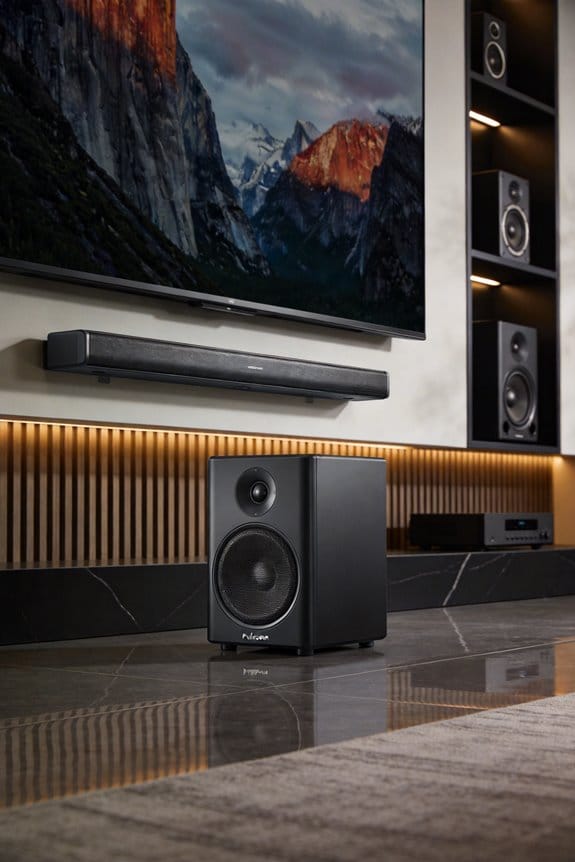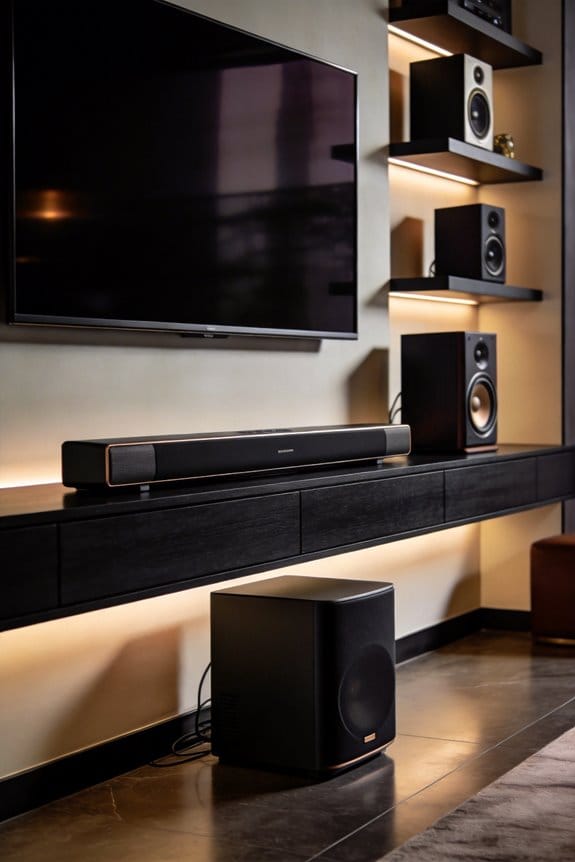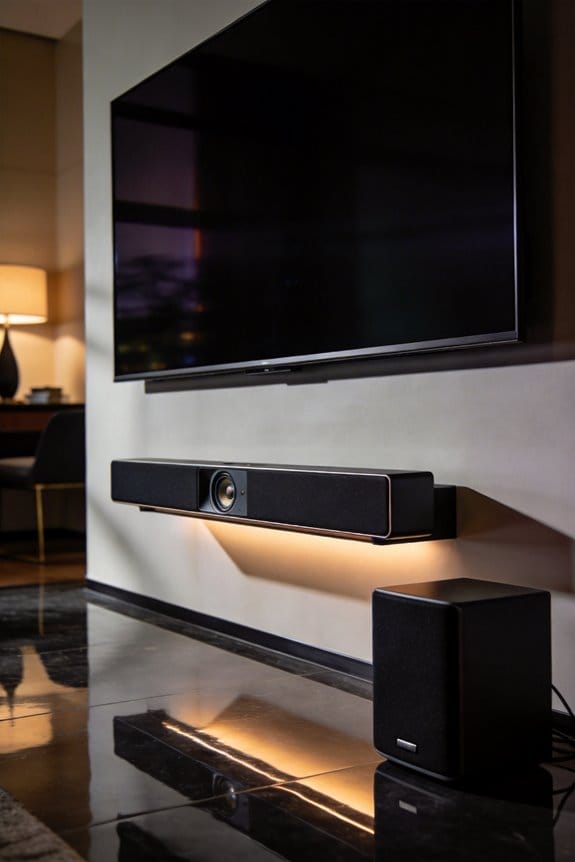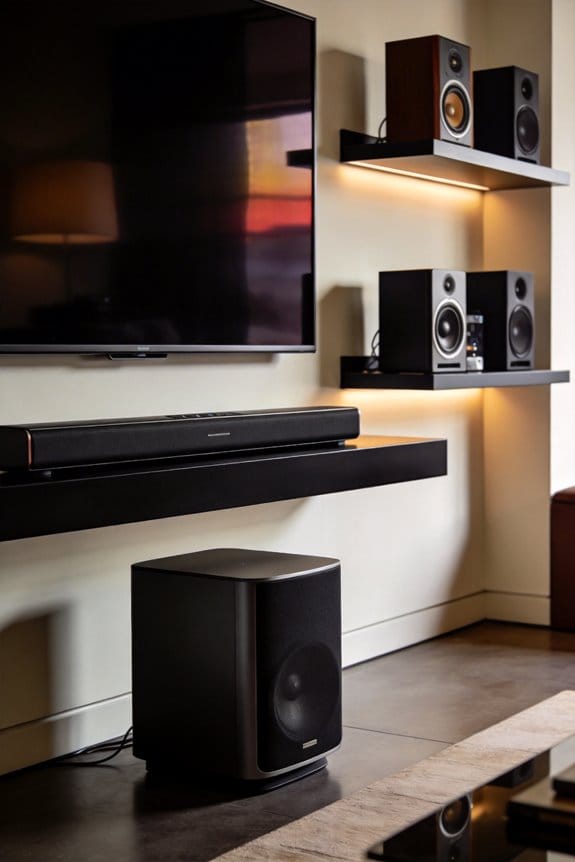

I’ll help you achieve phase alignment by testing the timing relationship between your soundbar and subwoofer, which directly affects bass clarity and impact. When sound waves arrive out of sync, you’ll experience phase cancellation that creates weak, muddy bass even at high volume levels. I recommend playing an 80 Hz test tone, then toggling your subwoofer’s phase switch between 0 and 180 degrees to identify which setting produces fuller, louder bass at your listening position. The following sections explain specific adjustment techniques that address placement, crossover frequencies, and manual calibration methods.
Key Takeaways
- Phase alignment ensures timing synchronization between soundbar and subwoofer, preventing volume drops, muddiness, and bass cancellation for clearer sound.
- Toggle the subwoofer’s phase switch between 0 and 180 degrees while playing bass-heavy music to identify the fuller-sounding position.
- Test alignment using an 80 Hz sine wave through both devices, selecting the phase setting that produces the loudest bass.
- Subwoofer placement significantly affects bass output; adjust location and crossover frequency settings (typically 80-150 Hz) based on room acoustics.
- Manual phase adjustment provides more precision than automatic calibration, which can sometimes create misalignment and compromise audio quality.
What Phase Alignment Means for Your Soundbar
Ever noticed how your soundbar and subwoofer sometimes don’t quite sync up? It can be frustrating when you’re trying to enjoy a movie or your favorite album, only to find the bass isn’t hitting just right. The secret to a better listening experience lies in something called phase alignment.
When you add a subwoofer to your soundbar system, the timing between the low-frequency sounds from the sub and the mid-range sounds from the soundbar is crucial. This is especially true at around 80-100 Hz, where both the subwoofer and soundbar are playing the same notes. If those waves aren’t synced up, you might run into some pretty noticeable problems.
Here’s the trick: misaligned sound waves can cancel each other out, which leads to drops in volume and clarity. You’ll definitely feel it when the bass just doesn’t pack the punch you were hoping for. Instead of boosting your experience, it can make things muddier. So, why does this matter? Well, getting the timing right ensures that the sound waves from both the sub and soundbar hit your ears at the same moment, giving you that smooth, powerful bass you’re looking for.
Phase alignment is all about making those necessary adjustments so that the subwoofer and soundbar work seamlessly. By tweaking when the sub’s sound wave starts, you can maximize that low-end impact. Honestly, once you nail down the phase alignment, you’ll notice the difference in sound quality right away.
In short, take the time to get your subwoofer and soundbar in sync, and you’ll be rewarded with a fuller, more energetic sound. Have you ever thought about adjusting your setup for better sound? It might just take your listening experience to the next level!
How to Test If Your Phase Is Misaligned
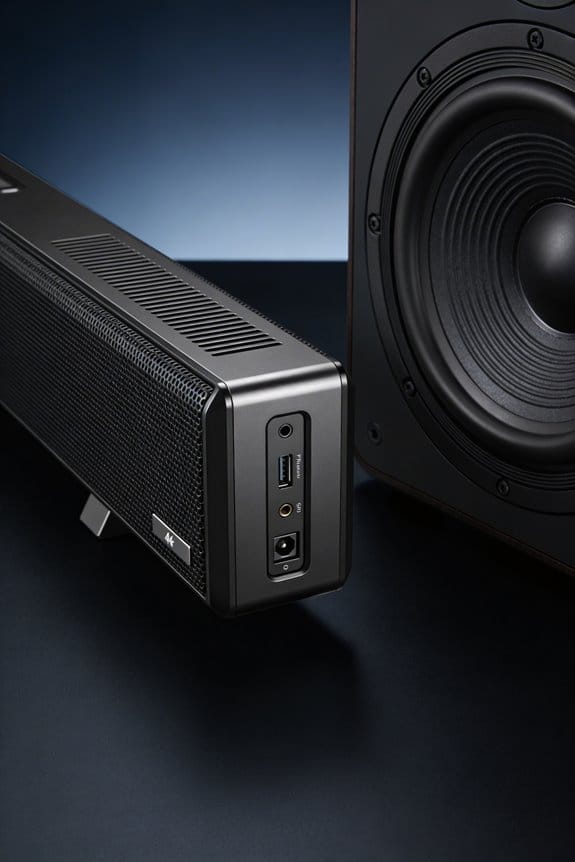
Testing for phase misalignment might sound technical, but it’s actually pretty simple. You don’t need fancy equipment—just your ears.
Basic Phase Checking Method
Start by playing some bass-heavy music that really packs a punch in the low-frequency range, around 80-100 Hz. This is where things tend to get tricky with subwoofers. Sit in your usual listening spot and pay close attention to how the bass sounds.
Now, here’s the trick: flip your subwoofer’s phase switch back and forth between 0 and 180 degrees while the music plays. What you want to listen for is the difference in how the bass feels. If one setting makes the bass noticeably fuller and richer, that’s your sweet spot. On the other hand, if the bass sounds weak or hollow, chances are you’re running into some cancellation issues from phase misalignment.
Alternative Testing Approach
If you prefer a different method, try moving your subwoofer closer to your soundbar for a quick test. Play a steady bass tone at 80 Hz and switch the phase setting again. Listen closely and see which one sounds louder. That loudness? That’s your clue for the right phase alignment.
So, why does this matter? Getting your phase right can make a huge difference in how much you enjoy your music or movies.
Give it a shot, and you might be surprised at how much better your sound can be! Are you ready to tune those speakers?
Why Your Subwoofer Sounds Quieter Than It Should
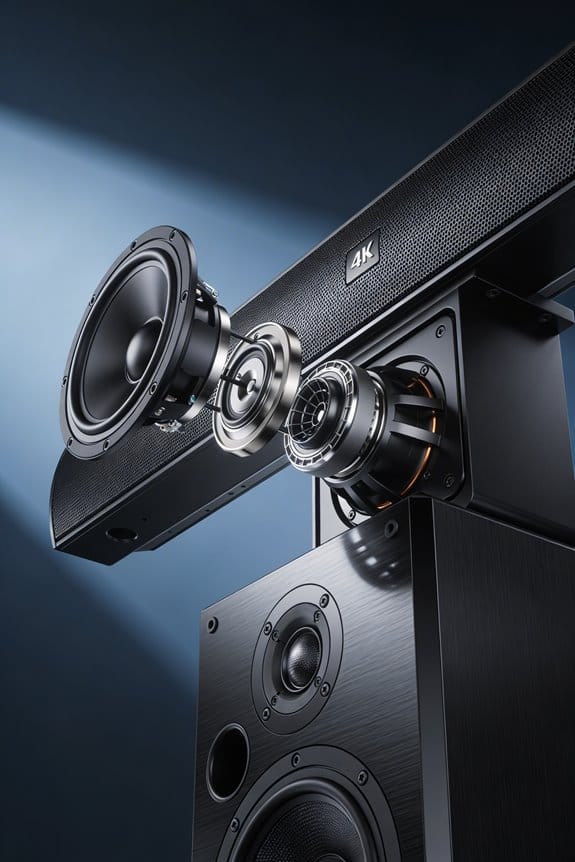
Have you ever cranked up your subwoofer only to be disappointed by weak bass? It can be pretty frustrating, right? Even if your sub is working just fine, you might still hear a significant drop in volume thanks to something called phase cancellation between your subwoofer and main speakers. This happens when both are trying to play the same frequencies, usually around 80-100 Hz, and if they’re out of sync, they can actually cancel each other out.
When the sound waves from your subwoofer and soundbar hit your ears at different times, they can interfere with each other. Instead of creating a fuller bass sound, you end up with noticeable dips in amplitude—basically, missing bass. You might be feeding your system the right volume levels, but if those waves aren’t working together, it can feel like your setup is underperforming.
So, how do you fix this? Try checking the phase alignment of your subwoofer. This little adjustment can restore that full output and help both systems produce the combined loudness they’re capable of together. Seriously, it can make a difference.
Truth is, tackling phase cancellation could be the key to having the punchy bass you’ve been missing. Once you take the time to align things properly, you could find yourself enjoying a whole new level of sound. Remember, if things still don’t sound right after that, there might be other aspects to explore, but phase is a great place to start.
In the end, a little tuning can go a long way. Have you looked into your setup’s phase alignment?
What Your Soundbar’s Phase Switch Actually Does
Have you ever noticed that your subwoofer doesn’t quite mesh well with your soundbar? It can be frustrating when the bass doesn’t hit just right. Here’s where your soundbar’s phase switch comes into play—it’s a handy tool for fine-tuning that audio experience.
Essentially, the phase switch helps fix timing mismatches between your subwoofer and your main speakers. When you flip the switch, it changes where your subwoofer’s sound waves start in their cycle, which can really influence how they combine with the soundbar’s output. Most soundbars come with basic 0/180-degree settings, but if you’ve got a fancier model, you might even get options like 0/90/180/270 degrees for better sound alignment.
So, what does that mean for you? Setting the switch to 0 degrees means your subwoofer’s sound waves line up perfectly with your soundbar. But switch it to 180 degrees, and now the wave kicks off from the opposite point in its cycle. Why does this matter? If your subwoofer is placed far from your soundbar, the sound waves can arrive at different times, leading to weird cancellation or extra boost of sound. The phase switch can help fix that delay caused by distance.
To get the best sound, it’s worth experimenting with the phase switch to see what works best for your setup. Frankly, it can make a noticeable difference, especially if you’ve arranged your room to optimize sound.
In short, tweaking the phase switch on your soundbar could be the quick fix you need for better sound integration. Have you tried adjusting it yet?
Adjust Distance Settings to Fix Phase Lag
Have you ever noticed that when you’re listening to music or watching a movie, the bass just doesn’t hit right? If your subwoofer is positioned further away from you than your main speakers, it might be arriving later and causing some real phase issues at that crossover frequency. It’s a common problem, but there’s a simple fix.
Try accessing your receiver’s speaker setup menu and adjust the subwoofer distance setting. Here’s the trick: set that distance value higher than where you actually have the subwoofer placed. This adds a bit of delay to compensate for the natural lag that happens with the low-pass filter in the subwoofer—that lag tends to increase with frequency, so it’s essential to get this right.
A good starting point is to add 3 to 5 feet to the actual distance you measured. Once you’ve made that adjustment, play an 80 Hz test tone through both your soundbar and subwoofer at the same time. You might need to tweak that distance setting a little bit to find the sweet spot where you get the richest, fullest bass right at your listening position.
Honestly, taking a few minutes for these adjustments can make a huge difference in your listening experience. So, why not give it a shot? It’ll bring those low-end sounds to life in a way you may not have experienced before. Remember, every little tweak counts when it comes to sound quality!
Find Your Soundbar’s Crossover Frequency
Before you dive into tweaking your soundbar’s phase and distance settings, you’ve got to figure out the crossover frequency it uses. This frequency is crucial because it determines how the soundbar splits the audio duties between the main speakers and the subwoofer. Most soundbars typically operate in the range of 80-120 Hz, but some can even go up to around 150 Hz.
Start by checking your soundbar’s user manual. Manufacturers usually list the crossover frequency somewhere in the specifications section. If you can’t find it there, don’t sweat it. Just head to your soundbar’s audio settings menu. Look for options labeled bass management, subwoofer settings, or crossover settings.
And if you’re still in the dark, it never hurts to reach out to the manufacturer’s customer support. They’ll be able to give you the precise specs you need. Knowing your crossover frequency is important— it helps ensure that everything is aligned properly. Why does this matter? Because proper alignment can make a real difference in sound quality, reducing any annoying audio cancellation in that key frequency range.
Position Your Subwoofer to Avoid Phase Cancellation
So, you’ve figured out your soundbar’s crossover frequency, but if you really want to make your audio experience pop, don’t overlook where you put your subwoofer. Placement can dramatically affect how well your speakers and sub work together. For a solid start, consider tucking your subwoofer into a corner. This can boost your bass output and help minimize phase issues, especially if your sub is cranked 10 dB louder than your main speakers.
To fine-tune your setup, try this: play an 80 Hz sine wave through both your soundbar and subwoofer at the same time. As you move the sub around the room, listen closely for the spot where the bass hits the hardest in your main seating area. That’s where you’ll find the best sound connection. Remember, room acoustics play a big role here; wall reflections can mess with the timing of sounds, leading to some weird dips in bass where your speakers connect.
Now, let’s make sure everything’s wired up correctly. Check if the subwoofer driver is pushing outward when the bass kicks in. If it is, you’re in sync with that soundbar, which is crucial for a cohesive audio experience.
In a nutshell, get that subwoofer in the right spot to keep harmony in your sound mix. You might be amazed at the impact these adjustments can have. So, have you thought about where your subwoofer sits right now?
Fix Phase Alignment With a Simple Listening Test
Now that you’ve got your subwoofer positioned just right, it’s time to check how it meshes with your main speakers. You can do this with a simple listening test that’ll help you figure out the phase relationship between them.
Start by playing a bass-heavy track at a moderate volume, focusing on that 80-100 Hz range where the sub and soundbar overlap. Take a moment to listen from your primary seating position and really pay attention to how deep and punchy those low frequencies sound.
Here’s the trick: while the music plays, flip your subwoofer’s phase switch between 0 and 180 degrees. When you’re on the correct phase setting, you’ll notice that the bass becomes noticeably louder and richer. If you find the bass sounding quieter or thinner when switching, congratulations—you’ve encountered phase cancellation.
Choose the phase setting that gives you the most impactful bass. This means the sound waves are combining nicely in that all-important crossover region.
Ultimately, fine-tuning your subwoofer like this can make a big difference in your listening experience. Are you ready to test it out?
When Manual Phase Adjustment Beats Auto Calibration
Have you ever set up a home theater system only to find that something just feels off? It’s not uncommon for automatic room correction systems like Trueplay, Audyssey, and YPAO to oversimplify the process and mess up the phase alignment, especially in the crossover region. A lot of audio enthusiasts notice that when you take the time for manual adjustments, the results can be significantly better. This is particularly true if your subwoofer’s location isn’t ideal or if your room has some tricky acoustics.
If you’re curious about why manual calibration often wins out, here are some key points to consider:
- You can really zero in on the phase at your crossover frequency, which usually falls between 80 and 100 Hz.
- Most automatic systems tend to focus on getting a balanced frequency response, but that can lead to critical phase mismatches.
- Doing your own testing with sine waves helps you pinpoint the exact phase relationship between your subwoofer and soundbar.
- When you rely on auto calibration, you might find that it turns off your phase controls completely, leaving you in the dark.
Here’s the trick: play an 80 Hz test tone through both systems at the same time. Then, start adjusting your subwoofer’s phase switch until you find that sweet spot with the highest output at your listening position. It’s a straightforward process that can make a world of difference.
In short, while automatic systems do have their perks, don’t underestimate the power of a little manual tweaking. Have you tried a hands-on approach to your speaker setup? You might be surprised by how much better it can sound.
Verify Phase Alignment Without Measurement Tools
Have you ever wondered if your subwoofer’s phase is dialed in without breaking the bank on fancy microphones or software? You can actually check alignment using just your ears and a few simple adjustments to your system.
Manual Verification Steps
Try this: Play a sine wave test tone at about 80 Hz, which is usually your crossover frequency, through both your soundbar and subwoofer at the same time. This will overlap the frequencies, making both systems reproduce the same signal. Once you’re settled in your main listening spot, pay attention to how the bass sounds.
Next, toggle your subwoofer’s phase switch between 0 and 180 degrees while that tone keeps playing. Here’s the trick: the right setting will make the bass sound noticeably louder and fuller. If you find that the bass gets quieter or feels thinner, that’s a sign of partial cancellation—meaning you’ve got an out-of-phase situation that needs fixing. So, why does this matter? Because good phase alignment can really elevate your listening experience.
In the end, adjusting your subwoofer’s phase can lead to much richer sound. It’s a relatively simple process that doesn’t require any high-tech gadgets. Think about giving it a try the next time you kick back to enjoy some tunes or a movie. How satisfying would it feel to know you’ve got the best sound possible in your space?
Frequently Asked Questions
Can Phase Misalignment Damage My Subwoofer or Soundbar Over Time?
No, I can assure you phase misalignment won’t cause subwoofer damage or soundbar distortion over time. While misalignment creates cancellation reducing bass output by up to 20 dB, it’s purely acoustic—your equipment remains physically safe despite poor sound quality.
Does Room Temperature Affect Phase Alignment Between Subwoofer and Soundbar?
Room temperature doesn’t greatly affect phase alignment between your subwoofer and soundbar. While extreme temperature changes can impact sound quality through speaker components, the temperature impact on phase relationships is negligible under normal conditions. I wouldn’t worry about it.
Should I Realign Phase After Moving Furniture in My Room?
Like rearranging mirrors changes light reflections, I’d recommend realigning after moving furniture. Large objects alter sound wave interference patterns, disrupting phase consistency between your subwoofer and soundbar, especially around that critical 80-100 Hz crossover region.
Do Wireless Subwoofers Have More Phase Issues Than Wired Ones?
Wireless technology doesn’t inherently cause more phase issues than wired connections. I’ve found that sound quality remains consistent since digital transmission adds negligible delay. You’ll still need proper phase alignment regardless of your subwoofer’s connection type.
Can Different Music Genres Require Different Phase Alignment Settings?
genre specific settings aren’t necessary. Once I’ve dialed in proper soundwave synchronization at your crossover frequency, it’ll work universally across all music styles since phase alignment addresses speaker physics, not musical content.