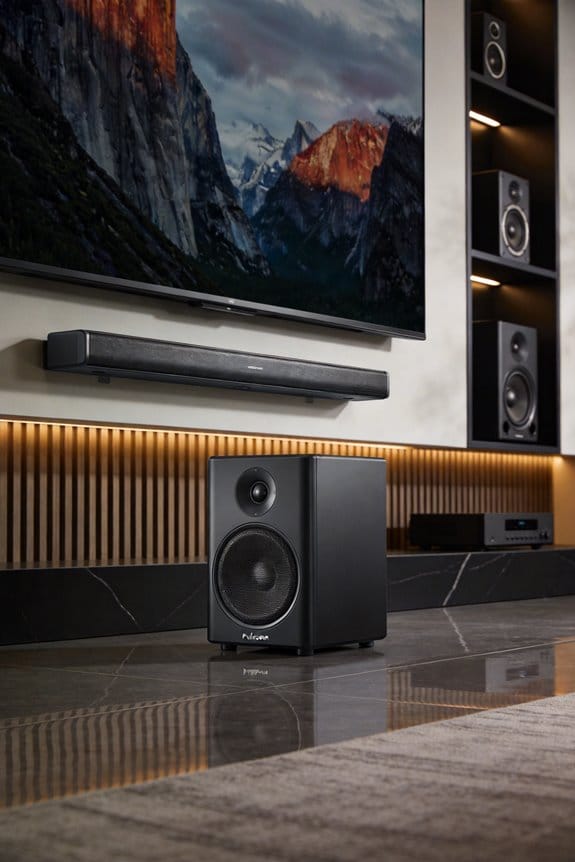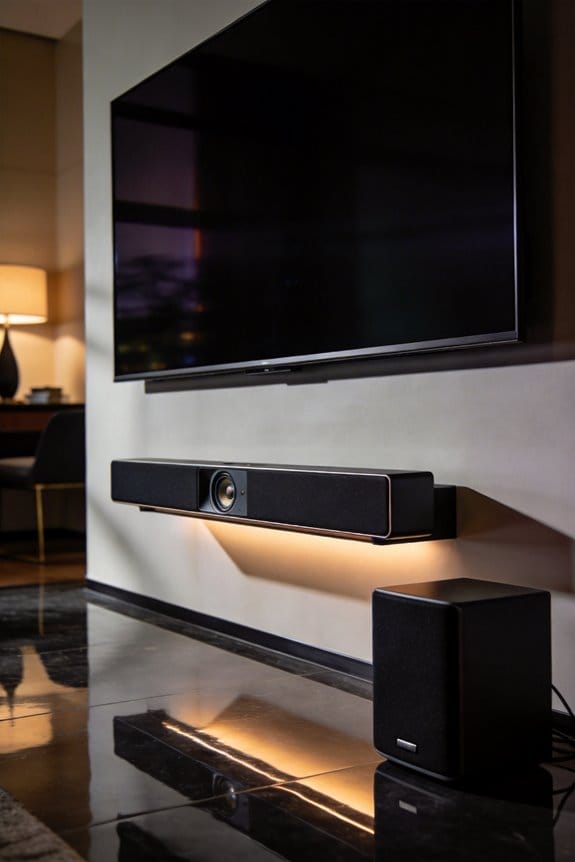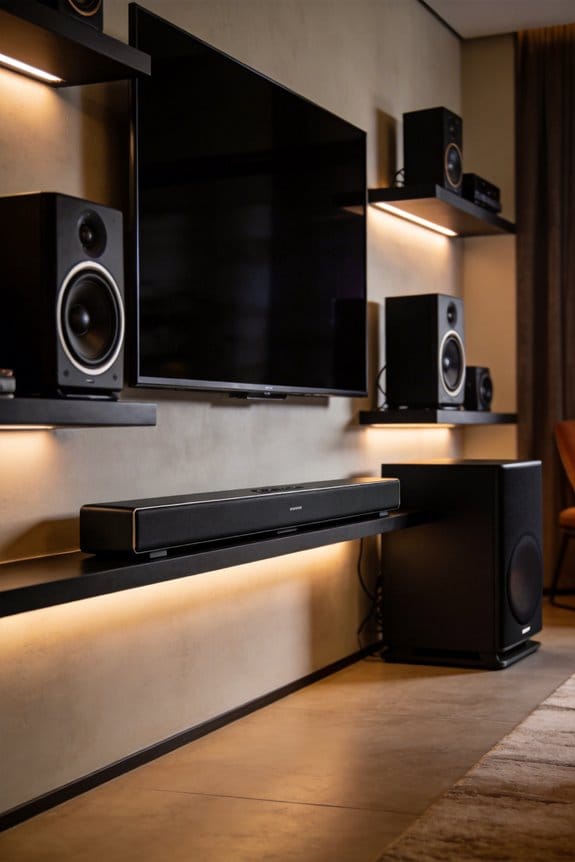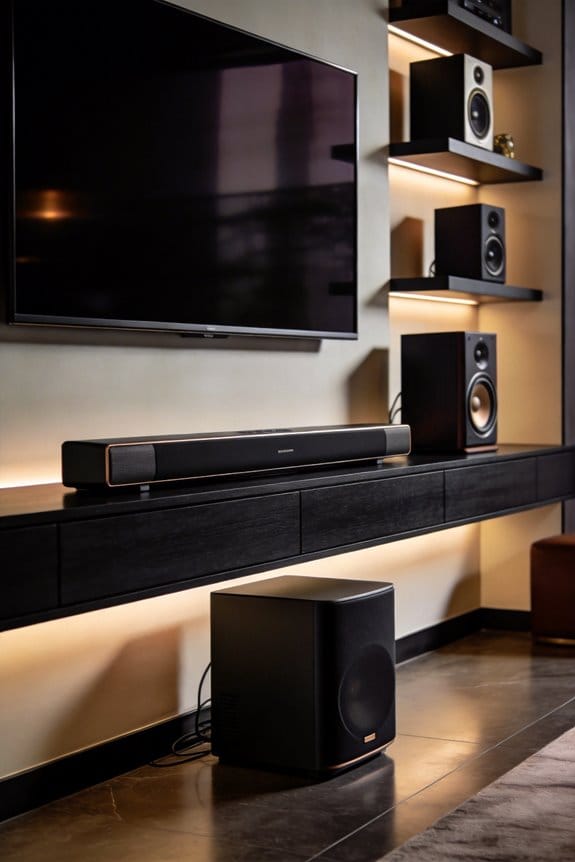

The crossover frequency determines where your soundbar stops playing bass and your subwoofer begins, typically set between 80-120Hz depending on your soundbar’s size and room dimensions. I recommend starting at 80Hz for most setups, then adjusting upward to 100-120Hz for smaller soundbars under 40 inches, or lowering to 60-70Hz if you have a larger soundbar with dedicated woofers in a spacious room. This prevents bass overlap that causes muddiness, reduces distortion in your soundbar’s smaller drivers, and creates seamless integration between components for clearer dialogue and punchier low-end response—but proper setup requires understanding your specific equipment capabilities and room acoustics.
Key Takeaways
- Crossover frequency divides audio signals, sending bass to subwoofers and mid/high frequencies to soundbars, preventing distortion in smaller drivers.
- Start with 80Hz crossover as baseline; smaller soundbars need 100-120Hz, while larger soundbars with dedicated woofers handle 60Hz.
- Access crossover controls through receiver’s speaker setup menu, set soundbar to “Small,” and adjust frequency between 80-120Hz based on size.
- Balance subwoofer volume with soundbar output and experiment with placement; use auto-calibration features for optimal room-specific acoustic alignment.
- Avoid setting soundbar to “Full Range” with active subwoofer, match phase settings correctly, and regularly test adjustments for seamless integration.
Recommended Crossover Settings for Your Soundbar Setup
When mixing a soundbar with a subwoofer, a common dilemma pops up: how do you get the best bass without your soundbar sounding weak? Start by using an 80Hz crossover frequency as your go-to baseline. Most soundbars come with smaller drivers that just can’t handle those deep bass notes effectively. Setting this frequency helps ensure your soundbar and subwoofer work well together, channeling the low-frequency sounds to your subwoofer for that deep, satisfying bass response.
To get started, grab your remote control or open up the companion app for your soundbar. Navigate to the settings menu and find the crossover or bass management section. If your soundbar is less than 40 inches long, it might struggle a bit more with those mid-bass frequencies. In that case, bump the crossover up to about 100Hz or even 120Hz. Bigger soundbars with dedicated woofer systems can manage 60Hz settings fairly well, so it really depends on your specific setup.
Once you have your crossover set, it’s time for the fun part—testing it out! Play some bass-heavy tracks and try making small adjustments, tweaking it in 10Hz increments. This helps you find a sweet spot where the mid-range from the soundbar blends smoothly with that booming low-end from your subwoofer.
How to Set Crossover Frequency on Your Soundbar or Receiver
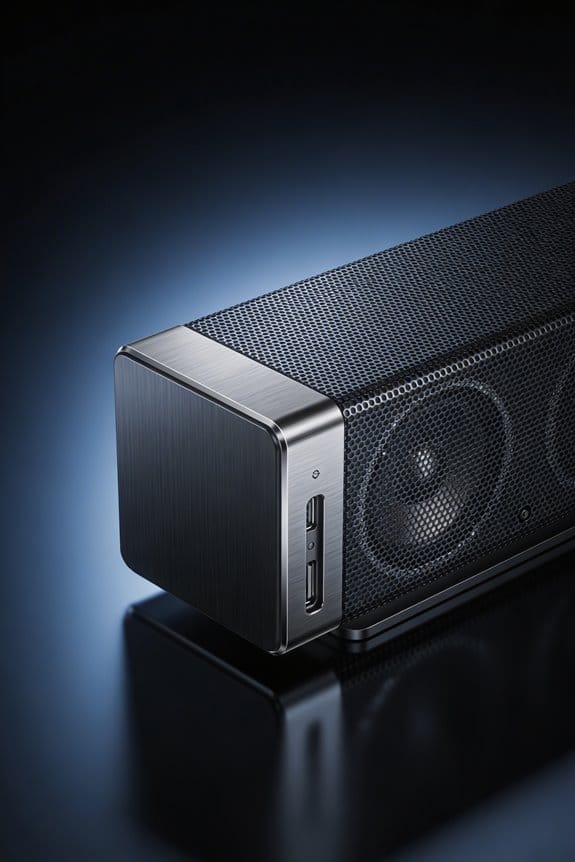
Since most soundbars and AV receivers keep crossover settings tucked away in their menus, it can feel a bit like a treasure hunt trying to find them. But don’t worry, I’m here to guide you through it.
Accessing Crossover Controls
To find what you need, dive into your receiver’s speaker setup menu. You usually can find this under Audio Settings or Speaker Configuration. Keep an eye out for terms such as “Crossover,” “Bass Management,” or “Low Pass Filter”—these will get you closer to your goal.
Crossover Adjustment Techniques
First off, set your soundbar to “Small” in the speaker size menu. This moves the bass duties over to your subwoofer, which is what you want. Now, pick a crossover frequency somewhere between 80-120Hz, depending on your soundbar’s frequency response. Smaller soundbars typically perform best at around 100-120Hz, while larger ones can handle about 80Hz without issue.
Now, here’s where it gets interesting: test your settings with some bass-heavy content. Try adjusting the crossover in 10Hz increments until the transition between the soundbar and the subwoofer feels seamless. Once you can’t tell the difference anymore, you’ve nailed it. And don’t forget to save your configuration for future enjoyment!
What Crossover Frequency Does and Why It Prevents Distortion
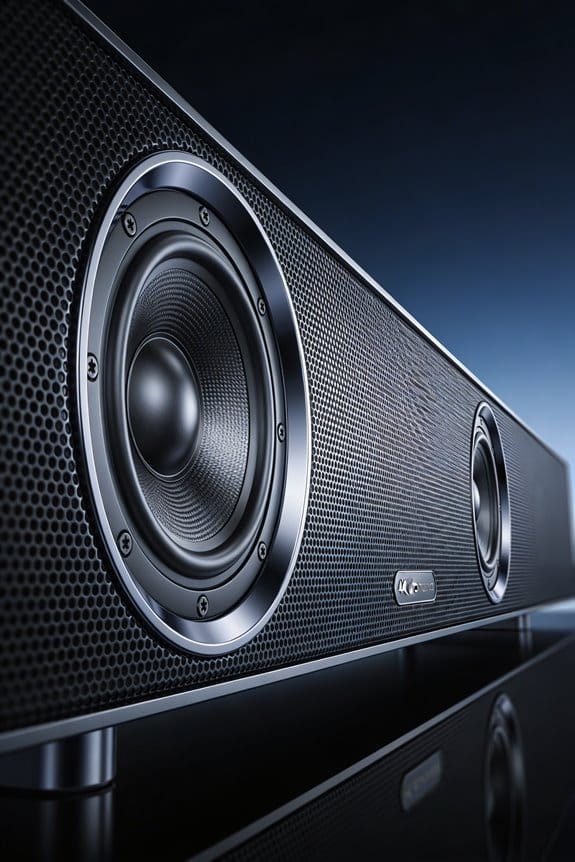
Have you ever listened to your soundbar and noticed that the bass just sounds a bit off? You’re not alone. Many people overlook the importance of crossover frequency, but getting it right can make a huge difference in how your system performs.
The main purpose of a crossover frequency is to split your audio signal into different ranges. Essentially, low frequencies get sent to the subwoofer, while the mid-to-high frequencies are redirected to your soundbar. This separation is key because it prevents something called bass modulation. When deep bass frequencies mix with the higher ones, it can cause distortion in your soundbar’s smaller drivers.
Try this: when you set the crossover frequency below the point that your soundbar can manage bass, those drivers will no longer struggle to reproduce low frequencies. This leads to much clearer sound overall since each component gets to focus on the frequencies it’s best at handling.
Honestly, without the right crossover settings, your soundbar tries to deliver bass it just can’t handle efficiently. This struggle results in excessive driver movement, which creates intermodulation distortion. And guess what? That distortion harms the midrange and treble frequencies you’re trying to enjoy. Setting a proper crossover frequency will help your soundbar excel with vocals, instruments, and other effects it does best.
So, why does this matter? Think of your sound system like a team; each player has a position they excel at. Understanding and adjusting the crossover frequency helps your setup perform at its best.
In short, getting your crossover frequency right is crucial for a better audio experience. Have you checked your soundbar settings lately? It might be time for a little adjustment!
Blend Your Soundbar and Subwoofer Seamlessly
Proper crossover settings are just the beginning. To truly blend your soundbar and subwoofer seamlessly, you’ll need to tweak a few more aspects to get everything sounding just right.
Adjust Volume Levels
First off, make sure your subwoofer’s volume complements the soundbar’s output. You don’t want the bass drowning out the dialogue or mid-range sounds. To find that sweet spot, play something with a balanced audio mix and adjust until the bass feels integrated—like it’s part of the whole sound experience, not just a separate entity.
Optimize Subwoofer Placement
Where you put your subwoofer can make a huge difference. Placing it in corners or against walls really helps boost those low frequencies. To find the best spot, experiment with different locations while playing bass-heavy tracks. Move it around a bit until you notice a smoother sound without any weird echoes or drops in quality.
Run Soundbar Calibration
Most soundbars come with auto-calibration features, so definitely take advantage of this. Dive into the settings and let your soundbar measure the room’s acoustics—it’ll automatically adjust things like timing and frequency response. This can fix a lot of alignment problems that lead to annoying sound issues at the crossover point.
Common Soundbar Crossover Mistakes That Muddy Bass
Have you ever cranked up the volume on your soundbar, only to be hit with that disappointing muddy bass? It can be frustrating, especially when you think you’ve set everything up just right. But it’s easy to overlook a few common crossover mistakes that can really mess with your audio experience.
One big issue starts with setting your soundbar to “Full Range” while your subwoofer is set to a crossover of 120Hz. This creates an overlap that can double the bass output and lead to some serious distortion. Imagine you’re watching a movie, and the explosions sound more muddled than epic. It’s not what you want, right?
Another thing to keep an eye on is the phase settings of your subwoofer. If those don’t match up with the timing of your soundbar’s signal, you might experience cancellation right at that crossover point. It’s like two musicians trying to play the same note, but they’re just slightly off—it doesn’t sound good.
Also, don’t set your crossover too low. If your soundbar can only handle down to 80Hz but you set it to 40Hz, you’re asking those tiny drivers to tackle frequencies they simply can’t reproduce well. You’ll end up with some flabby bass that might ruin the whole experience.
And let’s not forget about the subwoofer volume itself. Setting it too high can drown out dialogue and instruments, making everything sound like there’s a constant rumble in the background. It can really derail a great movie scene or your favorite song.
So, what can you do to avoid all this muddy bass mess?
- Set your soundbar to a reasonable range that matches its capabilities.
- Make sure your subwoofer phase is lined up properly with your soundbar.
- Adjust the crossover to a sensible number.
- Pay attention to the subwoofer volume so it complements, rather than overpower, the other sounds.
Truth is, by being mindful of these settings, you can enjoy clear, impactful bass without all the hassle. How do you set up your sound system? Any tips or tricks you’ve found helpful?
Adjust Crossover Settings Based on Room Size and Placement
When you’re setting up your soundbar system, have you noticed how much the size of your room can mess with the sound? It’s true! Room size can really affect which crossover frequency will give you that clean bass response you’re after, without sounding all muddy or dropping off.
If you’re in a small room—say under 150 square feet—you might want to raise your crossover by 10 to 20Hz. You know, because those compact spaces tend to amplify lower frequencies. So, instead of setting it at the usual 80Hz, crank it up to around 100Hz. Now, if you’re in a larger room, like one over 300 square feet, it’s a different story. Here, you can actually lower the crossover to about 60-70Hz since bass tends to spread out and dissipate quickly in bigger spaces.
Now, placement matters just as much as the crossover setting. Here are some quick tips:
- Got your subwoofer tucked away in a corner? That’ll give you a bass boost of about 12dB, so you’ll want to reduce the crossover to 60-70Hz.
- If it’s mid-wall, stick to the usual 80Hz crossover.
- For a freestanding center position, go for the 90-100Hz setting.
Ever measure your room before diving into these adjustments? It’s worth it to see how your space reacts. Test out those crossover settings by adjusting in 10Hz increments until you hit that sweet spot where your sound just blends perfectly.
Frequently Asked Questions
Can I Use Multiple Subwoofers With Different Crossover Frequencies Simultaneously?
I don’t recommend using multiple subwoofer types with different crossover settings simultaneously. You’ll create phase issues and uneven bass response. I’d set all subs to identical crossover frequencies, ensuring they work together harmoniously for seamless integration.
Does Crossover Frequency Affect Dialogue Clarity From My Soundbar’s Center Channel?
I’ll be gentle with this: crossover frequency doesn’t directly impact dialogue clarity from your soundbar’s center channel. However, improper settings can muddy soundbar performance by letting bass frequencies bleed into vocal ranges, compromising speech intelligibility.
Should I Adjust Crossover Differently for Movies Versus Music Listening?
I don’t recommend adjusting crossover between movies versus music. Once you’ve set it correctly for your speakers’ capabilities, it works for both. However, you might adjust subwoofer volume based on content and personal sound preferences.
Will Wireless Subwoofer Connection Cause Phase Alignment Issues at Crossover Point?
Will wireless lag ruin your setup? Modern wireless subwoofers include built-in delay compensation to maintain phase alignment at the crossover point. The wireless connection itself won’t cause issues if your system properly calibrates timing between components.
Can Crossover Settings Compensate for Subwoofer Positioned Far From Soundbar?
Crossover settings alone can’t fully compensate for subwoofer distance issues. While I can adjust the frequency split, you’ll still need proper time alignment and phase adjustments to achieve seamless soundbar integration when your sub’s positioned far away.