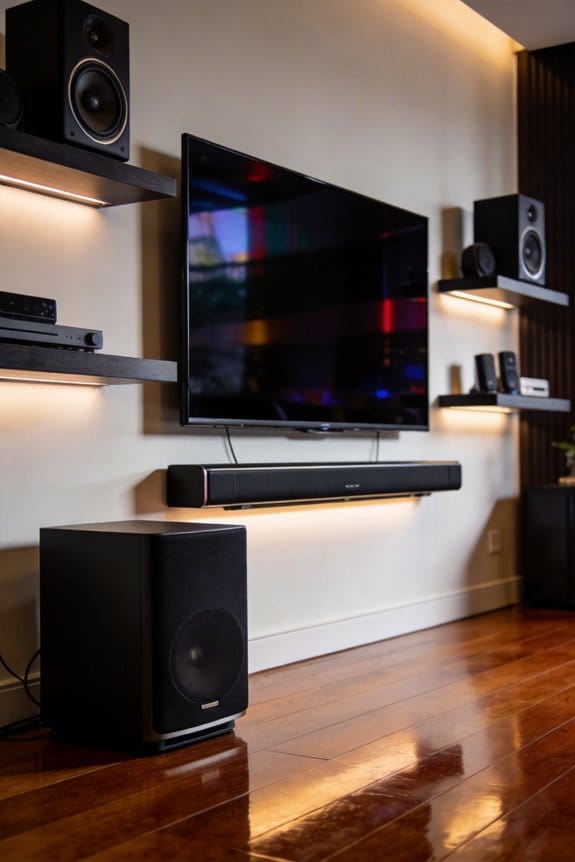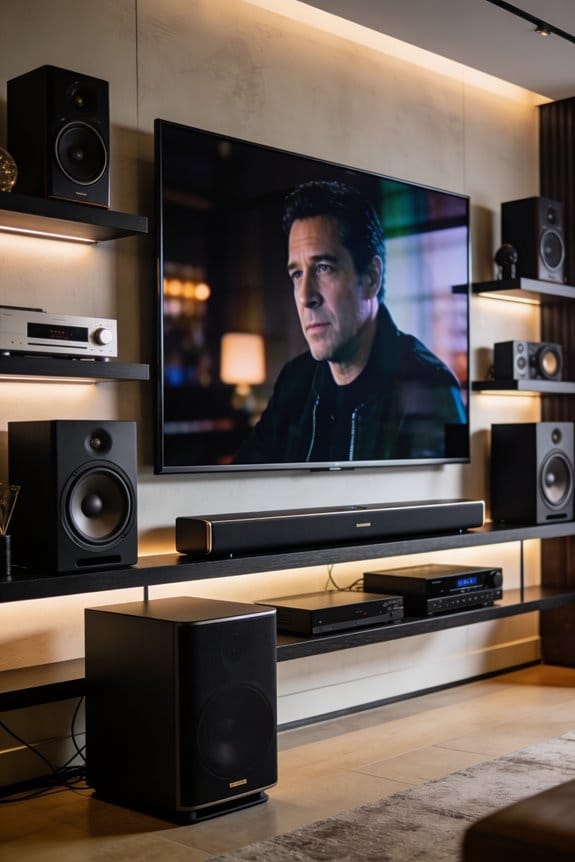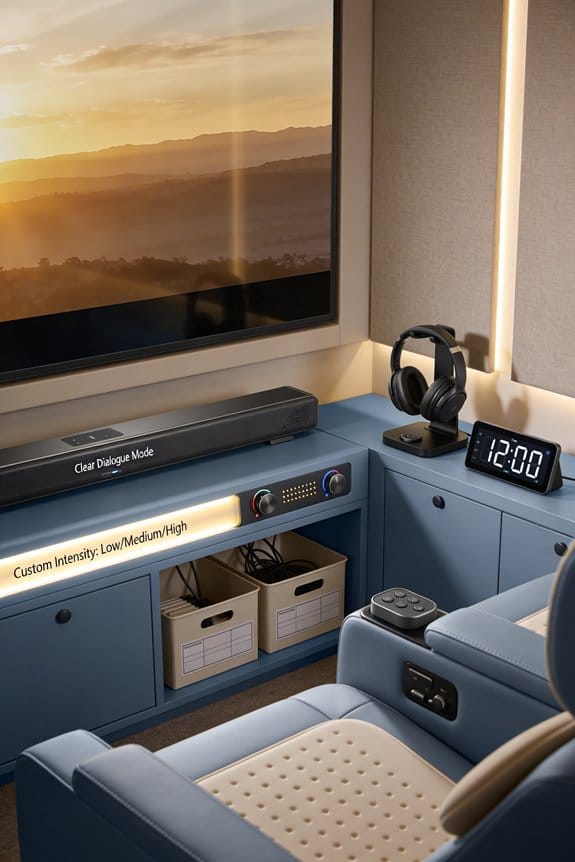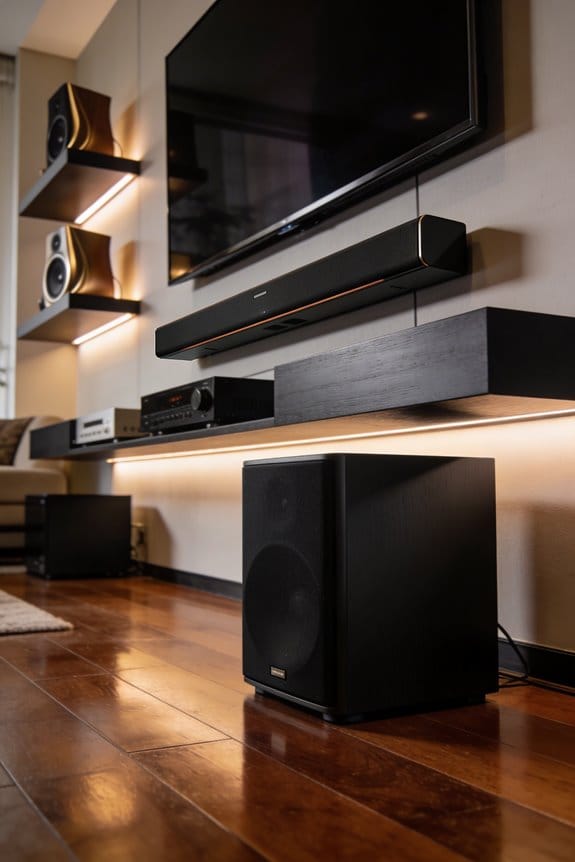

Your TV stand’s height determines whether sound waves from your soundbar reach your ears directly or get blocked by the TV screen, which causes muffled dialogue and poor audio clarity. I recommend positioning your soundbar at ear level when you’re seated, with a 2 to 3 inch gap between the TV and soundbar to prevent sound obstruction. If your TV stand’s wide-set legs block proper placement, you’ll need elevation feet or TV risers to achieve ideal clearance, and the sections below explain installation methods and testing procedures.
Key Takeaways
- Soundbars perform best at ear level when seated, directing sound waves optimally toward the listener for enhanced audio quality.
- A 2-3 inch gap between TV and soundbar prevents sound wave obstruction, reducing muffled audio and improving dialogue clarity.
- Wide-set TV stand legs obstruct soundbar placement, requiring elevation solutions like risers or feet to maintain proper clearance.
- TV stand height affects sound projection; elevating the TV 2-3 inches improves soundbar clearance and overall acoustic performance.
- Proper soundbar positioning accounts for height, angle, and room acoustics to prevent furniture interference and optimize sound balance.
How High Should You Place Your Soundbar?
So, you’ve got a brand-new soundbar, and you’re wondering where to put it for the best sound, right? The sweet spot is to position it at ear level while you’re seated in your main viewing spot. When the soundbar is aligned properly, you’ll get sound waves directed right at you. This simple trick will really amp up your listening experience.
Now, here’s a key point: make sure there’s at least 5.1 inches (or 13 cm) of space between your soundbar and your TV screen. This helps avoid any sound blockage. A couple of inches gap (2 to 3 inches is ideal) will let the sound travel freely from the soundbar’s drivers to your ears, without the TV getting in the way.
If you’ve invested in a Dolby Atmos system, here’s the trick: elevate your soundbar above any TV stand legs using the spacers or attachable feet. It’s all about keeping that audio clear and avoiding the TV from drowning out your sound. Getting that direct sound path is essential if you want to really enjoy your movies or music.
In short, position your soundbar right at ear level, keep that crucial clearance, and elevate it if you’ve got an advanced sound system. So, what setup do you have, and are you ready to enjoy a whole new level of sound?
What’s the Ideal Gap Between TV and Soundbar?
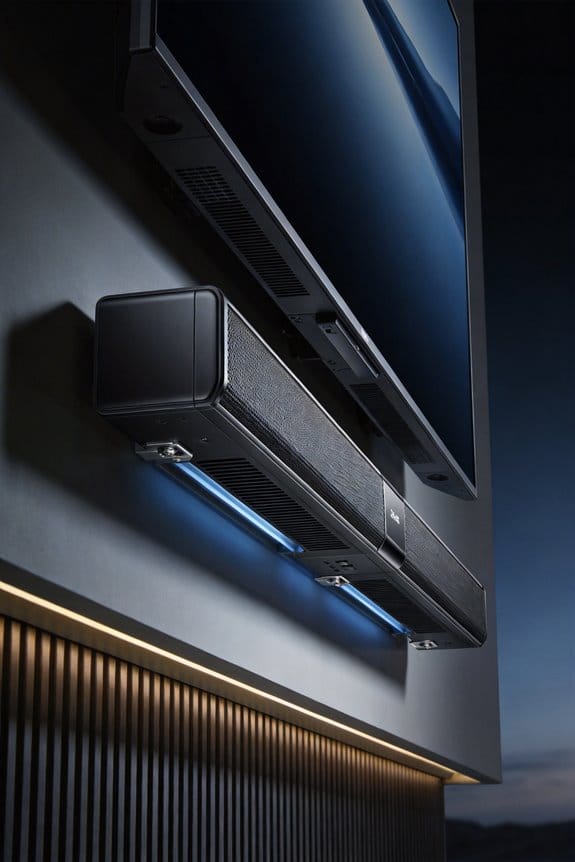
Have you ever sat down to watch a movie only to be disappointed by muffled sound? That’s often because of how the TV and soundbar are set up. To get the best audio experience, aim for a gap of about 2 to 3 inches between the bottom of your TV and the top of your soundbar. This small clearance allows sound waves to travel freely, so they reach your ears without being hindered by the TV itself.
Now, let’s dive into some soundbar placement requirements that can make a big difference:
- Ensure there’s at least 5.1 inches (13 cm) of clearance below your TV.
- Position the soundbar at ear level when you’re seated for optimal sound.
- Keep a clear sound path from the soundbar to where you’re listening.
Proper spacing isn’t just a suggestion; it’s crucial for the best audio performance. When your TV is too close to the soundbar, it can muffle the sound, resulting in unclear or lower volume. It’s frustrating, right? You can easily address this by using elevation feet on the bottom of your soundbar to get the right height. Just take a look at your TV’s leg configuration and adjust to keep that critical space.
The best part? It’s not complicated to set up. With just a little effort, you’ll enjoy a clearer, more immersive sound. So before you hit that play button, check your setup. Are you ready for a sound experience that matches your visuals?
Why TV Stand Legs Block Soundbar Placement
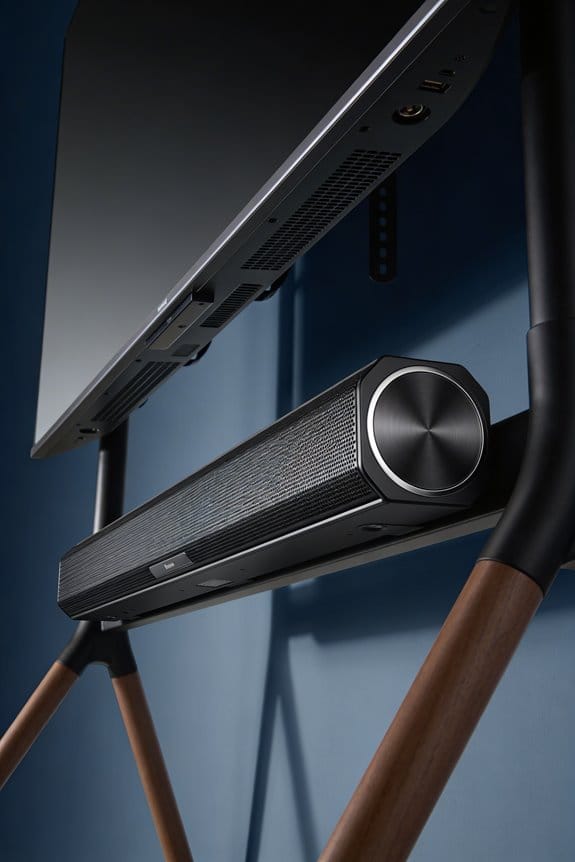
Have you ever faced the annoying challenge of figuring out where to put your soundbar? It’s all too common to set it down in front of your TV, only to find those pesky stand legs getting in the way. If your TV has wide-set legs, you might discover they sit exactly where you want your soundbar to go, forcing a tough choice: block the screen or mess up the sound setup.
Generally, TV stands are designed with legs about 2 to 4 inches in from the edges. This creates a pretty tight space in the center where most soundbars, which are typically 35 to 43 inches wide, can’t fit. The problem intensifies if your TV is just a couple of inches off the surface, leaving no room for sound to escape. This can lead to muffled audio and a frustrating viewing experience, especially when it comes to dialogue clarity.
So, what can you do about it? Here’s a few ideas for tackling this issue:
- Elevate the TV: If possible, raise it a bit higher. This might clear up the space for your soundbar without blocking anything.
- Reposition the soundbar: You could try shifting it behind the legs, but that might not give you the best sound experience.
- Add elevation feet: Some soundbars come with adjustment feet that let you raise them just enough to clear those TV legs.
Honestly, nothing is more disappointing than sinking money into a great soundbar only to have it clash with your TV setup. Don’t let those stand legs ruin your audio experience. Think about how you can create a little more space for your sound setup. Do you struggle with audio clarity, or is it something you’ve figured out?
Elevation Feet vs. TV Risers: Which Solution Works?
When setting up your sound system, have you ever noticed how tricky it can be to get your soundbar in just the right spot? Elevation feet might be your answer. These handy attachments screw right into your soundbar’s gold screw holes with a Phillips screwdriver and raise it by about 0.5 to 1 inch above the legs of your TV stand. This keeps your soundbar in front of your screen while ensuring you get clear sound projection without any obstructions.
On the other hand, if you’re looking to elevate your entire TV, TV risers might be the way to go. They typically add 2 to 3 inches of height, which can significantly improve your viewing and listening experience. Just consider the weight of your television; for heavy models like that 55-inch LG, you’ll definitely want a sturdy riser platform. Meanwhile, if you have a lighter unit, like certain BRAVIA models, a simple Ikea Lack shelf could do the trick.
Here’s the trick: positioning your soundbar directly under the TV at ear level makes a big difference in sound quality. You want to maximize acoustic performance, so it really pays off to think about how high your TV is off the ground.
So, why does this matter? It’s all about creating an immersive experience in your living room. The choice between elevation feet and TV risers depends on your setup and listening preferences.
How to Install Soundbar Elevation Feet Correctly
Have you ever noticed that your soundbar doesn’t seem to deliver the audio experience you expected? One common reason might be its placement on your TV stand. If it’s too close to the legs of the TV, you could end up with sound obstruction. Fortunately, installing elevation feet can help lift your soundbar just enough to get that crisp sound directly to your ears.
To get started, make sure you have a Phillips screwdriver handy. Then, check out the gold screw holes located on the bottom of your soundbar. These little spots are crucial as they’re where you’ll attach the elevation feet, lifting your soundbar about 0.5 to 1 inch above your TV stand.
Installation Tips:
- First off, align the notch on each foot with the gold screw holes. It’s a simple step, but getting it right makes the installation smoother.
- Next, take those screws and push them through the feet into those holes.
- Grab your Phillips screwdriver and tighten the screws firmly. You want these feet to be securely attached, so don’t be shy here.
- Repeat this on the other end of the soundbar.
So, why does this matter? Once the feet are attached, they create that all-important clearance between your soundbar and the TV legs. This makes a real difference in how sound travels, making sure you get direct audio projection that reaches your ears perfectly.
When you’re done, not only will your soundbar look better, but it’ll improve your listening experience too. It’s a small adjustment that can have a big impact on how you enjoy your entertainment. Have you tried elevating your soundbar before? It might just make your movie nights even better!
3 Tests to Confirm Your Soundbar Is Positioned Right
How do you figure out if your soundbar is really setting the mood for your movie nights? One solid approach is to kick things off with some acoustic tests using dialogue-rich scenes. You want to hear those voices clearly, without any muffled sounds messing things up. Then grab a Dolby Atmos demo from YouTube or your favorite streaming service, and make your way around the seating area while you listen. It’s all about checking if the sound quality remains consistent no matter where you’re sitting.
Now, let’s not forget about the bass! Play an action-packed scene at about 75% volume and keep an ear out for any rattling that could indicate your TV stand isn’t up to par. If your soundbar has built-in test tones, take advantage of that. They’re usually stashed away in the settings menu under “Audio Calibration” or “Speaker Test.” Position yourself at ear level with the soundbar to ensure you’re getting direct sound without anything in the way.
When you’re up close, listen for any buzzing that might come from loose parts. Then, take a step back and assess how everything sounds together—highs, mids, and lows should feel balanced and clear. You want to make sure you can enjoy the full range of audio without a hitch.
Frequently Asked Questions
Can Soundbar Angle Affect Dialogue Clarity in My Room?
Yes, I’ve found soundbar positioning drastically impacts dialogue enhancement. When angled toward your ears rather than straight ahead, voices become crisper and clearer. Conversely, poor placement muddies speech, making conversations frustrating to follow during movies.
Does TV Stand Material Impact Sound Reflection or Absorption?
Yes, I’ve found TV stand material definitely matters. Dense materials like wood or metal create sound reflections that can muddy dialogue, while softer materials absorb frequencies. I’d recommend testing your soundbar’s position to minimize unwanted reflections.
Should Soundbar Height Change for Different Seating Distances?
I’ve found your seating arrangement’s distance doesn’t require height adjustment—ear level remains the golden rule. Whether you’re three feet away or ten, that sacred horizontal plane guarantees sound waves hit their target perfectly every time.
Do Curved TVS Require Different Soundbar Positioning Than Flat Screens?
I’ve found that curved screens don’t require different soundbar positioning than flat TVs. Standard soundbar compatibility remains the same—I’d still place it at ear level with proper clearance below the screen for ideal sound projection.
How Does Room Acoustics Influence Optimal Soundbar Stand Height?
Room acoustics are the invisible architect of your sound experience. I’ve found that room dimensions and sound diffusion patterns determine whether raising your soundbar higher captures reflections or positions it where direct audio reaches you best.