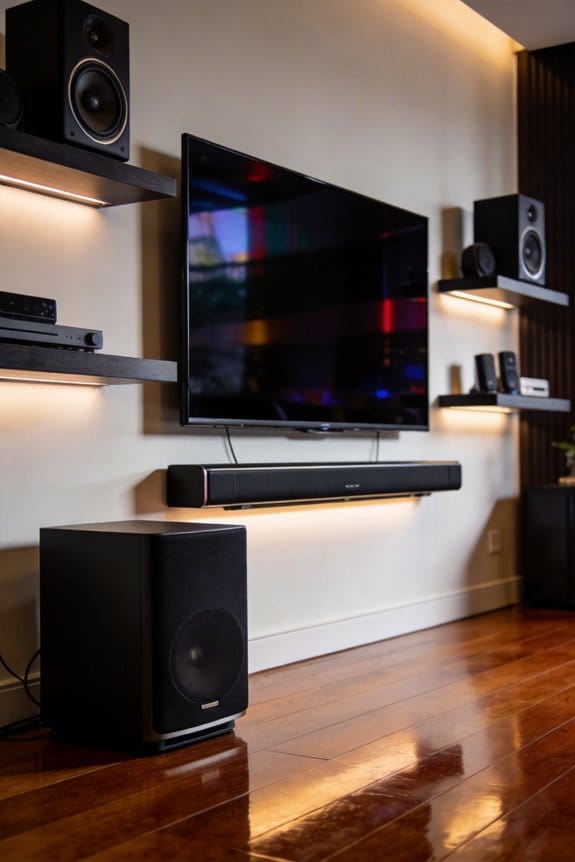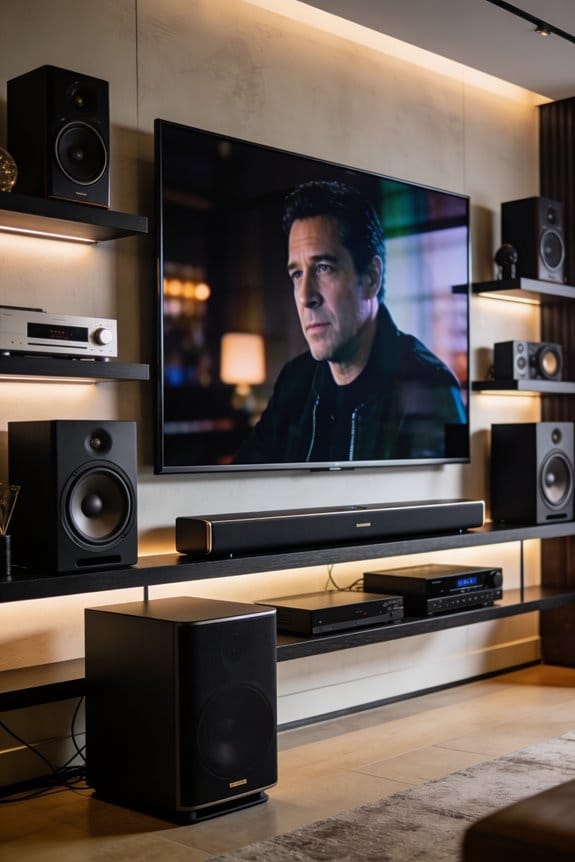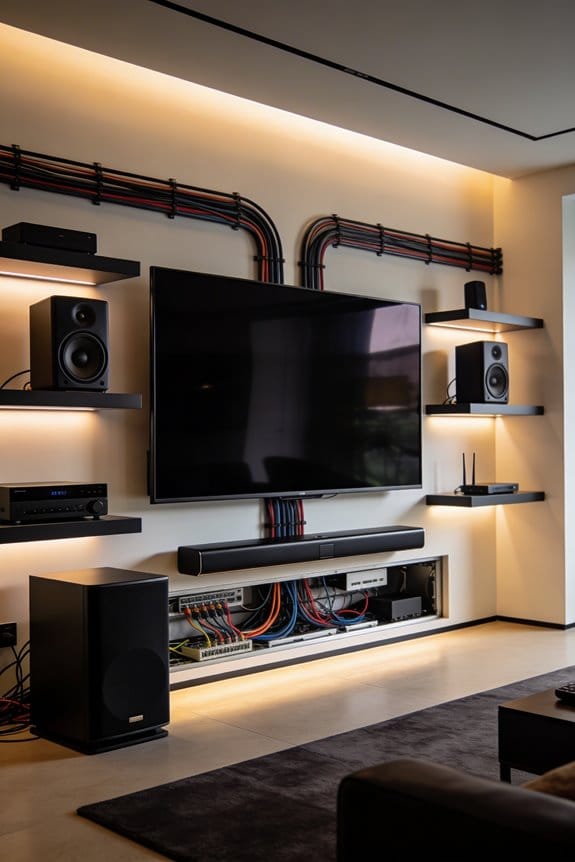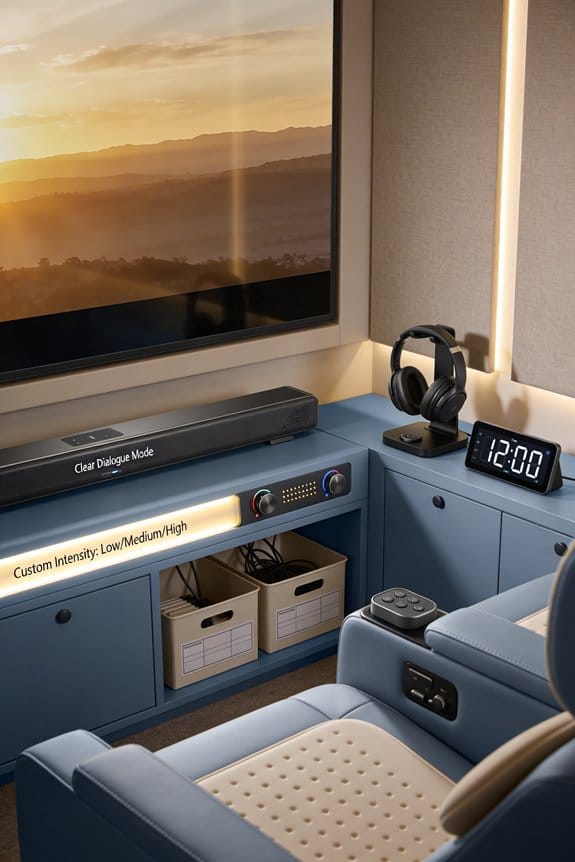

I’ll help you create a sensory-friendly home theater by addressing sound echoes, brightness levels, and overwhelming audio zones that trigger discomfort. You need noise-canceling headphones like Sony WH-1000XM5, tinted glasses to reduce screen glare, and tactile aids such as weighted lap pads. Install dimmer switches with smart bulbs, adjust bass frequencies between 60-120 Hz, and position directional speakers at ear level angled 15 degrees inward. Create quiet zones with solid-core doors, weather stripping, and dimmable lighting. The following sections explain exactly how to implement each modification systematically.
Key Takeaways
- Control acoustic reflections with panels and bass frequencies between 60-120 Hz to reduce reverberation below 0.6 seconds for clearer dialogue.
- Install dimmer switches and smart bulbs with preset scenes to adjust brightness and color temperature according to individual sensory needs.
- Create separate volume zones with directional speakers positioned at ear level, angled 15 degrees inward to contain sound spillage.
- Provide sensory kits including noise-canceling headphones, tinted glasses, fidget tools, and communication cards for personalized comfort during viewing.
- Designate quiet retreat spaces with solid-core doors, dimmable lighting, weighted blankets, and comfortable seating 15-20 decibels quieter than viewing areas.
Why Standard Home Theaters Overwhelm Neurodivergent Viewers?
Have you ever walked into a standard home theater and felt an instant surge of sensory overload? For many neurodivergent viewers, the experience can be overwhelming. Let’s break down why that happens and what you can do about it.
One major issue is the way sound bounces around. Bare walls, hardwood floors, and glass surfaces create echoes that can confuse your ears. When the reverberation time goes over 0.6 seconds, it becomes harder to focus on dialogue. For someone with auditory sensitivities, this can feel like trying to pick out a single voice in a crowded room.
Then, there’s the visual side of things. Those high-lumen projectors cranking out 2,000+ lumens? They can be intense. When paired with bright LED bias lighting and quick scene changes, it’s no wonder some folks feel like their eyes are overwhelmed. Dimming options often aren’t even an afterthought in standard setups, which means you’re stuck with all that brightness and rapid movement without a break.
Surround sound systems can also add to the chaos. They send sound in every direction, which makes it impossible to find a quiet zone. If the noise becomes too much during action-packed scenes, there’s nowhere to retreat. This constant sensory input can make enjoying a movie feel more like an endurance test than a fun experience.
To summarize, standard home theaters can bombard neurodivergent viewers with stimuli from all angles. Controlling sound and light can help create a more enjoyable environment. Have you tried tweaking your setup to make it more manageable? You might find a few simple adjustments can go a long way in turning your movie nights into a more pleasant experience.
Sensory Tools: Headphones, Filters, and Communication Aids

Setting up a home theater can be quite the experience, especially for those dealing with sensory sensitivity. Have you ever been overwhelmed by all the sounds, lights, and distractions? You’re not alone. With the right tools, you can make your viewing time much more enjoyable.
Essential Sensory Kit Components
Creating a sensory-friendly environment is key. Think about gathering a few essential items and storing them in an easily accessible bin. Here’s a good starting list:
- Sensory headphones: Noise-canceling options, such as the Sony WH-1000XM5, can really cut down on background noise—up to 30 decibels. If you prefer something less isolating, open-back designs might work better since they avoid that annoying pressure feeling.
- Visual filters: Tinted glasses in colors like amber, rose, or gray can help lessen the brightness of screens and reduce the flickering that’s often so distracting.
- Communication cards: Having some pre-printed phrases like “I need a break” or “Lower volume” can be a lifesaver. They let you communicate your needs without saying a word.
- Tactile aids: It’s worth considering items like fidget tools, weighted lap pads, or textured cushions. These can provide comforting input without pulling your focus away from what you’re watching.
Keep in mind that preferences vary widely. What works for one person may not for another, so it helps to have duplicates of some items.
Honestly, this approach can make movie nights far more pleasant for everyone. So, what will you add to your sensory kit first?
Building a Flexible Sound System for Sensory Comfort

Do you ever find yourself struggling with sound in your home theater or living space? It can be tough when audio levels are either blasting or barely audible, making it hard to enjoy your favorite shows or music. Let’s dive into how you can create a sound system that’s not just flexible, but truly tailored to your comfort.
To start, focus on these three key components: separate volume zones, adjustable frequency controls, and directional speaker placement. For directional speakers, position them so that the sound is contained within specific seating areas. This way, you can keep the audio from spilling all over the room, which can become overwhelming. A good rule of thumb is to mount your speakers at ear level and angle them about fifteen degrees inward toward where you’ll be sitting.
When you’re setting up your receiver, take a look at the zone controls in the Setup menu. By selecting Zone 2 or Zone 3, you can create independent volume levels. Try adjusting the bass frequencies—aim for a range between 60-120 Hz. This can really help reduce any low-end rumble that often causes discomfort for sensitive ears.
Also, consider installing acoustic panels on the opposite walls from your speakers. Using foam that’s two inches thick and has an NRC rating of 0.85 or higher will make a difference. The best part is you can customize the acoustics easily by adding or removing panels, depending on how sensitive you or your guests might feel during any viewing.
So, why does this matter? Well, being able to adjust the sound to suit different comfort levels can make your home entertainment experience much more enjoyable. Plus, it shows a thoughtful approach to creating an inviting space for everyone.
Lighting Controls That Adapt to Individual Needs
Just like you fine-tune your audio experience, getting the lighting in your home theater right is essential for everyone’s comfort and enjoyment. Have you ever noticed how the wrong lighting can completely change the mood of a movie night? It’s all about finding that perfect balance that caters to different sensory preferences.
Start by installing dimmer switches on all your light sources. This lets you adjust the brightness easily, from complete darkness to full brightness. For a really personalized touch, consider swapping out regular bulbs for smart ones like Philips Hue or LIFX. You can change colors through a mobile app, whether you want a cool blue for an action flick or a warm amber for that cozy vibe during a romantic comedy.
Now, here’s where it gets interesting. Setting up preset scenes for different viewers can be a real lifesaver. Think about these options:
- Scene 1: A soft 20% brightness with warm white (2700K) for those who are light-sensitive.
- Scene 2: A neutral white (4000K) at 50% brightness for folks who prefer something in between.
- Scene 3: Custom RGB combinations for anyone who wants a unique light setting.
Also, consider programming gradual changes between lighting states. Sudden shifts can trigger sensory overload—no one wants that during a suspenseful scene! And don’t forget about accessibility; place those physical dimmer controls within reach, typically around 48 inches from the floor.
Designing Quiet Zones and Safe Spaces in Your Viewing Area
Let’s be real—movie nights can get a bit intense, especially for those who might feel overwhelmed by all the sounds and sights. That’s where a quiet zone comes into play. Give your neurodivergent friends a safe spot to retreat to when the sensory overload hits.
Think about placing these quiet corners in rooms or other areas where the noise is significantly calmer, ideally at least 15-20 decibels lower than your main movie space. To really keep it serene, installing solid-core doors with weatherstripping can make a world of difference in sound isolation.
Here are some essentials you might want to stock your calm retreat with:
- Dimmable LED bulbs (look for a cozy 2700K color temperature) or warm salt lamps for that soft glow.
- Noise-canceling headphones that offer at least 25 dB reduction for when it gets too loud.
- Weighted blankets that weigh about 10% of the user’s body weight—these can be super comforting!
- Fun, tactile objects like stress balls or fidget cubes to keep hands busy while calming the mind.
Consider using floor tape or LED strip lighting along the path to guide folks to this cozy space. It’s also smart to have comfortable seating—something like a bean bag chair or a recliner—away from windows and HVAC vents can help create a truly relaxed atmosphere.
Wondering why this matters? It’s all about ensuring that everyone gets to enjoy movie night without feeling stressed out. So go ahead and set up that retreat—it could make a huge difference!
Wrap it all up by remembering that everyone deserves their own space to recharge. What’s your plan to make movie night enjoyable for all?
Frequently Asked Questions
What Non-Toxic Materials Are Safest for Tactile Elements in Home Theaters?
I’d recommend medical-grade silicone, natural wood with food-safe finishes, and organic cotton for tactile surfaces. These materials work beautifully for sensory toys and touchable elements since they’re hypoallergenic, non-toxic, and won’t trigger adverse reactions in your neurodivergent viewers.
How Do You Test Acoustic Balance Without Creating Overbearing Sound Absorption?
Like Goldilocks finding balance, I’ll guide you through acoustic testing using gradual sound calibration. Start with minimal absorption, then incrementally add panels while measuring reverberation times. Test at different volumes to guarantee your space doesn’t become acoustically “dead.”
Can Biophilic Soundscapes Be Integrated Into Home Theater Audio Systems?
Yes, I’d integrate biophilic design through nature-inspired audio layers—rainfall, forest ambience, or ocean waves—that create sonic harmony. You can blend these soundscapes into your system’s ambient channels, providing calming background acoustics that support neurodivergent comfort.
What Certifications Exist for Neurodivergent-Friendly Home Theater Installers?
I haven’t found specialized neurodiversity certifications specifically for home theater installers yet. However, I’d recommend seeking professionals trained in inclusive design principles, universal design standards, and CEDIA’s accessibility courses to guarantee your space accommodates neurodivergent needs effectively.
How Does Proprioception Design Apply to Home Theater Seating Arrangements?
I’ll confess, I once believed “optimal seating” meant everyone fighting for the center spot. Now I understand proprioception design uses seating symmetry and spatial awareness to help you intuitively sense your body’s position, reducing disorientation.