
I’ll explain how Bluetooth LE Audio transforms hearing aid connectivity by requiring Bluetooth 5.2 or higher on your devices, which includes iPhone 13+, Samsung Galaxy S22, and Google Pixel 7 models. This technology cuts power consumption by 50% compared to classic Bluetooth while delivering clearer sound through the LC3 codec, and it allows you to stream from multiple devices simultaneously without re-pairing. Brands like Starkey Genesis AI, Signia IX, and Oticon Real already support LE Audio, and the Auracast feature broadcasts audio in public venues. The following sections cover compatibility checks, pairing procedures, and troubleshooting steps.
Key Takeaways
- LE Audio requires Bluetooth 5.2+ hardware found in devices like iPhone 15, Pixel 7, and Samsung Galaxy S22 series.
- LE Audio reduces power consumption by 50% and uses LC3 codec for superior sound quality at lower bit rates.
- Starkey Genesis AI, Signia IX, and Oticon Real/Intent series currently offer LE Audio-compatible hearing aid models.
- Multi-device streaming allows simultaneous connections to phones, laptops, and tablets without re-pairing between devices.
- Auracast technology broadcasts audio to multiple hearing aids simultaneously in public venues like theaters and airports.
Do You Need Bluetooth LE Audio Hearing Aids? Compatibility Requirements
Why does device compatibility matter when you’re looking at Bluetooth LE Audio hearing aids? The truth is, you need hardware that supports Bluetooth 5.2 or later to make the most of these features. Good news for many – recent smartphones like the iPhone 15 series or Android devices like the Pixel 7 come with built-in support for LE Audio protocols.
To check if your device is ready for this:
- Go to your iPhone’s Settings and look for the Accessibility menu.
- Find the Bluetooth version in your device’s specs; it should be 5.2 or higher.
- Make sure your operating system is up to date, so it supports LE Audio.
Leading brands such as Starkey, Signia, and Oticon are stepping up with models that fully integrate LE Audio. Sometimes, you may need to update the firmware to activate features like Auracast. And don’t worry—your hearing aids will still work with older Bluetooth devices, giving you more flexibility when connecting.
LE Audio vs. Classic Bluetooth: Battery Life and Sound Quality Compared
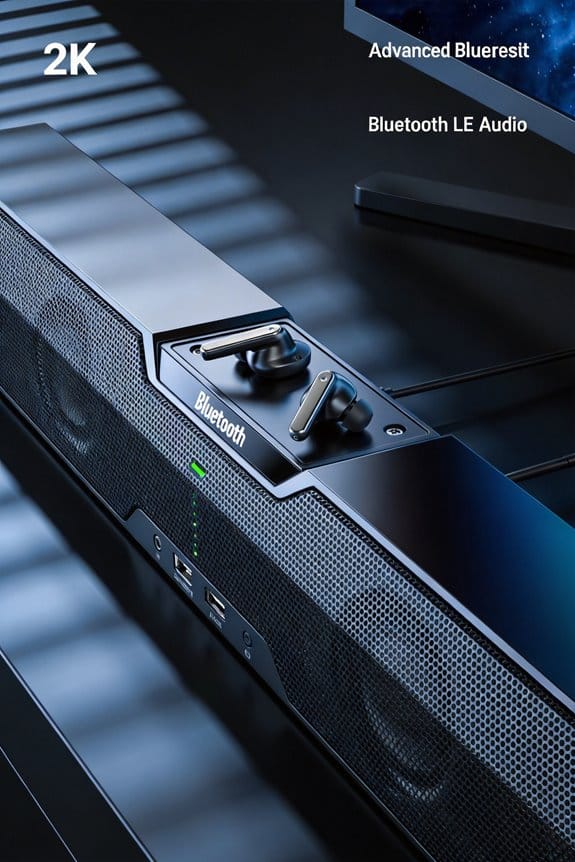
Let’s face it—streaming audio on your hearing aids can be a hassle, especially when you’re always hunting for a charger. But here’s where LE Audio steps in with some promising benefits over classic Bluetooth. If your devices are compatible, you’re in for a treat. For starters, LE Audio cuts power consumption by 50%. That means you can enjoy uninterrupted streaming for much longer—no more running out of battery after just a few hours like with classic Bluetooth.
Why does this really matter? With the LC3 codec, you get clearer audio even at lower bit rates compared to the codecs you’re probably used to. This improvement translates to better sound quality while using less energy, so you can keep your tunes going without thinking about recharging every few hours.
Here’s what you can expect with LE Audio:
- A significantly longer battery life, so you can stream continuously.
- Audio that sounds much better, thanks to higher fidelity and less compression.
- A lower power draw while you’re connected, making it easier on your battery.
- Improved stability, meaning fewer dropouts and better performance across different rooms and obstacles.
Which Hearing Aid Brands and Models Support LE Audio Technology?
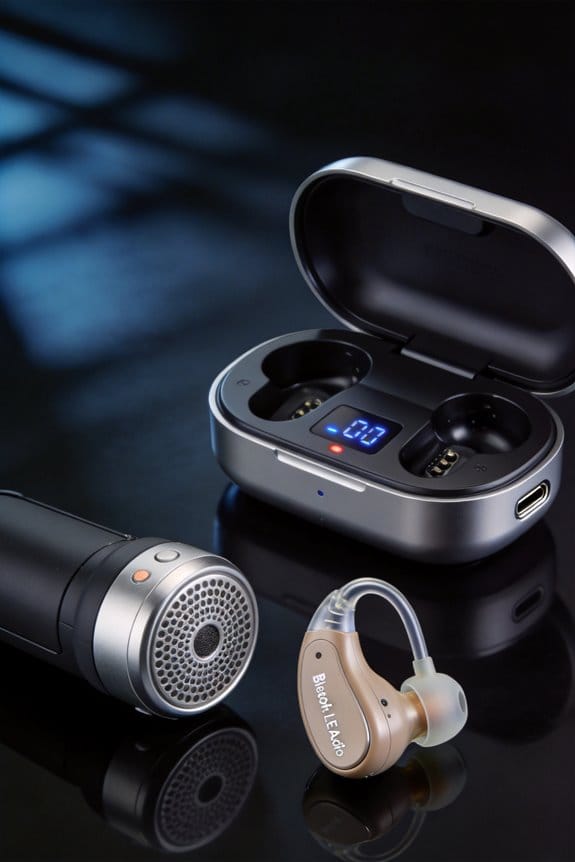
Are you in the market for hearing aids that support the latest LE Audio technology? It can be hard to keep up with all the new tech out there, but you deserve hearing aids that not only work well but also take advantage of the newest features.
Starkey is really making waves with their Genesis AI models, which fully support LE Audio and Auracast. If you’re looking for something versatile, this is a fantastic choice. Signia isn’t far behind, having integrated LE Audio into their IX platform, while Oticon offers it in their Real and Intent series. The exciting part? Many of these models can get firmware updates that’ll enable Auracast functionality down the road.
Phonak, ReSound, and Widex are also on the horizon with devices that will be LE Audio-compatible, but you might have to wait a bit as they’re set for future releases. When you’re comparing brands, it’s a good idea to verify that the specific model numbers clearly state Bluetooth 5.2 or LE Audio certification. Some older models may only use classic Bluetooth, which wouldn’t give you the same experience.
Does Your Phone or TV Work With LE Audio Hearing Aids?
You’ve decided on LE Audio hearing aids, but you might be wondering if your phone or TV can actually work with them. Here’s what you need to know. For your phone to stream directly to these hearing aids, it should have Bluetooth 5.2 or newer. Most newer models, like the iPhone 13 and later, Samsung Galaxy S22 series, and Google Pixel 7, will do the trick. Don’t forget to check under Settings > About Phone to find out your Bluetooth version—it’s super easy!
Now, if you’re looking to connect to your TV, you’ll need a compatible smart TV that also supports Bluetooth 5.2. Don’t have a newer TV? No worries! You can buy an LE Audio transmitter that hooks up to your older TV using either optical audio or HDMI ARC ports. This means you can stream audio straight to your hearing aids without needing more gadgets.
So, how do you connect these devices? Pairing is usually done through your phone’s Accessibility menu or the TV’s Bluetooth settings. Just follow the pairing instructions from the manufacturer to make sure your connection stays strong.
Honestly, checking compatibility before making any decisions can save you a lot of hassle later on. It’s all about making your hearing experience as smooth as possible. Have you thought about which devices you’ll use with your hearing aids?
How to Pair and Connect LE Audio Hearing Aids to Your Devices
Pairing your LE Audio hearing aids can feel daunting, but trust me, it’s a lot simpler than you might think. Ever struggled with fiddling around with apps and complicated menus? Good news—you don’t need any special apps for this. Almost all devices follow a pretty straightforward connection process.
If you’re using an iPhone with iOS 16 or later, here’s what you do: head to Settings, tap on Accessibility, then go to Hearing Devices to kick off the pairing process. But first, make sure your hearing aids are in pairing mode. This usually happens when you either open the battery door or press and hold the power button for around three seconds.
For those with Android devices—like the Pixel 7 or Samsung Galaxy S23—get to pairing by going to Settings, then Connected Devices, and finally, choose Pair New Device. Just a heads-up—check if your device is compatible before buying those hearing aids. Older smartphones and TVs might not have the hardware you need.
Once you’re paired, the best part is that your hearing aids will automatically connect when you turn them on. You’ll be streaming audio in no time, without having to mess with settings again. How cool is that?
In the end, pairing your LE Audio hearing aids is really user-friendly. Have you tried connecting your devices yet? It’s worth diving into!
Can You Stream From Multiple Devices to One Set of Hearing Aids?
Why limit yourself to just one streaming device when your LE Audio hearing aids can connect to multiple sources at the same time? It’s a real convenience that many might not know about.
With LE Audio hearing aids, you can stay connected to your smartphone, laptop, and tablet all at once. You won’t have to deal with the hassle of unpairing and re-pairing whenever you switch devices. Instead, these hearing aids intelligently decide which audio to play based on which device starts streaming first. Isn’t it great when technology just works?
To get the best out of multi-device streaming, make sure each device has Bluetooth 5.2 or higher. This is key. Plus, your hearing aids prioritize important stuff like incoming calls and notifications over other audio streams. That means if you’re enjoying a video and a call comes in, you won’t miss it.
So, why does this matter? It’s about convenience and staying in the moment—whether you’re watching a movie, taking a call, or listening to music, your hearing aids have got you covered.
In short, using multiple devices with your hearing aids can really boost your experience. Have you tried connecting more than one device yet?
What Is Auracast and How Does It Work in Public Venues?
When you walk into an airport terminal or a movie theater with Auracast tech, it really simplifies things if you wear LE Audio hearing aids. No need to mess around with manual pairing or downloading apps—you just get the audio broadcast straight to your hearing aids. This technology is pretty cool because it sends audio to multiple users at the same time so you and your friends can all hear the same movie dialogue or announcements in real-time.
Want to get started? Just check for available broadcasts using your hearing aid controls, pick the channel you want, and within moments, the audio comes through. Pretty neat, right? This system is more than just high-tech; it makes places like theaters, airports, gyms, and conference centers a lot more user-friendly by getting rid of that awkward moment of needing special assistive listening devices. Forget about the worries over checkout, deposits, or hygiene.
The best part is that it operates on Bluetooth 5.2 isochronous channels. This means you can customize your audio experience with volume and equalization settings that suit your ear. So, why does this matter? If you want an enjoyable experience without the hassle typically associated with assistive listening devices, this setup’s definitely worth considering.
Troubleshooting LE Audio Hearing Aid Connection and Streaming Issues
Ever had your hearing aids suddenly drop the connection during your favorite show or podcast? It’s frustrating, especially when you rely on them for a seamless audio experience. While LE Audio hearing aids are designed to improve connectivity compared to classic Bluetooth, there are still moments when things can go awry.
First off, check that your smartphone is running Bluetooth 5.2 or higher. You can find this information in your device’s settings under “About Phone” or “General.” If you’re noticing some hiccups in your connection, a simple fix might be toggling Bluetooth off and on. After that, try removing your hearing aids and re-pairing them. On iPhones, head over to the Accessibility menu, while Android users can find this in the Bluetooth settings.
It’s also a good idea to keep both your phone and hearing aids up-to-date with the latest firmware. Manufacturers like Starkey and Signia often roll out updates that boost audio quality and connection stability.
And here’s the trick: Try to keep your devices within 30 feet of each other, and avoid obstacles that might interfere with the signal. If you have battery-draining apps running in the background, closing those could help too.
So, why does this matter? A stable connection not only improves your listening experience but also saves you from those frustrating moments when audio just cuts out. Honestly, staying on top of these small details can make a big difference!
Frequently Asked Questions
Will LE Audio Hearing Aids Work With Older Bluetooth 5.0 Devices?
No, LE Audio hearing aids won’t work with older Bluetooth 5.0 devices due to compatibility concerns. I’d need Bluetooth 5.2 or newer hardware to support LE Audio features, as device limitations prevent backward functionality with earlier versions.
Can I Use LE Audio Hearing Aids While Watching TV Simultaneously?
Yes, you can stream TV audio directly to your LE Audio hearing aids like a seamless sound wave. Just guarantee your TV supports Bluetooth 5.2+ for full hearing aid compatibility, or use a compatible transmitter for effortless connection.
Do LE Audio Hearing Aids Cost More Than Classic Bluetooth Models?
I’ve found that LE Audio hearing aids don’t necessarily cost more than classic Bluetooth models. Pricing comparison shows market trends favor competitive rates as adoption grows, with costs depending more on brand features than just the Bluetooth technology type.
How Does Weather or Humidity Affect LE Audio Hearing Aid Performance?
I haven’t found evidence that weather conditions or humidity impact LE Audio performance specifically. However, like all hearing aids, you’ll want to protect them from moisture using dehumidifiers or storage cases to maintain peak function.
Are Firmware Updates Required Regularly for LE Audio Hearing Aids?
Firmware fixes aren’t frequent but fundamentally important for your LE Audio hearing aids. I’d recommend checking for updates quarterly to guarantee peak performance monitoring, enhanced connectivity features, and security patches that keep your devices running smoothly.