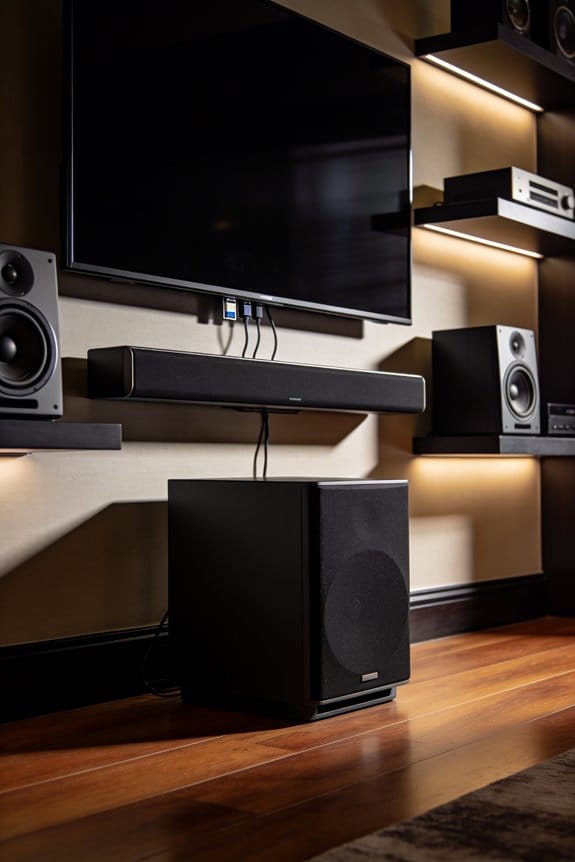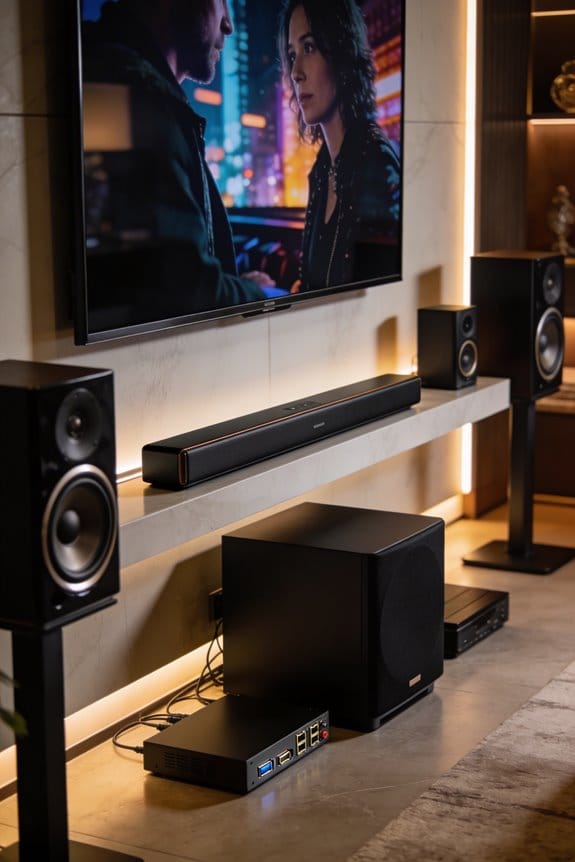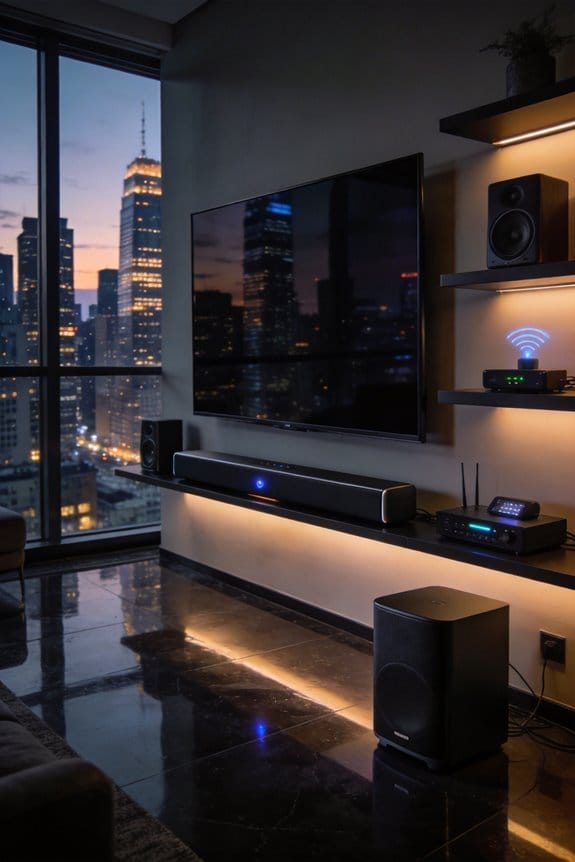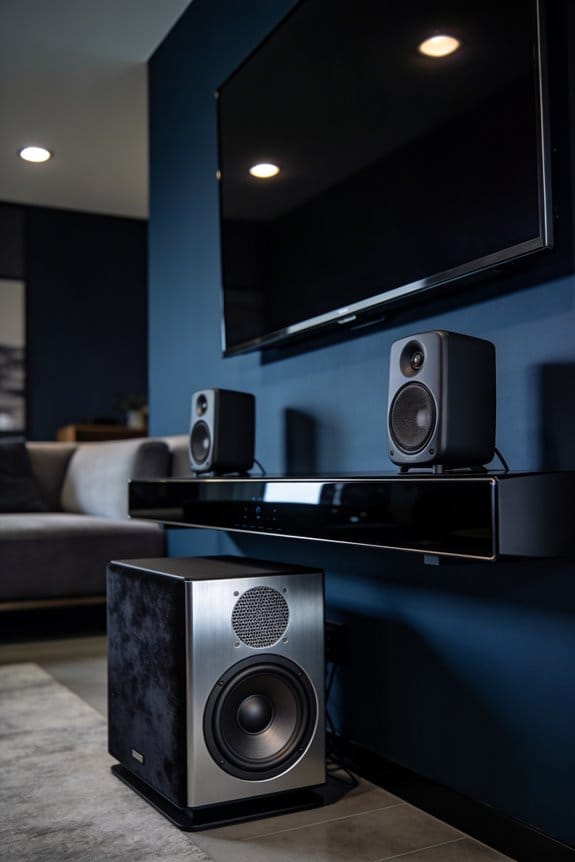

WiSA delivers true high-resolution wireless surround with 24-bit/96 kHz uncompressed audio across up to 8 channels, achieving 2.6 ms latency that outperforms Bluetooth’s 30-200 ms delay. I’ve found it can replace traditional AV receivers when you connect a WiSA transmitter like the SWM908SD to your TV or gaming PC, supporting Dolby Atmos and DTS:X formats. However, you’re limited to single-room audio, and some TVs restrict output to 2.0 or 5.1 channels through compatibility issues. The sections below explore setup processes, codec support, and performance comparisons.
Key Takeaways
- WiSA delivers true high-res wireless audio with 24-bit/96 kHz quality across 8 channels, eliminating traditional speaker cables.
- Ultra-low 2.6 ms latency ensures perfect lip-sync for movies and gaming, vastly outperforming Bluetooth technology.
- Supports premium formats like Dolby Atmos and DTS:X when used with compatible transmitters and source devices.
- Maintains precise speaker synchronization within ±2 µs across 24 radio channels, avoiding common wireless interference issues.
- Limited to single-room audio and may face TV compatibility restrictions, requiring verification before purchase.
What Is WiSA and How Does It Replace Your AV Receiver?
If you’ve dealt with the hassle of running speaker cables all around your living room, you might want to consider WiSA technology as a solution for your home audio setup.
Understanding WiSA Technology
So, what exactly is WiSA? It stands for Wireless Speaker and Audio, which is a standard that lets you stream uncompressed digital audio from your device to compatible speakers. With this system, you can ditch the messy speaker wires and RCA cables—though keep in mind, your speakers will still need their own power sources.
AV Receiver Alternatives
Now, here’s the cool part: WiSA can actually replace your AV receiver for many setups. You simply hook up a WiSA transmitter, like the SWM908SD model, directly to your TV, soundbar, or gaming PC. This tech can support up to 8 channels with great audio quality—24-bit/96 kHz—making it perfect for popular formats like Dolby Atmos and DTS:X.
So why does this matter? It opens up a lot of possibilities for arranging your space without bulky equipment getting in the way.
Frankly, switching to WiSA could simplify your home theater experience without sacrificing sound quality. Whether you’re a cinephile or a casual gamer, this could be a way to enjoy your audio setups without the clutter.
In short, if you want a cleaner look without compromising on sound, WiSA might be worth checking out. What do you think? Would you give wireless audio a try?
WiSA’s Single-Room Limit and TV Compatibility Deal-Breakers
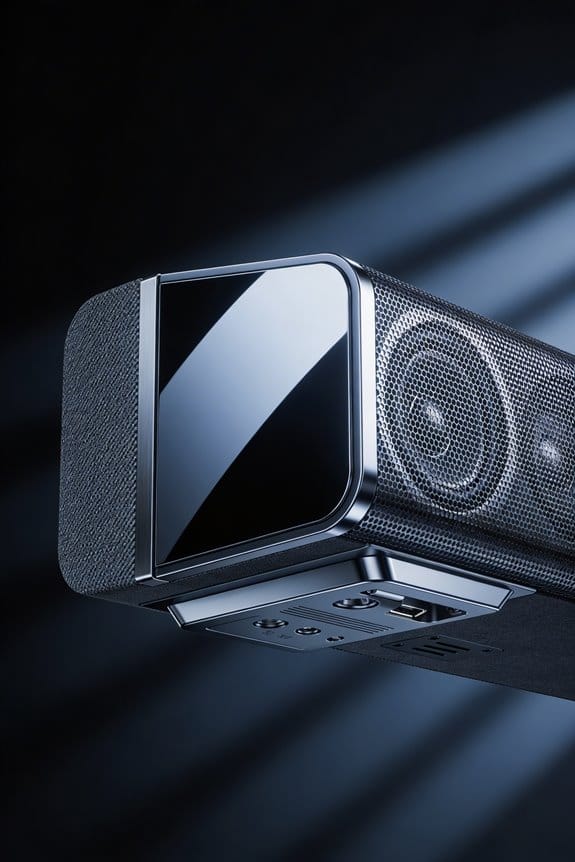
Why does WiSA’s single-room limitation matter for your home theater plans?
Room Limitations
Picture this: you’re excited to set up your home theater, but then you find out WiSA only allows audio in one room at a time. If you want to enjoy surround sound in your living room, you can’t have those same WiSA speakers blasting in your bedroom. This setup really means you’re stuck with a 30 ft × 30 ft space. Want to have a great sound experience in both rooms? Unfortunately, you’ll have to pick just one.
Codec Compatibility
Let’s talk about codec compatibility, because this can get tricky. Some TVs are a bit picky and might limit full Dolby Atmos sound through WiSA, capping your options to just 2.0 or 5.1 channels. Before you dive in and buy those speakers, take a minute to check your TV’s audio output menu to see if it supports WiSA. And here’s a heads up: sometimes TVs need specific firmware updates to actually get WiSA working. Don’t forget, compatibility also depends on your source device and speaker features. You want to make sure it supports Dolby TrueHD or DTS:X to get the best sound.
Truth is, those limitations can be a real buzzkill for your audio ambitions. So, before you commit to WiSA speakers, make sure you’ve got your TV and room situation figured out. Does it really fit with how you want to set up your space?
Does WiSA Support Full Dolby Atmos and DTS:X?
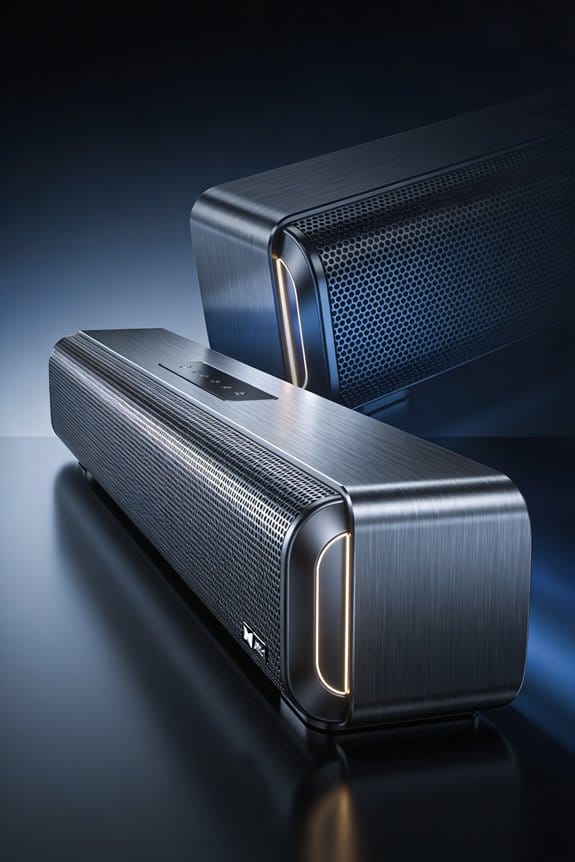
When setting up a WiSA system, you might be wondering if it truly supports the full Dolby Atmos and DTS:X experience. The protocol can handle up to 8 channels of uncompressed audio at 24-bit/96 kHz, which allows for configurations like 7.1 or 5.1.2, plus DTS:X formats. But here’s the kicker—just because the tech is capable, it doesn’t mean every device plays nicely together.
So, why does this matter? Well, compatibility is key. Whether you can enjoy Dolby Atmos depends on your source device and speakers supporting these audio codecs. While WiSA does allow for Dolby Digital Plus, Dolby TrueHD, and other object-based surround formats, it doesn’t automatically include them. That means your gear needs to back it up.
Keep in mind, your TV might only spit out a 2.0 or 5.1 channel signal through WiSA, even if the protocol can handle more. Before splurging on WiSA speakers for that Atmos setup, check your television’s audio output capabilities. It’s a bummer to think you’re getting the full experience only to discover you’re missing out because of a hardware limitation.
If you’re gunning for DTS:X, be diligent. You should verify that both your transmitter and receiver explicitly state support for this codec. Not all WiSA-certified equipment comes loaded with it. This extra step can save you from potential disappointment.
Why WiSA’s 5 GHz Audio Beats Bluetooth and Sonos
Have you ever watched a movie or played a game only to realize the sound is out of sync with the action on screen? It can be super frustrating. If you’ve been relying on Bluetooth or systems like Sonos for your wireless audio, you might not know there’s a better option out there: WiSA. Compared to Bluetooth, WiSA’s 5 GHz technology really shines.
Let’s talk about latency. This is basically the delay between the sound you hear and what’s happening visually. WiSA clocks in at a slick 2.6 ms at 96 kHz, while Bluetooth usually ranges from 30 to 200 ms. Yeah, that’s a big difference. What does this mean for you? Simple—perfect lip-sync accuracy for movies and gaming, so you can enjoy the full experience without that annoying lag.
Now, Bluetooth isn’t just slow; it also compresses audio, which means you’re not getting the best sound quality. Plus, it’s competing for airspace in the crowded 2.4 GHz spectrum, leading to more interference. WiSA, on the other hand, transmits uncompressed 24-bit/96 kHz audio across 24 special radio channels. It dynamically switches frequencies to avoid interference from things like Wi-Fi routers or microwaves. Pretty neat, right?
You might be wondering how all of this impacts your listening experience. Well, speaker synchronization with WiSA stays within ±2 µs, ensuring that sound from all your speakers is in perfect harmony. This level of precision helps create a soundstage that’s just not attainable with compressed audio solutions.
Setting Up WiSA Speakers: What Actually Happens in Minutes
You’ve probably experienced the frustration of setting up audio systems that feel more complicated than they should be. So, what if I told you that WiSA makes the whole process a breeze?
The Basic Setup Process****
To get started, just power on your WiSA transmitter. Connect it to your TV’s optical or HDMI ARC port, and plug in each of your speakers. Within about 30 seconds, the system will automatically recognize the speaker types, how many you’ve got, and their setup configuration. There’s no need to fiddle with calibration menus or go through tedious pairing processes. You won’t even need to download an app.
Speaker Placement Considerations
When placing your speakers, keep in mind the maximum coverage area of 30 ft × 30 ft. The best part is that the transmitter takes care of assigning channels based on what speakers you have plugged in—whether it’s 2.0, 5.1, or 7.1 setups. You’ll get your front left, center, right, surround, and subwoofers all connected at the same time through a steady 5 GHz network. No individual pairing steps mean you can spend less time setting up and more time enjoying your favorite soundtracks or movie soundscapes.
Honestly, who enjoys digging through manuals and wrestling with complicated connections? With WiSA, it feels like a breath of fresh air.
In a nutshell, setting up your WiSA speakers is quick and straightforward. Why not give it a try and see how easy it can be?
Frequently Asked Questions
Can I Use My Existing Passive Speakers With Wisa Technology?
I’ll cut straight to the chase: passive speakers won’t work directly with WiSA technology. Regarding WiSA compatibility questions and passive speaker options, you’ll need active speakers with built-in amplifiers and WiSA receivers for true wireless performance.
What Happens if My Wi-Fi Router Interferes With Wisa’s 5 GHZ Signal?
WiSA’s dynamic frequency selection automatically monitors for signal interference and switches between 24 available RF channels to avoid Wi-Fi impact. I’ll experience uninterrupted audio since the system continuously finds clear channels, maintaining high-fidelity transmission without my intervention.
How Much Does a Complete Wisa Speaker System Typically Cost?
I can’t pin down exact pricing since the knowledge provided doesn’t include costs for WiSA systems. Budget speaker systems and wireless audio solutions vary widely depending on brands and configurations you choose.
Can I Mix Different Wisa Speaker Brands in One Setup?
Yes, I can mix different WiSA speaker brands in one setup thanks to WiSA brand compatibility standards. However, mixed speaker performance may vary since different manufacturers use distinct drivers, cabinets, and tuning that could affect overall sound cohesion.
Does Wisa Work With Vinyl Turntables or Analog Audio Sources?
WiSA requires digital input, so vinyl compatibility needs an intermediary. You’ll connect your turntable to a phono preamp, then to a WiSA transmitter with analog connection ports. This converts your analog signal to digital for wireless transmission.