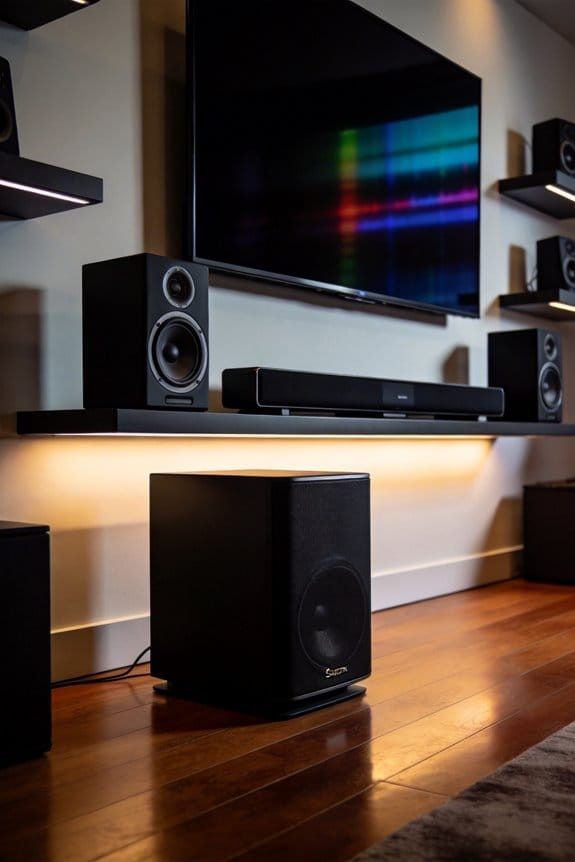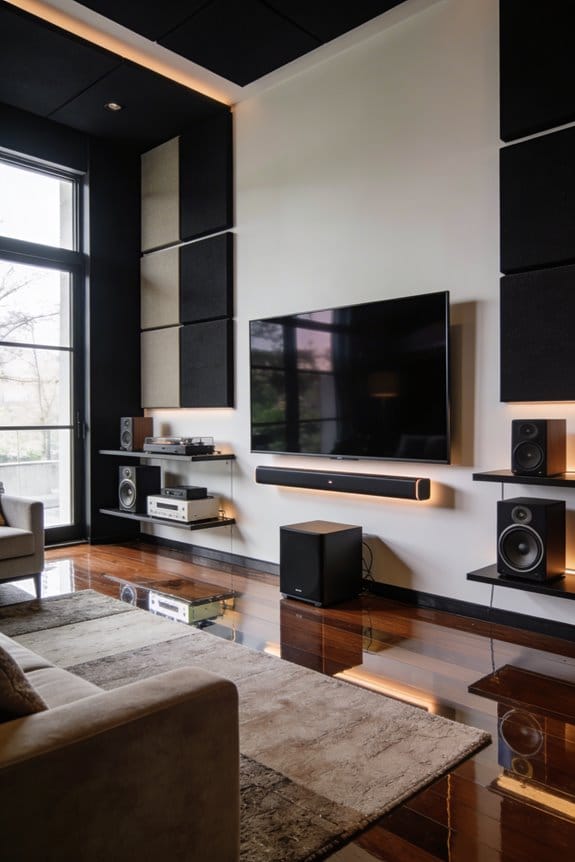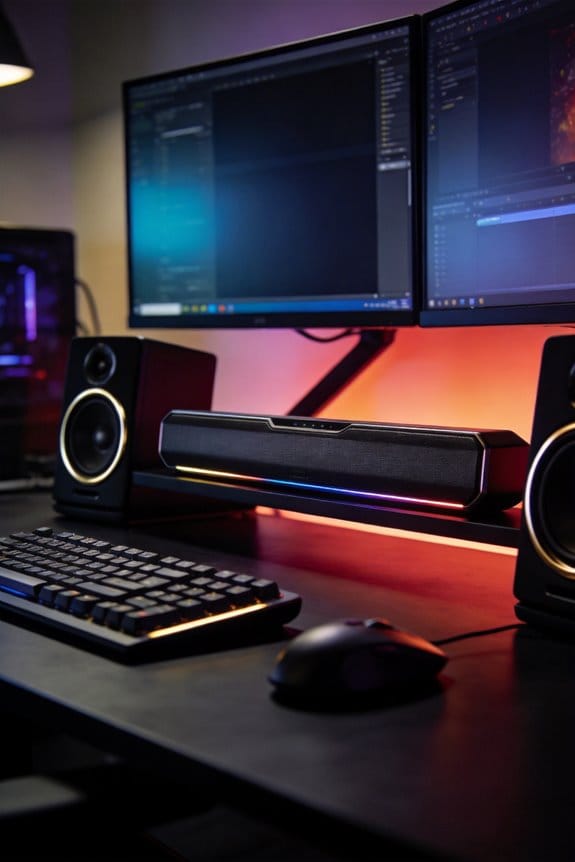

I’ve noticed PC gamers switching to near-field desktop soundbars because they eliminate the physical discomfort of wearing headsets during marathon sessions, which causes clamping pressure on your ears and head. These compact speaker systems deliver immersive spatial audio with technologies like THX Spatial Audio and DTS:X while letting you stay aware of your surroundings for phone calls and conversations. Models like the Creative Stage V2 at $79.99 and Razer Leviathan V2 at $249.99 offer virtual surround sound without isolation, and they adapt seamlessly between gaming, streaming, and socializing. The sections below explore ideal positioning, specific use cases, and performance comparisons.
Key Takeaways
- Soundbars eliminate headset fatigue and clamping pressure during extended gaming sessions, providing superior comfort for marathon play.
- Near-field soundbars enable social gaming experiences, allowing conversation with family and maintaining awareness of surroundings.
- Desktop soundbars deliver immersive spatial audio through virtual surround technologies like THX, DTS:X, and Dolby Atmos.
- Streamers benefit from improved audio clarity, reduced neck strain, and better monitoring of room acoustics and technical issues.
- Budget-friendly options like the Redragon GS550 ($39.99) make quality gaming audio accessible without expensive headset investments.
Why Gaming Soundbars Are Gaining Ground Over Headsets
The comfort of soundbars is just the tip of the iceberg when it comes to their practical perks. Imagine being able to chat with your family while you’re deep into a gaming session or easily picking up phone calls without fumbling around. Plus, you won’t lose track of what’s happening around you.
So, why do soundbars stand out? They still deliver that immersive gaming experience you crave. With directional audio channels, models like the Creative Stage V2 and Razer Leviathan V2 Pro do an excellent job of creating spatial sounds. It’s like having dedicated drivers for the left, right, and center, which helps you hear enemy footsteps and environmental noises with clarity.
If you want to enhance your setup, think about this:
- You get to enjoy surround sound without the hassle of wearing a headset.
- It’s way easier to switch between different activities—whether you’re gaming, watching movies, or just hanging out with friends.
The best part is that your gaming immersion doesn’t have to take a hit. All these benefits come together to create a setup that works for both fun and practicality.
In the end, soundbars are shaping up to be a solid choice for gamers who want comfort without sacrificing sound quality. Have you considered switching to a soundbar for your gaming setup?
When Headsets Still Beat Soundbars for Competitive PC Gaming
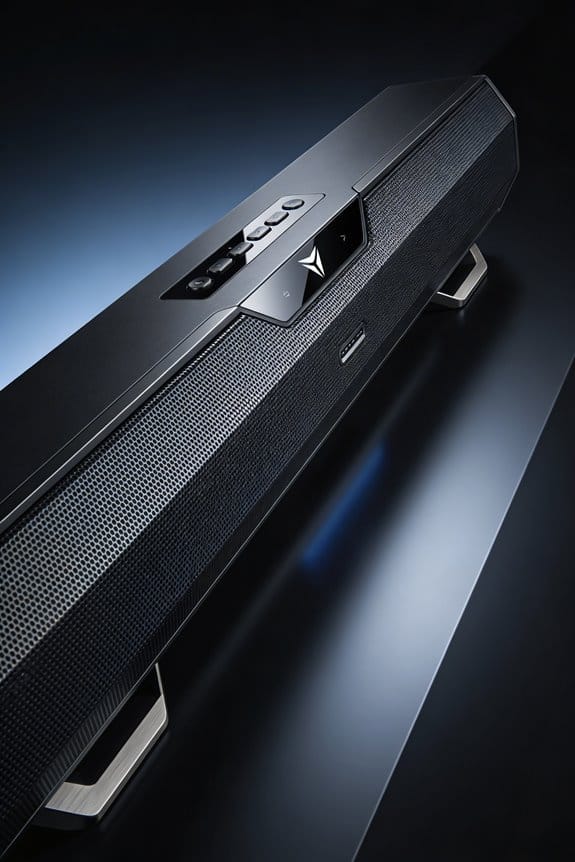
While soundbars can work great for casual gaming, if you’re serious about competitive play, headsets are really where it’s at.
Critical Headset Advantages in Esports
Headsets excel at giving you precise directional audio cues. Imagine being able to pinpoint enemy footsteps or identify the source of gunfire with just a tiny audio shift—it’s a game of millimeters. This clarity comes from closed-back designs that block out outside noise, allowing you to focus on the immersive sounds in your game. No more distractions from keyboard clatter or background chatter; everything that matters comes through crystal clear.
When You Must Choose Headsets
In tournament scenarios, using headsets is key. Soundbars can leak audio, which might give away your position to other players nearby. Plus, headsets have integrated microphones that sit closer to your mouth, making sure your teammates hear you loud and clear without the noise from your surroundings. For tactical games like Counter-Strike 2, Valorant, and Rainbow Six Siege, that sharp spatial awareness is crucial and something soundbars just can’t consistently deliver.
The Best Desktop Soundbars for Immersive Gaming Audio
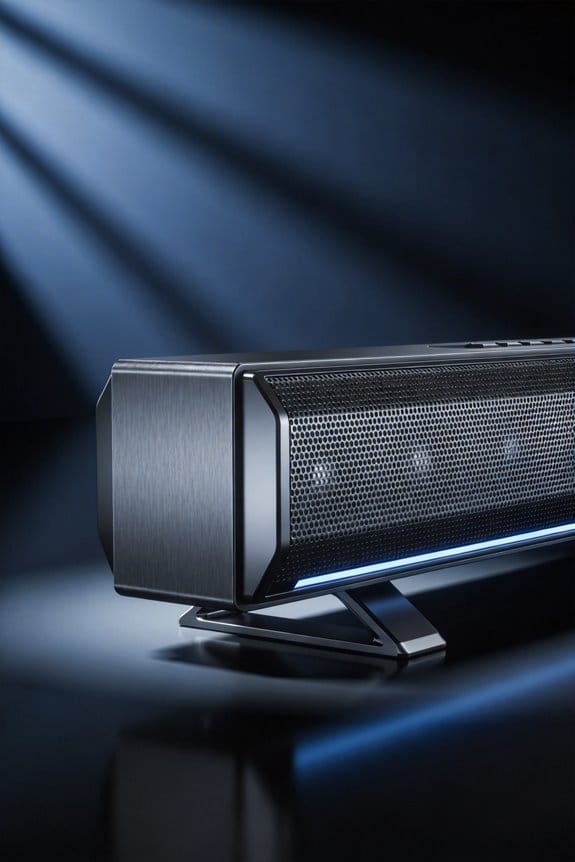
For those laid-back gaming nights or solo adventures, desktop soundbars can really elevate your audio experience. They let you soak in rich, immersive sound without that heavy pressure of headphones sitting on your ears.
Top Gaming Soundbar Options
The Creative Stage V2 is a solid choice, offering virtual surround sound thanks to its dual full-range drivers. Priced at $79.99, it gives you clear positional audio that fits perfectly with atmospheric games. If you’re willing to splurge a bit, check out the Razer Leviathan V2. It features THX Spatial Audio technology and some fancy RGB lighting, coming in at $249.99. You’ll appreciate its audio clarity delivered through multiple drivers. For those keeping an eye on their budget, the Redragon GS550 packs stereo sound with RGB effects for just $39.99.
Key Features to Prioritize
Before you make a decision, consider what connectivity options you need. Look for soundbars with USB, Bluetooth 5.0, and 3.5mm auxiliary inputs to easily connect your devices. Also, pay attention to the driver configurations; dual-driver systems are great for enhancing spatial awareness, while quad-driver models bring fuller surround sound reproduction. So, why does this matter? A soundbar that fits your setup can make all the difference in how you experience the game.
Ultimately, there’s a great soundbar out there that matches your gaming style and budget. Think about what features matter most to you, and don’t hesitate to invest a little for quality audio. What’s your favorite way to enjoy gaming sound?
How Soundbars Eliminate Headset Fatigue During Long Sessions
Ever spent hours gaming with headphones pressed tight against your ears? It’s easy to get lost in the action, but after a while, that clamping feeling can turn uncomfortable fast. Discomfort builds around your ears, temples, and even the crown of your head. This annoying headset fatigue happens because of the constant pressure pressing against your skull, regardless of how cushy the ear pads are or how well you’ve adjusted them.
Try using a desktop soundbar instead. These nifty speakers sit neatly below your monitor, so there’s no need to wear anything on your head. You can dive into gaming sessions as long as you want without feeling that familiar pressure. Whether it’s two hours in or five, your ears and head won’t cry for relief.
The real magic of soundbars shines during those marathon gaming bashes or weekend tournaments when you’re glued to the screen. You still get all the fantastic audio, but your head, neck, and ears can stay relaxed. Imagine not being tethered by your headset yet enjoying that immersive experience—sounds pretty good, right?
Honestly, it’s a simple switch that can make a big difference. After all, gaming should be about having fun, not how much your ears can handle. So, if you’ve been putting up with discomfort just to enjoy your games, why not give a soundbar a shot? You might just find a new way to play without the fatigue.
Why Streamers and Content Creators Prefer Soundbar Setups
How do streamers keep their audience engaged while ensuring high audio quality? It can be a real challenge. But one solution many content creators are turning to is desktop soundbars. They not only make the sound clearer but also let viewers see your facial expressions and reactions, which can really boost engagement and keep people glued to your stream.
Here are some advantages to consider if you’re thinking about making the switch:
- With soundbars, the audio is right in front of you, which helps minimize neck strain during those marathon streaming sessions.
- You can listen without blocks in your ears, making it easier to gauge the room’s acoustics and spot any tech issues on the fly.
- Collaboration with co-hosts becomes a breeze since you can hear their voices through the speakers rather than through headphone audio that might be harder to decipher.
- Plus, if you’re using a quality XLR mic, it’ll pick up your voice beautifully while keeping the speaker output from bleeding into the mic.
This setup shifts the focus onto the viewer’s experience instead of just your personal immersion.
So, why does this matter? Think about it. When your audience feels more connected to you, they’re likely to stick around longer.
Positioning and EQ Settings to Optimize Gaming Soundbar Performance
Once you’ve settled on your soundbar setup, the next step is to get it positioned and tuned just right for gaming. Think about it: how often has a poorly placed sound system ruined your immersion? To avoid that, place the soundbar directly below your monitor, at ear level, about 2-3 feet away from where you sit. This will help in creating that surround sound effect you crave. And don’t forget to angle those drivers toward your head at about 15-20 degrees for the best directional sound.
Most of the time, gaming soundbars come with their own software for calibration. Try this: dive into the EQ menu and boost those frequencies between 250-500Hz. Why? Because that’s where you’ll hear footsteps and environmental sounds that can make all the difference in your gameplay. Also, pay attention to the higher frequencies; reducing those above 8kHz can keep your ears from getting tired during those marathon sessions.
The best part is the option for virtual surround modes, like DTS:X or Dolby Atmos; these can be enabled right from your device settings panel. If you have built-in room correction, go ahead and run that as well— it analyzes your space and automatically adjusts the output for you.
Frequently Asked Questions
Can Gaming Soundbars Work Effectively With VR or AR Headsets?
I’d say gaming soundbars struggle with VR headsets since you’re physically moving around, breaking the near-field sweet spot. AR compatibility works better since you’re stationary, but dedicated VR audio solutions still deliver superior immersive experiences for those platforms.
Do Soundbars Interfere With Microphone Quality During Voice Chat or Streaming?
soundbars can cause audio interference and echo during voice chat if your microphone picks up their output. I recommend using push-to-talk or noise-canceling mics to maintain microphone clarity while streaming.
Are Desktop Soundbars Compatible With Consoles and Living Room Gaming Setups?
Desktop soundbars work with consoles via HDMI or optical connections, but they’re optimized for near-field desktop use. For living room integration, you’ll get better results with traditional soundbars designed for distance listening and console compatibility.
How Do Soundbar Prices Compare to High-End Gaming Headsets?
I’ve found quality desktop soundbars often cost less than premium gaming headsets while delivering superior spatial audio. Soundbar advantages include no ear fatigue, while headset drawbacks involve discomfort and frequent replacements.
Will Roommates or Family Complain About Soundbar Volume During Gaming Sessions?
Yes, they might. I’d suggest discussing roommate tolerance levels and family preferences beforehand. Near-field soundbars direct audio toward you, but gaming sessions can still disturb others, especially during late-night play or intense action sequences.