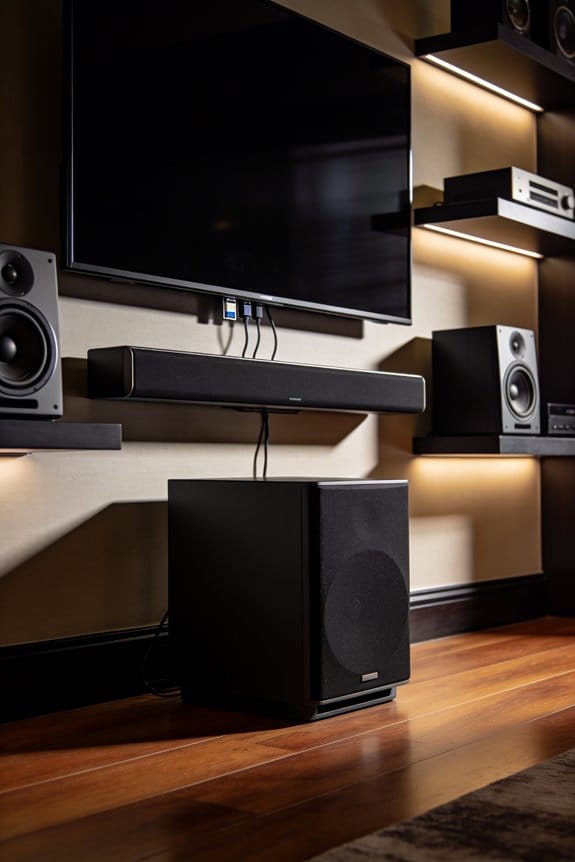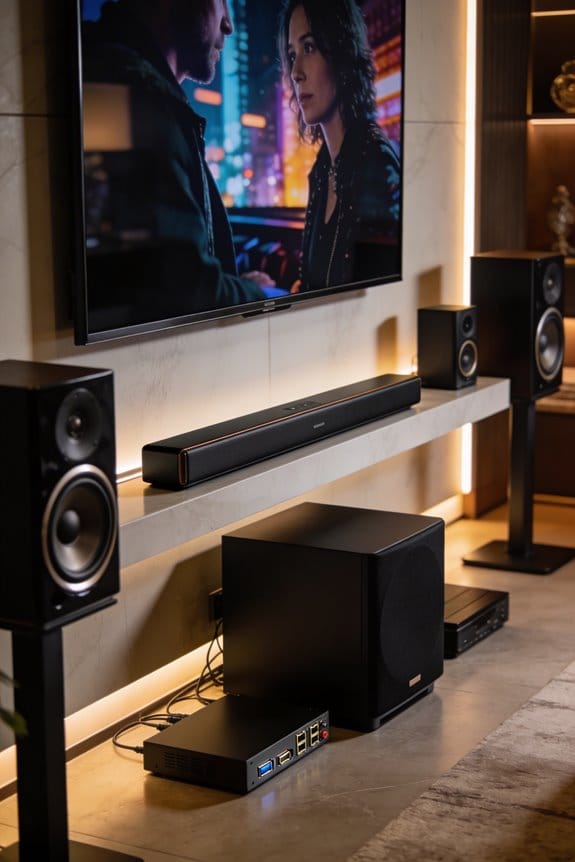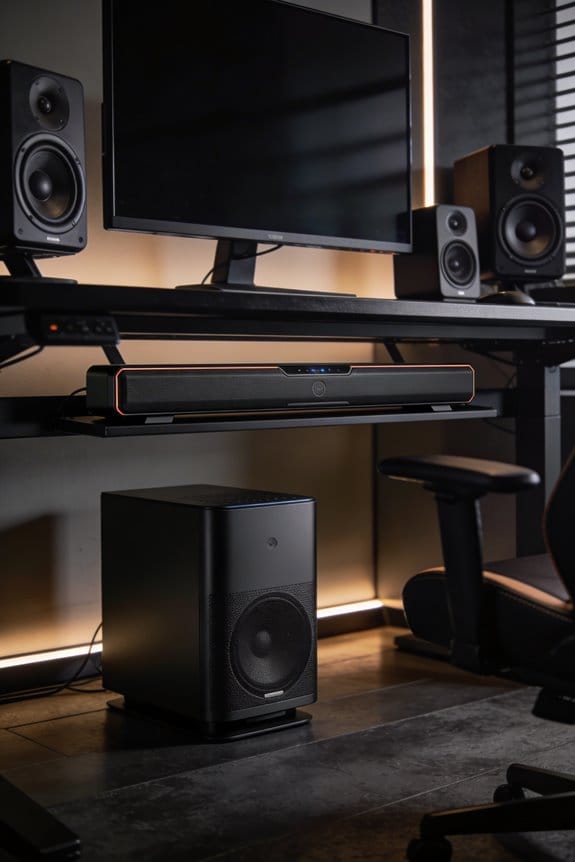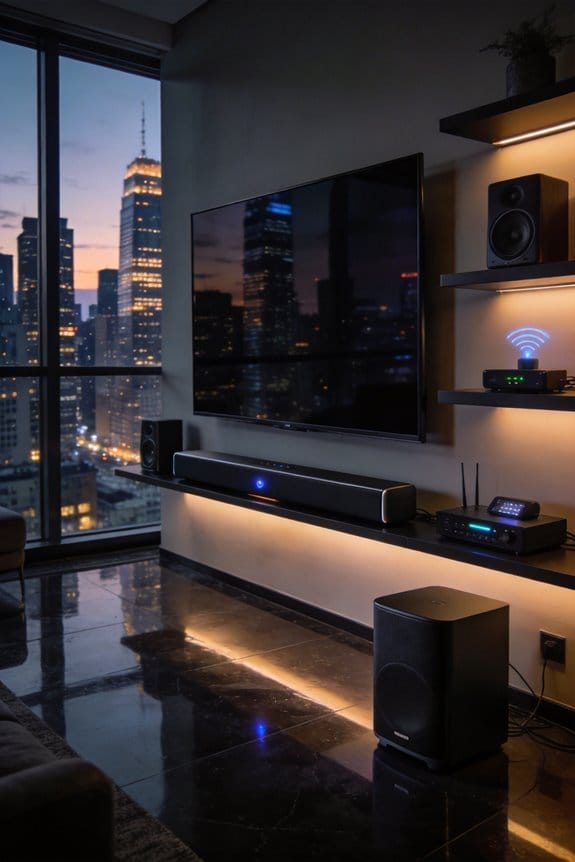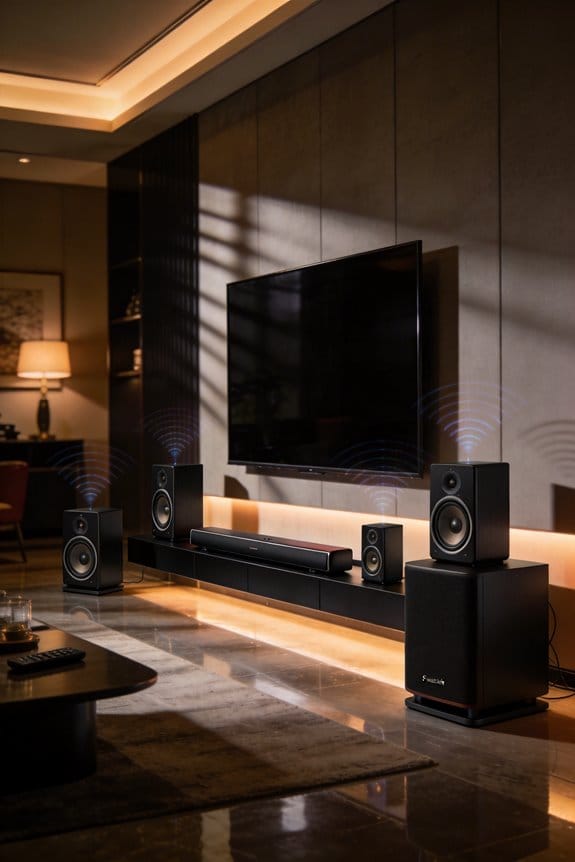

RF interference affects your 5GHz wireless surround speakers by flooding their frequency bands with competing signals from Wi-Fi routers, neighboring networks, and household devices like Blu-Ray players, which causes audio dropouts, crackling sounds, and complete connection failures. I’ve found that 5GHz signals weaken considerably when passing through walls and furniture compared to 2.4GHz frequencies, and your Wi-Fi speeds can drop from 200-300 Mbps to just 5-7 Mbps during these interference episodes. The sections below explain positioning strategies, diagnostic procedures, and advanced solutions to eliminate these disruptions.
Key Takeaways
- RF interference causes audio dropouts and connection issues in 5GHz wireless speakers, indicated by blinking red lights on the devices.
- 5GHz signals weaken more than 2.4GHz when passing through physical barriers like walls and furniture, increasing susceptibility to interference.
- Interference from wireless devices and routers can reduce Wi-Fi speeds from 200-300 Mbps to 5-7 Mbps, affecting streaming quality.
- Position routers at least 10 feet away from speakers and 5-6 feet off the ground to minimize interference and signal disruption.
- Switching speakers to 2.4GHz band or using non-overlapping channels can reduce RF conflicts and improve audio performance.
How to Stop 5GHz Wireless Speaker Dropouts and Crackling
When you’re jamming out to your favorite tunes and your 5GHz wireless surround speakers start dropping out or crackling, it can be super frustrating. The good news is that you can tackle this issue by figuring out where the interference is coming from, adjusting how things are set up, and tweaking some network settings.
Identify Common RF Interference Types
Start by checking if the interference is coming from wireless sources. One way to do this is by testing non-wireless devices, like your Blu-Ray player, while turning off all Wi-Fi connections. This can help you pinpoint if the problem lies with the transmitters. Keep an eye on those indicator lights too; they usually blink red when interference happens but return to solid white once the audio is back on track.
Optimize Wireless Speaker Configurations
For clearer sound, try moving your router at least 10 feet away from your speaker setup. It helps if there’s vertical separation between the devices, too. Increasing the distance between your Wi-Fi access points and speakers by just 50 to 100 centimeters can dramatically cut down on interference from those transceivers. Also, if you have transmitters stashed away in enclosed cabinets or tight spaces, consider relocating them. These areas can mess with the signal big time.
In short, small adjustments can go a long way in improving your audio experience. So, have you checked your setup recently? Making some of these changes could be the key to enjoying uninterrupted sound.
What’s Causing Interference With Your Wireless Speakers?
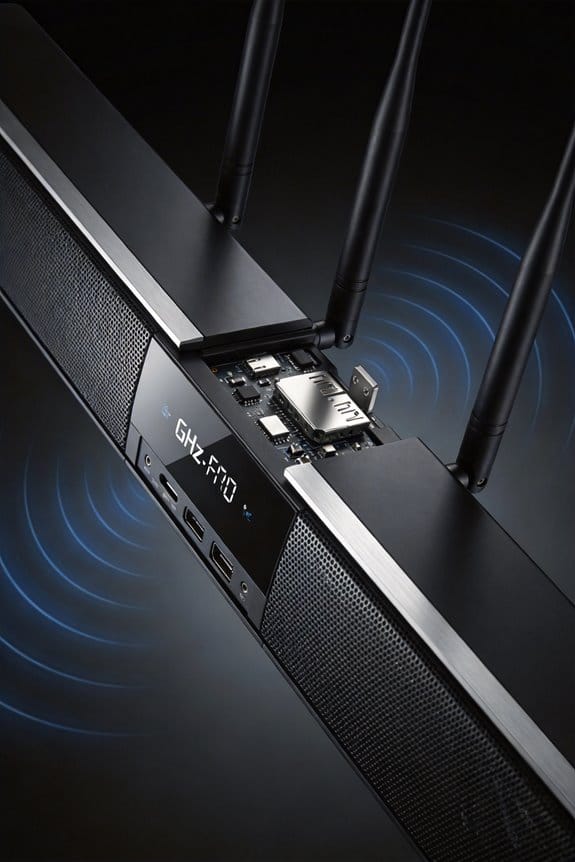
Are your 5GHz wireless speakers cutting out on you? It can be super frustrating, especially when you just want to enjoy your favorite tunes. The culprit might be some common sources of interference hanging out in your home.
First off, let’s talk about nearby Wi-Fi networks. If you live in an apartment or a densely populated area, the chances are pretty high that you’re dealing with network congestion. This can really mess with your connectivity since the available channels get crowded. Not fun, right?
Bluetooth devices can be another pain point. When gadgets and accessories operate on similar frequency bands, it can cause signal issues that might reduce your system’s performance by about 30%. That’s quite a hit if you want high-quality sound!
Then there are those other electronic devices we sometimes forget about—like cordless phones, video transmitters, and even LCD monitors. They emit RF noise that can throw your speakers off their game. It might seem surprising, but even the physical barriers in your space can block those 5GHz signals more than the slower 2.4GHz ones. So, if you’ve got walls or furniture in the way, that could be the problem too.
Here’s some advice: check your power supply connections. If they’re weak, that can make the interference effects even worse. Plus, consider relocating your router. Aim for at least 10 feet from your speaker components to help reduce any transceiver blocking.
Honestly, it’s all about finding the right setup. If you can tackle these factors, you’ll be on your way to a much better audio experience. So, what steps will you take to improve your wireless speaker performance?
Where to Position Speakers and Routers to Prevent Dropouts
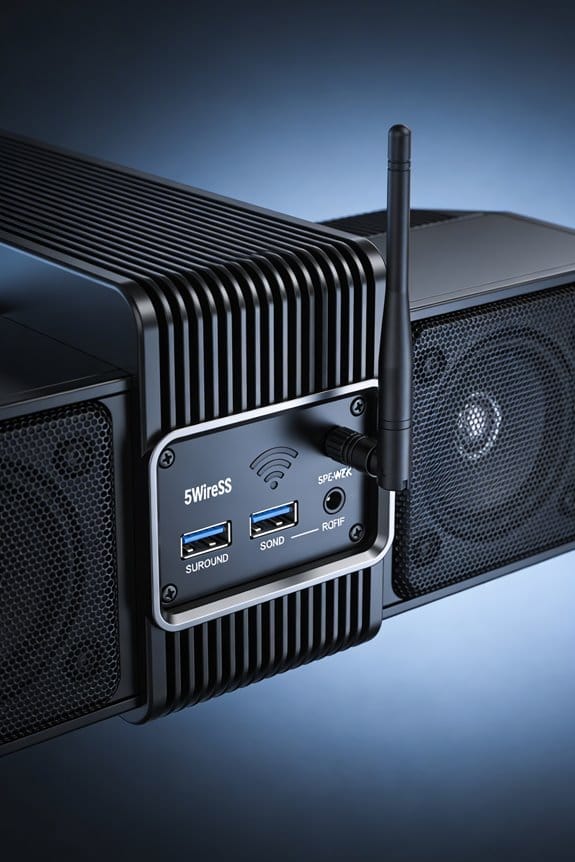
Did you ever find yourself jamming out to your favorite tunes only to have the sound cut out sporadically? It’s frustrating, right? Even the fanciest 5GHz wireless speakers can stumble a bit if they’re not placed right in relation to your router and other gadgets.
Try this: keep at least 10 feet between your router and speaker transmitters. This simple act can really help cut down on interference. You also want to think about your router’s height. Aim to set it up about 5-6 feet off the ground. Meanwhile, keep your speakers at a standard height for optimal performance.
Honestly, avoid hiding those speaker transmitters. If you shove them in a closed cabinet or behind a wall, you might as well be asking for trouble. Those 5GHz signals have a tough time getting through obstacles. If you’ve got the flexibility, it’s best to put your router on a different floor from your speakers. This can really make a difference, as it adds some much-needed separation and reduces the chance of audio dropouts and slower Wi-Fi.
So, why does this matter? Because nobody enjoys a good jam session interrupted by dropouts or buffering! Keeping your setup thoughtfully placed could make your listening experience so much smoother.
How to Diagnose What’s Interfering With Your Audio
Have you ever been in the middle of a great movie or a jam session only to have your audio drop out? It’s frustrating, right? Diagnosing the problem requires a bit of patience and a step-by-step approach.
Start by power cycling your devices. Turn off your router and speaker transmitter, give it about 5 seconds, then turn your speakers back on. After that, wait another 10 seconds before restarting your router. This can resolve some temporary glitches.
Next, let’s cut out the noise from other devices. Disable all Wi-Fi gadgets in your home and test your speakers with a BLU-RAY player connected directly with a cable. By doing this, you can pin down if the issue is coming from wireless interference.
Try connecting your speaker setup directly to the router using an Ethernet cable. This can also show if wireless communication is part of the problem. While you’re at it, keep an eye on your transmitter’s indicator light; if it blinks red during dropouts, that’s a sign you’ve got a connection issue. Lastly, after you power everything back up, check if your router and speakers find non-overlapping channels. This can help highlight any frequency conflicts causing your audio woes.
Why Walls and Distance Kill 5GHz Speaker Signals
Have you ever noticed your 5GHz speaker cutting out or sounding muffled? You’re not alone. Once you’ve checked for device interference and made sure there are no channel conflicts, it’s time to dive into how physical barriers can mess with your signal.
When a 5GHz signal runs into walls, floors, or even pieces of furniture, it gets weaker, and this happens way more than with 2.4GHz signals. Honestly, it’s quite a difference! In fact, 5GHz signals lose about 2-3 dB more strength each time they pass through a physical barrier. So if your speaker transmitter is sitting inside a closed cabinet, behind a wall, or near something dense like a bookshelf, you can expect connectivity issues to pop up.
Here’s the trick: Keep a clear line-of-sight between your transmitter and your speakers whenever you can. Try positioning your transmitter outside closed spaces, home free of metal surfaces, and at the same height as your speakers. Distance is another factor to consider—each extra 10 feet can really diminish your signal strength at 5GHz.
So, why does this matter? Well, if you want that sweet sound without interruptions, you need to think about how to set up your space. The best part is, making these changes can significantly improve your experience!
How Wireless Speakers Slow Down Your Wi-Fi Network
Have you ever noticed your Wi-Fi slowing down when you’re enjoying music through your 5GHz wireless speakers? It’s frustrating, right? Those speakers can actually compete with your Wi-Fi devices for the same airspace, which can really mess with your internet speeds.
When you’re streaming audio and trying to browse the web or stream a video at the same time, your wireless bandwidth gets split between the two. This means both your speakers and other devices have to take turns sending their data through the same channel. The results aren’t pretty; Wi-Fi speeds can drop from a smooth 200-300 Mbps down to a sluggish 5-7 Mbps when those speakers are chatting away. This slowdown happens because the data fails to transmit smoothly, so your devices end up sending the same information over and over again, wasting precious airtime.
Even if your speakers and Wi-Fi are on different channels, there’s still an issue with something called out-of-band noise. It’s kind of like background static; it interferes with everything, leading to slower speeds, more lag, and frustrating jitter during video calls or while binge-watching shows.
So, what’s the takeaway here? If you want a better experience, try switching your speakers to another band, like 2.4GHz, or limit how many devices are running on 5GHz at once. It can really help stabilize your Wi-Fi performance while still enjoying your favorite tunes.
In short, balancing the load between your speakers and other wireless devices is key to a smoother surfing experience. Have you ever tried making adjustments like these to improve your connection?
Advanced Fixes When Basic Solutions Don’t Work
Have you ever felt like your Wi-Fi is just not playing nice with your speakers? You’re definitely not alone. Sometimes, simply moving your router away from your speakers or switching Wi-Fi channels doesn’t cut it. When those basic fixes fall short, there are some advanced steps you can take to tackle the issue head-on.
Try this: dive into your router’s settings. Look for the option to adjust the channel width from 80MHz to 40MHz. This small tweak can help reduce interference with your speaker system. Plus, consider placing signal boosters in key spots between your router and devices. This can really help combat that pesky noise interference.
Another good move is to invest in dual-band network adapters for your computers. This’ll let you separate your wireless speaker traffic onto the 5GHz band while keeping general internet use on the 2.4GHz band. It’s a straightforward way to reduce congestion and improve performance.
What’s even better? Use interference mapping software like Wi-Fi Analyzer. It can help you visualize where the congestion is coming from and pinpoint cleaner frequency segments. This is key if you want both your Wi-Fi and speakers to coexist peacefully.
In short, when the usual fixes don’t do the trick, don’t hesitate to dig deeper into your router settings and use some tech to your advantage. So, what’s stopping you from giving these ideas a try?
Frequently Asked Questions
Can I Use Both 2.4ghz and 5GHZ Speakers in the Same System?
I’d be absolutely thrilled if mixing frequencies worked, but you can’t combine 2.4GHz and 5GHz speakers in one system—they’re incompatible protocols. You’ll sacrifice sound quality and signal range trying to force mismatched technologies together.
Do Wireless Speakers Interfere With Bluetooth Headphones or Other Devices?
Yes, I’ve found that wireless speakers can interfere with Bluetooth headphones since they often share frequency bands. This affects speaker compatibility and causes audio latency issues. Keeping devices separated by several feet usually minimizes these problems effectively.
Will Switching to a Different Speaker Brand Solve My Interference Problems?
I’ve found that switching speaker brands rarely solves interference issues since most manufacturers face identical 5GHz challenges. Brand differences don’t eliminate RF conflicts—coincidentally, speaker compatibility with your environment matters more than the nameplate itself.
Can Microwave Ovens Cause Dropouts in 5GHZ Wireless Speaker Systems?
No, I don’t expect microwave ovens to cause your 5GHz speaker dropouts. Microwaves operate at 2.4GHz, not 5GHz—they’ll interfere with WiFi signals on that lower band, but your speakers use different microwave frequencies entirely.
Are Wired Speakers Always Better Than Wireless for Audio Quality?
I’d say wired speakers traditionally offer audio quality advantages through interference-free connections, but modern high-end wireless systems have nearly closed that gap. For most listeners, the difference is negligible unless you’re an audiophile with premium equipment.