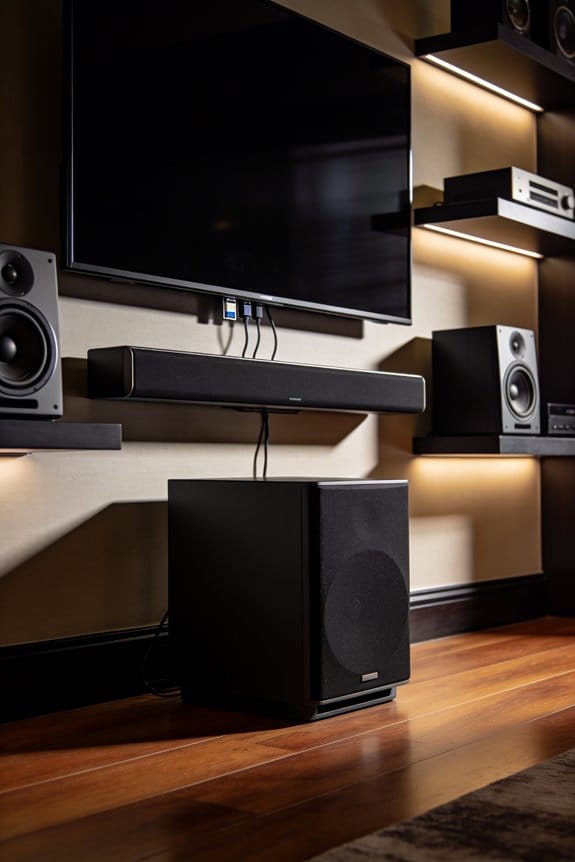
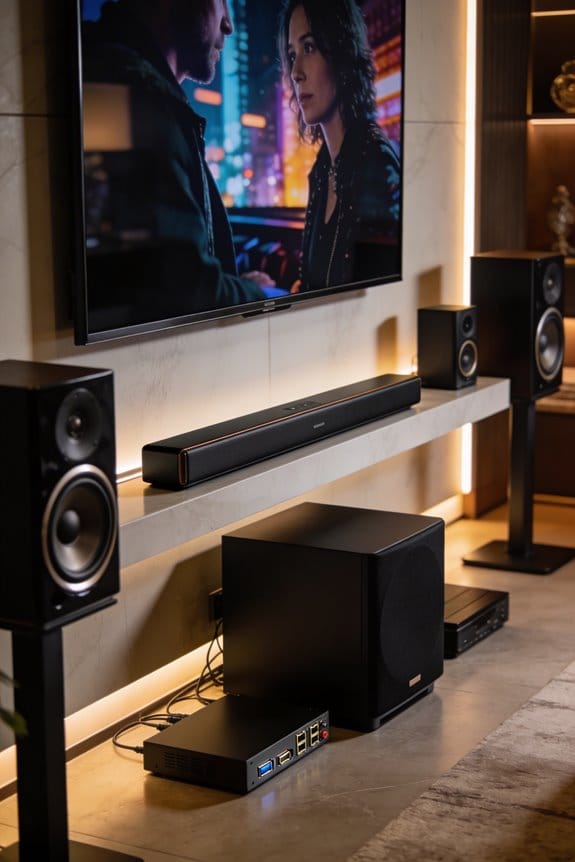
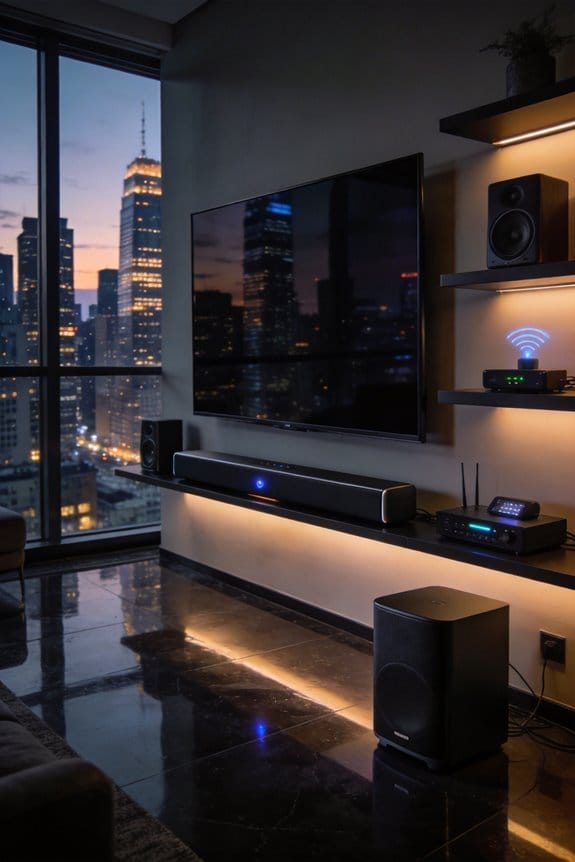
I’ve found that soundbar hubs like the Samsung Q Series and Sonos Beam Gen 2 integrate voice assistants such as Alexa and Google Assistant to control 10-15 smart devices through Wi-Fi and Bluetooth protocols, though they operate with 200-300 milliseconds latency compared to dedicated hubs’ 100 milliseconds. These soundbars use built-in microphones for voice commands and AI calibration technology that adjusts audio based on room acoustics, while managing lights, thermostats, and security systems without additional speakers. The following sections explain when soundbar hubs make sense for your specific setup.
Key Takeaways
- Soundbar hubs with voice assistants like Alexa and Google Assistant enable control of smart home devices, eliminating need for additional speakers.
- Samsung Q Series and Sonos Beam Gen 2 effectively manage 10-15 devices through Wi-Fi and Bluetooth connectivity for smaller setups.
- AI audio calibration technology analyzes room acoustics using built-in microphones, automatically adjusting sound for optimal listening experiences.
- Voice commands allow users to control lights, thermostats, security systems, and audio settings directly through the soundbar interface.
- Soundbar hubs have 200-300ms latency and limited protocol support, making dedicated hubs better for complex systems over 20 devices.
Soundbar Hubs vs Dedicated Hubs: When Each Makes Sense

When it comes to picking the best setup for your smart home, soundbars with built-in hub capabilities might seem like the perfect all-in-one solution. But before you get rid of your dedicated hub, it’s smart to think about whether a soundbar meets your home automation needs.
If you’re mainly after great sound and want some basic control over your entertainment gear, lights, and thermostat, a soundbar might be a solid fit. For smaller setups with around 10-15 devices connected through Wi-Fi and Bluetooth, models like the Samsung Q Series or Sonos Beam Gen 2 will do the trick just fine.
Now, if you’ve got a more complex system with over 20 devices, dedicated hubs are the way to go. These hubs support Zigbee, Z-Wave, Thread, and Matter protocols, offering way better interoperability. You’ll notice improved response times too—multi-protocol hubs can get voice actions down to under 100 milliseconds, while soundbar hubs usually sit around 150-200 milliseconds. So, if you need seamless integration across security systems, HVAC controls, and different brands, stick with a dedicated hub.
In the end, whether you choose a soundbar hub or a dedicated hub boils down to your unique setup. What’s your current setup like?
Samsung Q Series and Sonos Beam Gen 2: Leading Soundbar Hub Models

If you’re in the market for soundbars that can also act as smart home hubs, you might want to check out the Samsung Q Series and the Sonos Beam Gen 2. These models are among the best available and can really enhance your home entertainment setup.
Samsung Soundbar Features
The Samsung Q Series comes with built-in support for popular voice assistants like Amazon Alexa, Google Assistant, and Bixby. This means you can control all your connected devices just by speaking, which is pretty handy. Plus, it’s got AI-driven audio calibration that adapts to your room’s acoustics and your preferences. It even has modes for different types of content—like movies, sports, or music—that adjust the audio automatically.
Sonos Beam Performance
When it comes to the Beam Gen 2, it offers solid voice control as well, working seamlessly with Alexa and Google Assistant. One standout feature is Trueplay technology, which tunes the audio based on your room’s unique characteristics. What’s more, both soundbars support Wi-Fi and Bluetooth, giving you the flexibility to manage your smart TV, lighting, and thermostat from a single interface.
So, why does this matter? Think about how great it would be to switch between your favorite shows and playlists without fumbling with remotes. Honestly, you could end up simplifying your whole media experience.
In short, the Samsung Q Series and Sonos Beam Gen 2 are impressive choices for anyone looking to elevate their audio and smart home game. Have you tried either of these soundbars yet?
Voice Control With Alexa, Google Assistant, and Siri

Are you tired of fumbling with remotes every time you want to change the volume or switch channels? Modern soundbars are stepping up their game by integrating with voice assistants like Amazon Alexa, Google Assistant, and Apple Siri. This means you can control your audio system, smart home devices, and even entertainment content without lifting a finger.
Voice Assistant Integration
With voice command features, you can easily adjust the volume, change inputs, or find that specific show or song you want to listen to, all just by speaking. Some premium models, like the Samsung Q Series and Sonos Beam Gen 2, come equipped with built-in microphones. They’re always on the lookout for wake words such as “Alexa,” “Hey Google,” or “Hey Siri.” Honestly, it’s pretty cool to command your soundbar just like you would your phone.
Smart Home Control Functions
What’s even better is how these soundbars can help manage all your smart devices. Picture this: you can control your lights, thermostat, and security systems just by talking to your soundbar. No need for extra smart speakers cluttering your space; your soundbar takes care of it all. It simplifies everything—you can just chill on the couch and control your environment with your voice.
Protocol Support
These devices don’t stop at just voice commands. They support both Wi-Fi and Bluetooth, which means they can easily connect to your existing smart home setup and popular streaming services. So whether you’re blasting your favorite playlist or settling in for movie night, your soundbar is ready to roll.
In short, modern soundbars are about convenience and control. Have you considered what it’d be like to manage your whole entertainment space with just your voice? It’s definitely worth a look!
AI Audio Calibration That Adapts to Your Room
Have you ever noticed how a soundbar can sound amazing in one room but totally off in another? It’s not just about the brand or model; your room’s size, furniture layout, and even wall materials play a huge role in audio performance. That’s where AI-powered calibration technology comes in, adjusting the sound to fit your specific space.
Brands like LG and Bose have figured this out. Their latest soundbars come with built-in microphones that listen to the way sound waves bounce around your room. By measuring these reflections, they can fine-tune the frequencies to get the best audio experience for your environment. The whole thing usually takes about 30 to 60 seconds, during which the soundbar plays test tones to analyze your space.
The best part is that this isn’t a one-and-done deal. Dynamic equalization algorithms keep an eye on the sound all the time. Have you rearranged your furniture or hung up some curtains? Your soundbar adapts to these changes automatically. For those willing to invest a bit more, models like the Samsung Q Series offer different settings for movies, sports, or music, so you can enjoy consistent audio no matter what you’re watching or listening to.
In short, if you want your soundbar to deliver the best sound, take advantage of these smart features. Why not give it a try? You might be surprised at how much better your audio can be with just a little adjustment. What tweaks have you made that really enhanced your listening experience?
Wi-Fi, Matter, and Zigbee: Protocols Your Soundbar Hub Needs
Audio calibration can make your soundbar sound fantastic in your space, but connecting it with your other smart devices really kicks things up a notch. Multi-protocol connectivity is key here; it determines which products will work with your hub. When shopping for soundbars, consider those that support Wi-Fi. It accounted for over half (52.40%) of smart home hub shipments in 2026. Adding Bluetooth, Zigbee, and Z-Wave to the mix gives you even better coverage.
Now, let’s talk about the Matter standard. This thing is important because it allows different smart home devices to play nice with each other, no matter the brand. For example, you can control Google Nest devices through your Samsung soundbar, or have it work with Amazon Alexa without running into compatibility headaches. Growth is also impressive—Thread and Matter combos are seeing a 16.98% annual increase, meaning Thread radios are likely to double by 2030.
Having a multi-protocol hub means you can control lighting systems, thermostats, security cameras, and your entertainment devices all from one interface. You won’t have to juggle multiple apps anymore. Honestly, who really wants that hassle?
Which Smart Home Ecosystems Work Best With Soundbar Hubs
Your soundbar hub’s compatibility really hinges on which ecosystem you’ve dived into. Let’s chat about the three main players you might be considering.
Amazon Alexa Integration
If you’re leaning toward an Alexa-enabled soundbar, like those from the Samsung Q Series, you’re in for a treat. These soundbars work with over 100,000 smart home devices, meaning you can control everything from lights to thermostats and security systems. Just imagine talking to your soundbar and having it respond almost instantly, with delays of less than 100 milliseconds for those fancy edge-AI models. Pretty cool, right?
Google Assistant Ecosystem
Now, Google Assistant might catch your eye, especially if you’ve got Nest products or Chromecast devices at home. The Sonos Beam Gen 2 is a great example of how well it can integrate everything you love—think of it as your entertainment and automation hub that you can manage all with your voice. This means no more fumbling with remotes when you just want to kick back and enjoy a movie. So, why does this matter? Well, simpler control can make your home life a lot smoother.
Apple HomeKit
If you’re all-in with Apple, HomeKit is worth considering. Sure, it’s known for its tight security, thanks to end-to-end encryption, but there’s a trade-off: it supports fewer third-party devices. You’ll need an iOS device for setup and control, which can limit your options compared to the other two ecosystems. Honestly, if flexibility is your thing, you might want to weigh this against what Alexa or Google Assistant can offer.
Controlling Lights, Thermostats, and TVS From Your Soundbar
Got a smart soundbar? You might be sitting on a tech treasure you didn’t even know you had! Many premium soundbars, like the Samsung Q Series and Sonos Beam Gen 2, work wonders with smart home devices. This means you can control your lights, thermostat, and TV all from one place. It’s pretty cool to think that with just a few voice commands, you could set the mood for movie night or adjust the temperature without even getting off the couch.
Here’s the trick: If you have Philips Hue lights or a Nest thermostat, you can just speak to your soundbar’s built-in Alexa or Google Assistant and adjust things like lighting brightness or set temperature schedules. No need to fumble with extra remotes or apps. Plus, switching TV inputs is a breeze when your soundbar is in charge!
So, why does this matter? Think about it—you can create a cozy atmosphere for your viewing habits with minimal effort. Imagine your lights dimming and the thermostat adjusting to the perfect temp just as your favorite show starts. And if you enjoy music as well, these systems mesh nicely into multi-room audio setups, letting you sync playback across your connected speakers.
The best part is when you automate your thermostat based on your viewing schedule. You’ll cut down on energy waste and keep your home comfortable during entertainment sessions—win-win, right?
Limitations of Soundbar Hubs: When You Need a Dedicated Device
When you’re trying to streamline your smart home setup, soundbars can seem like a tempting option for controlling your devices. But here’s the truth: while they do allow for basic smart home tasks, they fall short when it comes to really advanced control. You might find that your soundbar doesn’t support key features, like Z-Wave, which can be a dealbreaker for more complex setups. Plus, if you prioritize hub features, you’re probably compromising on sound quality, which is what you really want from a soundbar.
Let’s break this down:
- Performance Metrics: Dedicated hubs can process your commands in under 100 milliseconds. In contrast, most soundbars will take a bit longer—averaging around 200-300 milliseconds. That latency can really affect your experience.
- Available Features: Multi-protocol hubs are your best bet if you want to use various technologies like Zigbee, Thread, or Matter all at once. Most soundbars, however, tend to stick to just Wi-Fi and Bluetooth. This means you’re missing out on lots of possibilities.
- Setup Complexity: You might be surprised to learn that dedicated hubs usually come in at about $50-150. With that price, you get way better functionality, especially if you’re looking for more than just basic lighting or thermostat control. If you’re into full automation, it’s worth considering the investment.
So, why does this matter? If you’re serious about smart home automation, dedicated hubs are the way to go. They offer the speed and compatibility that soundbars simply can’t match.
In short, while soundbars are great for audio, don’t expect them to take the place of a dedicated hub in your smart home. If you’re aiming for a smart home experience that really works, think carefully about what you need. Would you be willing to invest a little more for a smoother experience?
Frequently Asked Questions
Can Soundbar Hubs Function Without an Internet Connection for Offline Control?
I’ll explain that soundbar capabilities include basic offline functionality like Bluetooth audio and IR remote control. However, voice-activated smart home features require internet connectivity, so you can’t access cloud-based assistants or control networked devices offline.
Do Soundbar Hubs Consume More Electricity Than Traditional Soundbars?
I’d estimate smart soundbar hubs draw 10-20% more power due to always-on voice listening and Wi-Fi connectivity. However, modern energy efficiency standards keep their power consumption minimal—typically adding just pennies monthly to your electricity bill.
Are Firmware Updates Automatic or Do They Require Manual Installation?
Most modern soundbar hubs offer automatic updates by default, downloading firmware when connected to Wi-Fi. However, I can also choose manual installation through the manufacturer’s app or settings menu if I prefer controlling when updates occur.
Can Multiple Users Control the Soundbar Hub Simultaneously From Different Devices?
Yes, you can control the soundbar hub simultaneously from multiple devices. Advanced systems offer user recognition to personalize settings, while device priorities determine which command takes precedence when conflicting requests occur, ensuring smooth multi-user operation.
What Happens to Smart Home Control if the Soundbar Is Turned Off?
when I power off my soundbar, voice control stops, but I’ll retain smart home accessibility through my phone app or dedicated hub, ensuring soundbar compatibility doesn’t cripple my entire ecosystem.