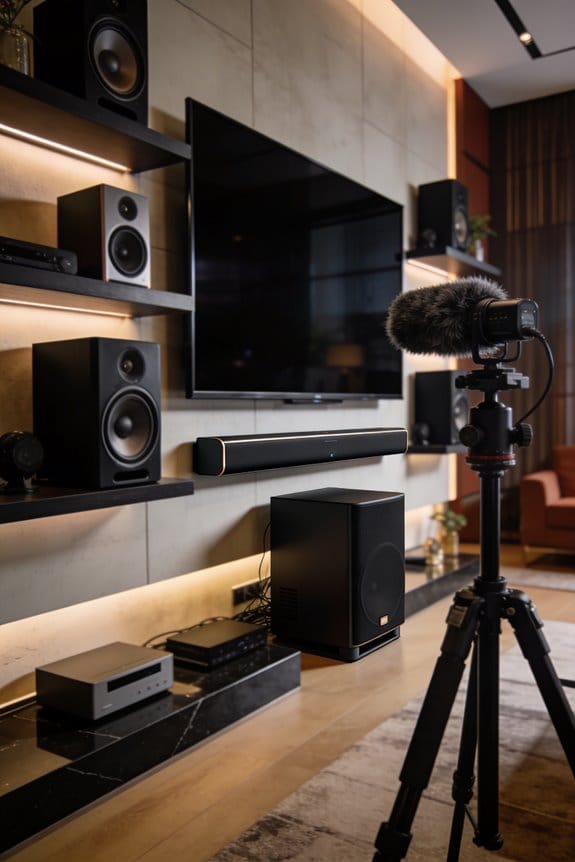

I’ll explain how calibration microphones analyze your space by measuring frequency response to identify sound peaks and troughs, capturing timing data that reveals when sounds arrive at different angles, and detecting reflections bouncing off your walls, ceiling, and furniture. The microphone’s omnidirectional capsule picks up audio from all directions as you move it through your listening area, typically spending 60 seconds collecting data at various heights and positions at least 1.5 meters from your speakers. Your receiver’s correction software then processes these measurements to compensate for room acoustics.
Key Takeaways
- Calibration microphones use omni-directional capsules to capture sound from all directions with precise frequency response accuracy.
- Microphones measure frequency response, timing data, reflections, and speaker power to map room acoustics comprehensively.
- Position the microphone 1.5 meters from speakers and move systematically through the listening area for accurate sampling.
- Correction software analyzes acoustic data to resolve frequency imbalances, timing errors, and problematic reflections digitally.
- Each microphone requires its specific calibration file matched to compatible software for reliable measurement results.
Why Room Calibration Microphones Cost More Than Regular Mics?
Why do calibration microphones carry price tags that exceed standard recording mics by two, three, or even ten times? You might wonder what makes them so special and worth the investment.
Precision Engineering Standards
First off, calibration microphones are all about accuracy. Regular mics just don’t measure up in this area. Take the ACM1-X microphone, for example; it comes with its own calibration file. This file lays out its unique frequency response, which is crucial for software like Dirac Live and MultEQ-X to compensate for the tiny variations in the mic capsule. You might be surprised at how much of a difference this precision makes in capturing sound.
Specialized Microphone Design
When it comes to design, these mics are built differently than what you might find in a standard recording studio. You’re investing in omni-directional capsules that can capture sound from 20 Hz to 20 kHz without any deviation. The RP microphone takes it a step further with its aluminum tube construction, which minimizes interference from soundwaves. This means the measurements you get reflect your room’s acoustics rather than the mic’s quirks.
Type 1 reference standards mean there’s a tight set of manufacturing tolerances to meet, something recording mics just don’t have to bother with. So, it’s not just the fancy label; it’s about creating equipment that can offer consistently reliable results.
So, why does this matter? Ultimately, if you want to make accurate measurements for audio calibration, the investment in specialized calibration microphones pays off. They provide the reliability and precision that everyday mics simply can’t deliver.
Which Room Calibration Microphone Matches Your Receiver or Software?
Since your receiver or software defines which calibration microphone you’ll need, it’s crucial to understand how compatibility works. You wouldn’t want to spend money on gear that just won’t work with your system, right?
Microphone Compatibility Guidelines
Start by diving into your AVR’s manual to find what kind of microphone it requires. Different brands design their receivers for specific calibration systems, so skipping this step can lead to frustrating mistakes. For instance, if you’re using Dirac Live, you have to go with the ACM1-X calibrated microphone, which comes with its own calibration file and connects easily through USB. If you’re running MultEQ-X software instead, then Audyssey’s proprietary microphones are your best bet for accurate readings. And don’t forget about the Zen microphone—it’s tailored solely for Android and iOS devices when you need to measure room acoustics on the go.
Software Matching Requirements
You really can’t mix and match microphones across different calibration platforms. Each system relies on particular mic specs, and using the wrong one could mean unreliable results. Truth is, before you hit that “buy” button on calibration equipment, make sure it’ll work seamlessly with your setup. This way, you can be confident that it’ll help get your sound just right.
How to Position and Move Your Calibration Mic Properly?
Are you struggling to get accurate calibration data from your sound system? Proper positioning of your microphone can make all the difference between solid measurements and a bunch of useless data.
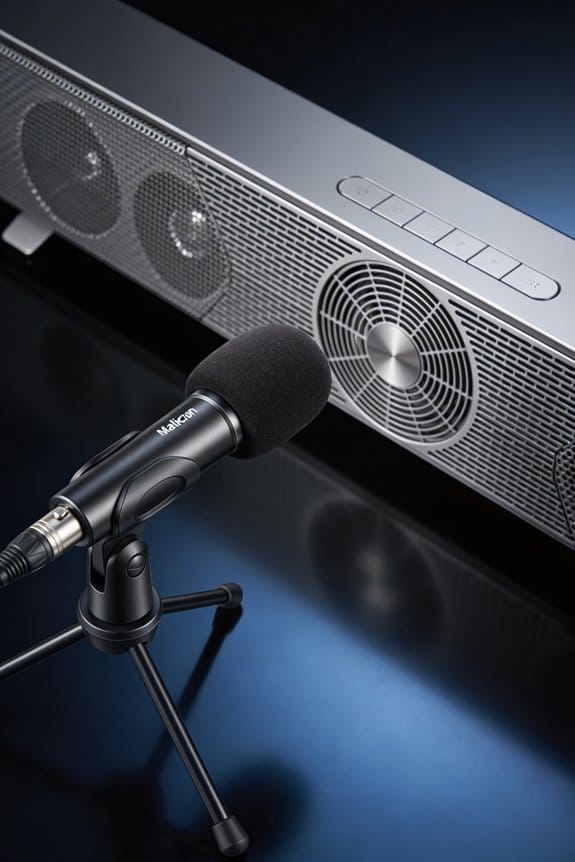
Start by standing at least 1.5 meters away from your speakers when you’re ready to measure. Hold the microphone at different heights around the room, making sure it’s pointed directly at the speakers, free from any obstructions. As you move, keep it facing the speakers to capture both the direct sound and the reflections. If you can, aim to keep this process going for a full 60 seconds. If you’ve managed to cover the entire listening area before then, you can stop after just 10 seconds.
Here’s the trick: systematically cover the room. Raise and lower your arm to sample sound from various heights. Be aware that any objects between the microphone and the speakers can mess with your acoustic data, leading to inaccurate results. So, clear the path to ensure your system gets the information it needs for precise digital correction.
Why does this matter? Well, getting the microphone placement right sets the stage for excellent sound quality. Remember, every little detail counts when it comes to calibrating your system properly.
To wrap it up, proper mic positioning is crucial for the best calibration results. Have you taken the time to check your setup yet?
What the Microphone Actually Measures: Frequency, Timing, and Reflections?
When it comes to setting up your sound system, ever wondered why your audio doesn’t always sound as good as it should? A microphone can be your best friend when running a calibration measurement, capturing three essential types of acoustic information that make a world of difference. It’s all about frequency response, timing, and reflections.
First off, the frequency response measurement dives into those peaks and troughs at different frequencies. This data can reveal where your room amplifies or cancels out various sounds, which is pretty crucial if you want a balanced listening experience. And that timing data? It’s like a roadmap. It tells you when sounds hit the microphone from each speaker so you can get everything aligned perfectly. It’s amazing how just a tiny delay can mess with your audio clarity.
Now, let’s talk reflections. The microphone tracks how sound bounces off walls, ceilings, and furniture before it gets to your ears. This early reflection information can help you pinpoint problem areas in your space, making it easier to tweak things for a better sound. And don’t forget about the speaker power response. The software can separate this from the room’s acoustics, which is key for making those targeted adjustments—especially when it comes to dealing with bass frequencies that might be too boomy or certain resonances that just don’t sit right.
How Correction Software Turns Microphone Data Into Better Sound?
Have you ever noticed that your audio setup just doesn’t sound quite right, no matter how much you fiddle with the settings? It can be frustrating, especially when you know that good sound is possible. The truth is, your microphone might be picking up a ton of acoustic data that’s filled with quirks specific to your space. That’s where correction software comes into play.
Once your microphone captures all that sound information, the correction software processes those details and creates filter sets to fix frequency imbalances, timing errors, and even those pesky reflections that mess with your audio. Programs like MultEQ-X and Dirac Live analyze your room’s frequency response from the low bass notes to the crisp highs, pinpointing the peaks and dips that can distort sound. So, what does that mean for you?
- The software neatly separates the performance of your speakers from the room’s acoustics.
- It applies digital corrections targeting common issues like bass response problems and early sound reflections.
The best part is that the system generates filter curves using principles of psychoacoustics. This means it can correct troublesome frequencies while still keeping that natural room gain intact. After all that processing, your AVR or processor can automatically load these correction files through a simple USB connection. Suddenly, those basic microphone measurements become a finely tuned audio experience tailored just for your listening spot.
Honestly, it’s all about making the sound fit your space rather than just throwing money at new gear. Why settle for less when you can take this step and significantly improve your audio experience? So, if you’re looking to get the most out of your sound setup, consider how correction software can turn your raw microphone data into something truly enjoyable to listen to.
Common Calibration Mistakes That Waste Your Microphone’s Accuracy
Although you’ve put in the time and money for quality calibration equipment, wearing blinders to some setup mistakes can totally throw off the accuracy of your microphone.
Positioning Errors That Create Calibration Errors****
Ever noticed how getting too close to your speakers messes up your readings? If you’re standing less than 1.5 meters away, the microphone picks up mostly direct sound instead of the room’s acoustics. To get it right, try placing some barriers between the mic and the speakers. That way, you’ll block out unwanted sound waves during your measurements.
Movement and Duration Problems
One common oversight is moving the microphone too quickly as you scan your listening area. This method can give you incomplete data that’ll confuse your calibration software. Instead, take it slow—pause at different heights while you cover the entire room. Remember, calm and steady gives you a much better acoustic mapping.
Equipment Configuration Mistakes
Another pitfall to watch out for is relying on a one-size-fits-all calibration file instead of your microphone’s specific calibration data. If you do this, you might end up with all sorts of inaccurate readings. Also, don’t forget to turn your microphone away from the speakers when you’re doing 3D measurements—this little tip can make a world of difference.
The bottom line? Calibration is all about the details. So, are you ready to take your setup to the next level?
Calibrated Microphone Setup: Your First Measurement in 60 Seconds
You’ve sorted out your calibration mistakes, so now it’s time to get your microphone set up and start gathering that room data.
Initial Setup Steps
First off, plug your calibrated microphone into your device’s USB port. Most times, it’ll be recognized instantly—Windows and macOS usually load the necessary drivers all on their own, which saves you the hassle of manual installation. When positioning yourself, aim for around 1.5 meters from your speakers. This helps to avoid any near-field distortion that could throw your measurements off.
Recording Your First Measurement
Now here’s where it gets fun. Move around your listening area while the calibration process records the audio data. Depending on the size of your room, this can take anywhere from 10 to 60 seconds. Cover different heights by adjusting the microphone as you move. If it’s a smaller room, don’t be shy—stop after 10 seconds once you feel you’ve captured enough data. For larger spaces, stick it out for the full minute to really get a comprehensive acoustic map.
Frequently Asked Questions
Can I Use the Same Calibration Microphone for Multiple Audio Systems?
Yes, I can confirm you’re able to use the same calibration microphone for multiple audio systems. Microphone compatibility depends on the specific model and software requirements for each audio system calibration, so verify compatibility first.
How Often Should I Recalibrate My Room After the Initial Setup?
Like revitalizing your GPS after moving furniture, I’d recalibrate whenever you rearrange your space or add sound-absorbing materials. For ideal setup without changes, annual recalibration guarantees your system adapts to seasonal acoustic shifts effectively.
Do Furniture Changes Require Running the Calibration Process Again?
Yes, I’d recommend recalibrating after furniture changes. Your furniture arrangement greatly affects sound reflections and early reflections in the room. Moving pieces alters how acoustic waves bounce around, so fresh measurements will optimize your speaker’s performance accurately.
Will Room Calibration Work in Untreated Rooms With Poor Acoustics?
Yes, like a sculptor working with rough marble, I’ll tell you that calibration works excellently in untreated spaces. The system measures room acoustics precisely, then applies digital corrections to overcome poor conditions, maximizing calibration effectiveness despite challenging environments.
Can I Save Multiple Calibration Profiles for Different Listening Positions?
Yes, you can save multiple calibration profiles for different listening positions. I recommend creating separate profiles by measuring from each primary seating area, then switching between them based on where you’re actually listening from in your room.